About
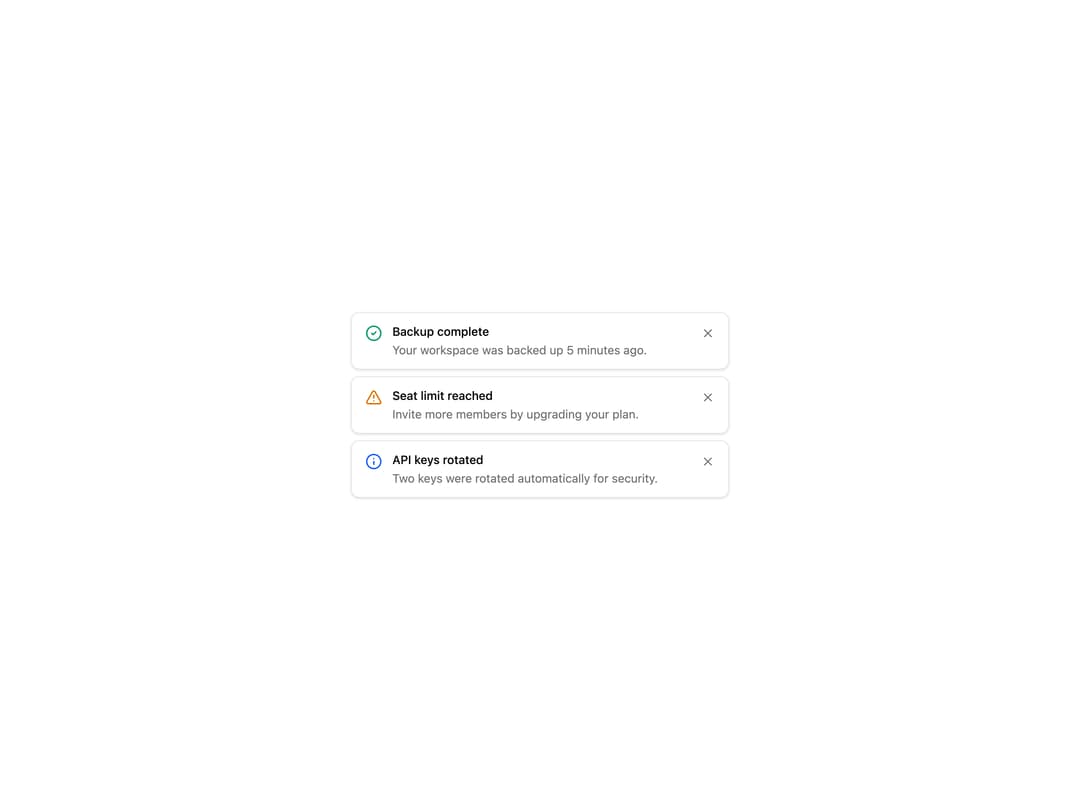
A vertical stack of dismissible notification banners, each with an icon, title, body and close button that removes it individually.
Built with React and Tailwind. Copy the prompt and paste it into Claude Code, Cursor or Lovable: your agent adds Stacked Notification Banners to your project and fits it to your theme.
Code
How Stacked Notification Banners is used: the demo's code. The component's own source comes with a free account.
Usage.tsx
import { Banner12 } from "@/components/ui/banner-12";

export default function Default() {
  return (
    <div className="flex min-h-[400px] w-full items-center justify-center bg-background p-6">
      <div className="w-full max-w-md">
        <Banner12 />
      </div>
    </div>
  );
}
Dependencies
More by felipemenezes098
View all
Centered Hero with Image Fan
933
Editorial Collage Hero
431
Split Hero With Image Cards
402
Editorial Image Hero
388
Scroll 01
342
Real Estate Search Hero
190
Editorial Hero
173
Hero with Dashboard Mockup
123
More in Buttons
View all
Button Save
46

Button
20

Eclipse Button
5

Button
6

Button
14

Button Group
37

Button
32
Split Button
32

