About
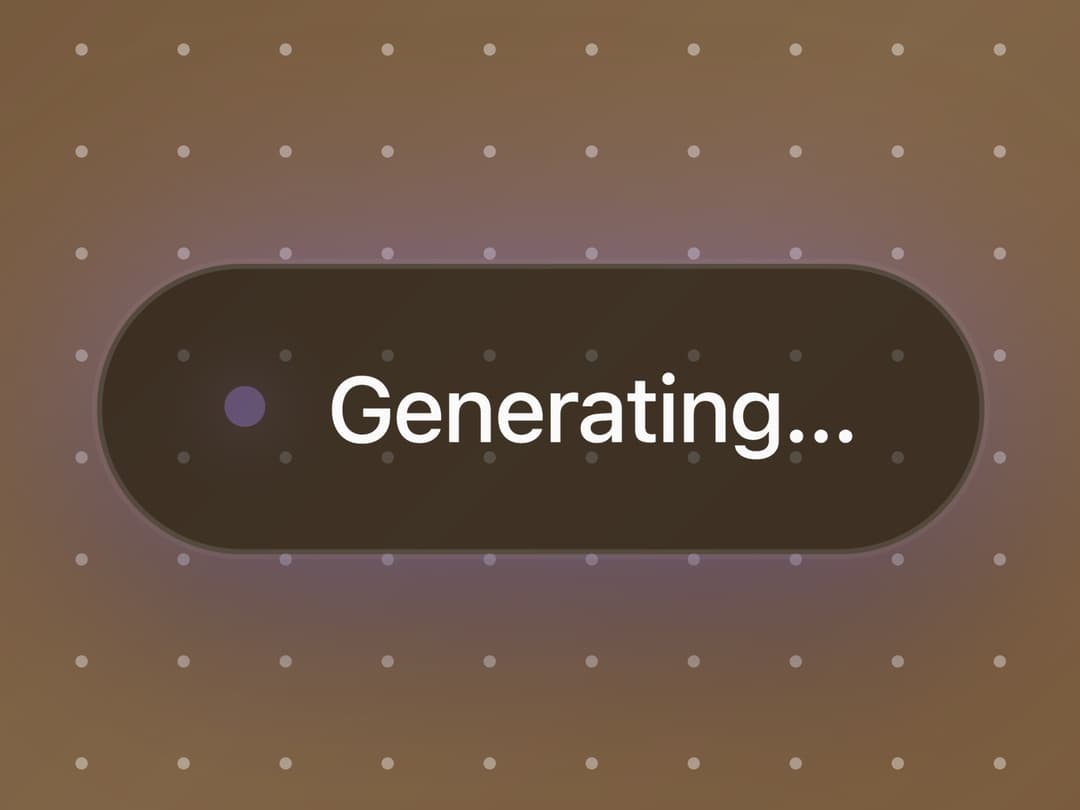
Animated AI-generation overlay that blurs a source image under a shimmering dot grid and a pulsing "Generating…" pill before fading in a freshly generated image.
Built with React and Tailwind. Copy the prompt and paste it into Claude Code, Cursor or Lovable: your agent adds AI Generate Overlay to your project and fits it to your theme.
Code
How AI Generate Overlay is used: the demo's code. The component's own source comes with a free account.
Usage.tsx
import { AIGenerateOverlay } from "@/components/ui/ai-generate-overlay";

const settings = {
  maxBlur: 20,
  speed: 1,
  dotSize: 1.2,
  dotSpacing: 20,
  accent: "#a78bfa",
  blurPeakFrame: 40,
};

export default function Demo(props: Partial<typeof settings>) {
  const s = { ...settings, ...props };
  return (
    <div className="h-screen w-screen">
      <AIGenerateOverlay
        maxBlur={s.maxBlur}
        speed={s.speed}
        dotSize={s.dotSize}
        dotSpacing={s.dotSpacing}
        accent={s.accent}
        blurPeakFrame={s.blurPeakFrame}
      />
    </div>
  );
}
More by framecn
View all
Blur Out Up
33
Shader Dithering
30
Zoom Through Transition
19
Top Down Letters
19
Strikethrough Replace
17
Format Morph
14
Mesh Gradient Background
11
Terminal to Browser Deploy
9