
About
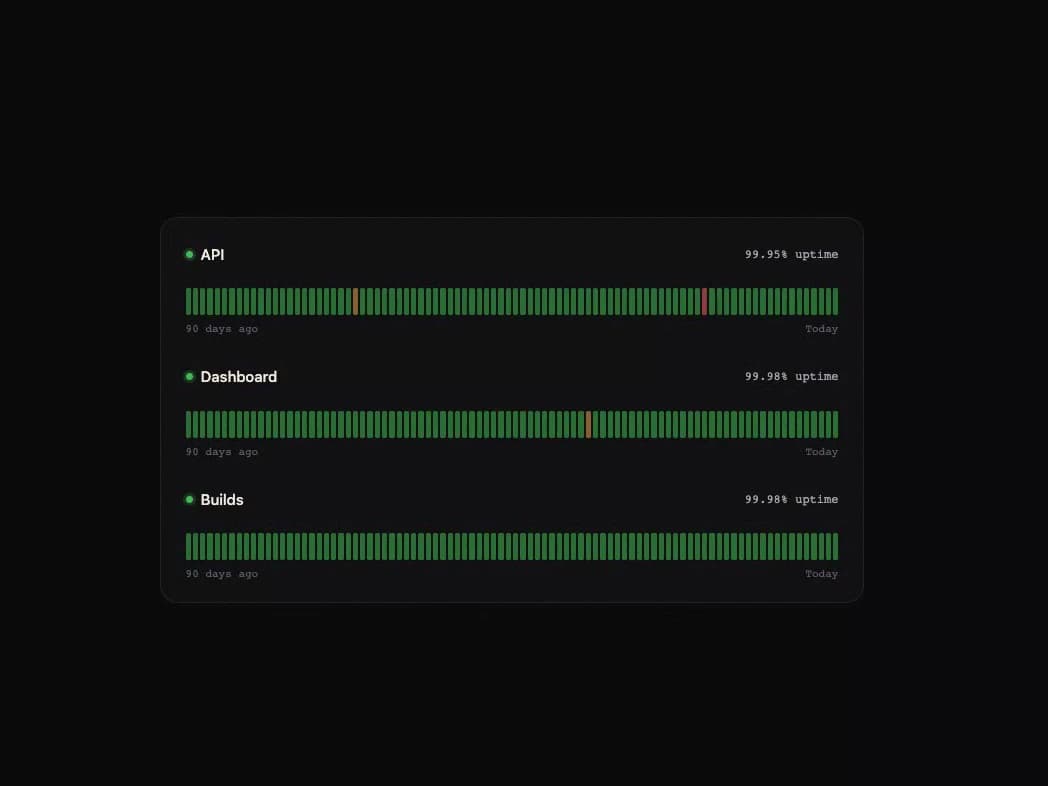
A status-page ribbon showing 90 days of service uptime as colored bars you can scrub with your pointer or arrow keys to see each day's uptime percentage and any incident.
Built with React and Tailwind. Copy the prompt and paste it into Claude Code, Cursor or Lovable: your agent adds Uptime Ribbon to your project and fits it to your theme.
Code
How Uptime Ribbon is used: the demo's code. The component's own source comes with a free account.
Usage.tsx
"use client";

import { UptimeRibbon, type Day } from "@/components/ui/uptime-ribbon";

function days(
  seed: number,
  incidents: Record<number, [number, string]>,
): Day[] {
  const out: Day[] = [];
  const base = new Date(2026, 8, 29);
  for (let i = 89; i >= 0; i--) {
    const d = new Date(base);
    d.setDate(base.getDate() - i);
    const idx = 89 - i;
    const inc = incidents[idx];
    out.push({
      date: d.toLocaleDateString("en-GB", {
        day: "numeric",
        month: "short",
        year: "numeric",
      }),
      uptime: inc ? inc[0] : 99.96 + ((Math.sin(idx * seed) + 1) / 2) * 0.04,
      incident: inc?.[1],
    });
  }
  return out;
}

export default function Demo() {
  return (
    <div className="flex min-h-full w-full items-center justify-center bg-[#0b0a0c] px-8 py-16">
      <UptimeRibbon
        services={[
          {
            name: "API",
            days: days(1.3, {
              23: [99.41, "Elevated latency in eu-central for 38 minutes."],
              71: [98.2, "Partial outage: 2% of requests returned 503."],
            }),
          },
          {
            name: "Dashboard",
            days: days(2.1, {
              55: [99.7, "Slow page loads after a CDN change."],
            }),
          },
          { name: "Builds", days: days(0.7, {}) },
        ]}
      />
    </div>
  );
}
More by ham7a311
View all
Route Globe
16
Wave Mesh
9
Glass Tiles
7
Glass Carousel
6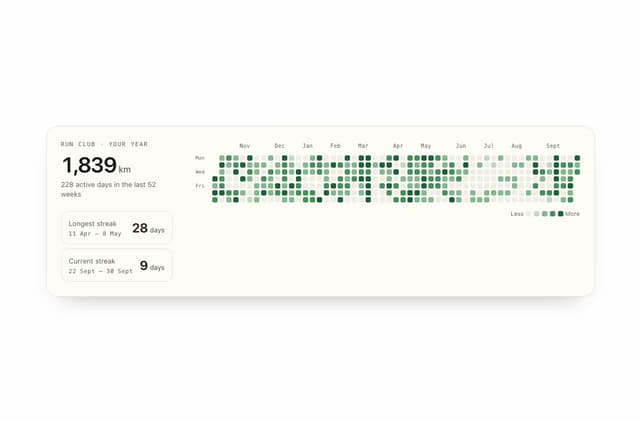
Streak Field Stats
5
Wind Map
5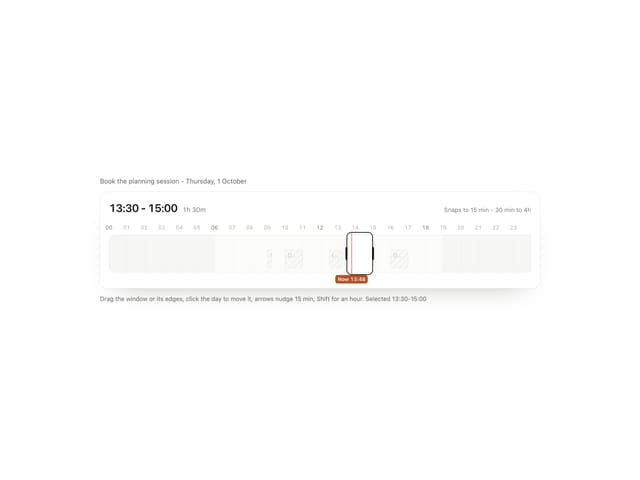
Time Window
4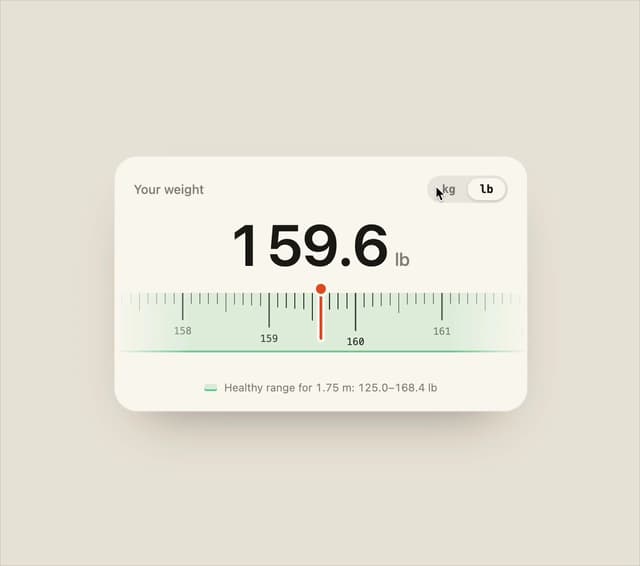
Ruler Picker
4