
About
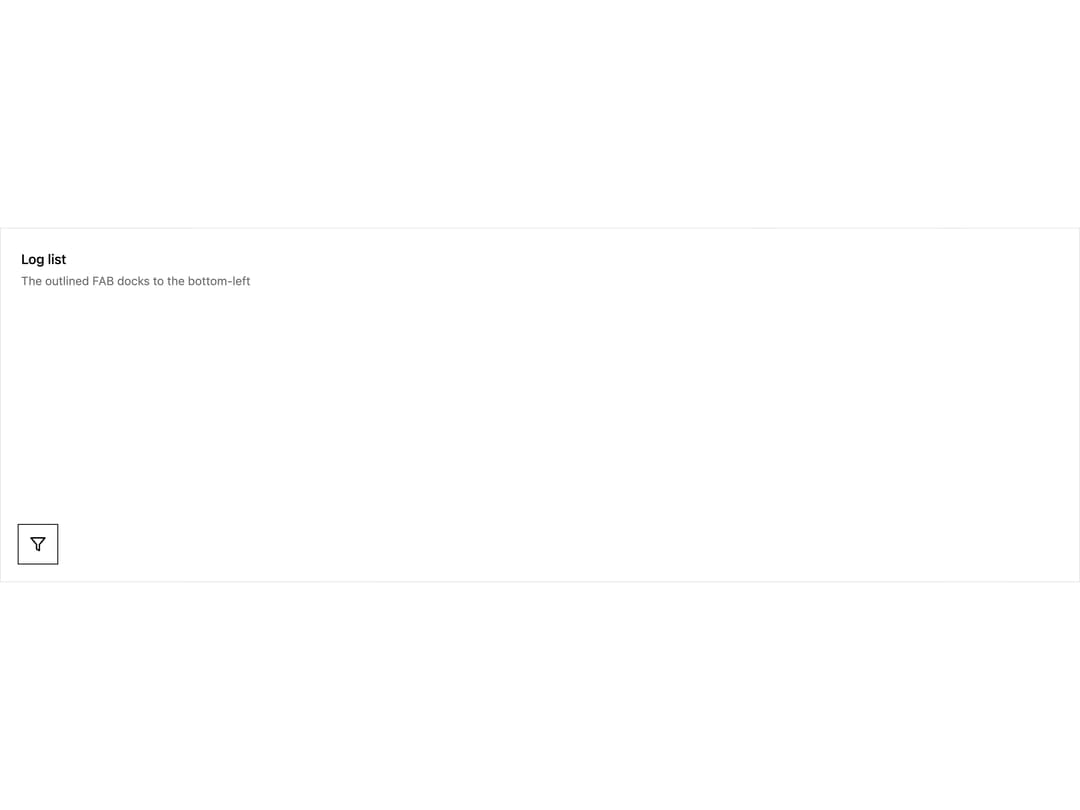
A square, fixed-position floating action button (FAB) that docks to the bottom-right or bottom-left of the viewport, ported from the Zemponet ZFab Vue component for triggering a primary page action like "create new".
Built with React and Tailwind. Copy the prompt and paste it into Claude Code, Cursor or Lovable: your agent adds Floating Action Button to your project and fits it to your theme.
Code
How Floating Action Button is used: the demo's code. The component's own source comes with a free account.
Usage.tsx
"use client";

import * as React from "react";
import ZFab from "@/components/ui/zfab";

function FilterIcon() {
  return (
    <svg
      viewBox="0 0 24 24"
      fill="none"
      stroke="currentColor"
      strokeWidth="2"
      strokeLinecap="round"
      strokeLinejoin="round"
    >
      <polygon points="22 3 2 3 10 12.46 10 19 14 21 14 12.46 22 3" />
    </svg>
  );
}

export default function ZFabOutlineDemo() {
  return (
    <div
      className="relative h-[420px] w-full overflow-hidden border border-black/10 bg-white text-black"
      style={{ contain: "layout" }}
    >
      <div className="p-6">
        <h2 className="text-base font-medium">Log list</h2>
        <p className="mt-1 text-sm text-neutral-500">
          The outlined FAB docks to the bottom-left
        </p>
      </div>
      <ZFab
        label="Filter logs"
        variant="default"
        position="bottom-left"
        onClick={() => console.log("filter")}
      >
        <FilterIcon />
      </ZFab>
    </div>
  );
}
More by hemingtsai
View all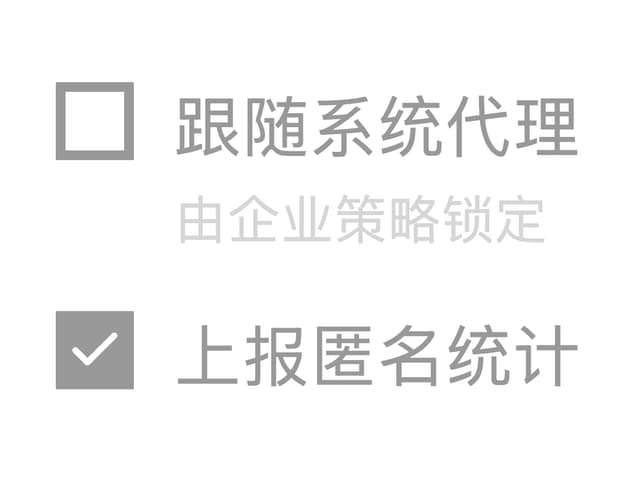
ZCheckbox
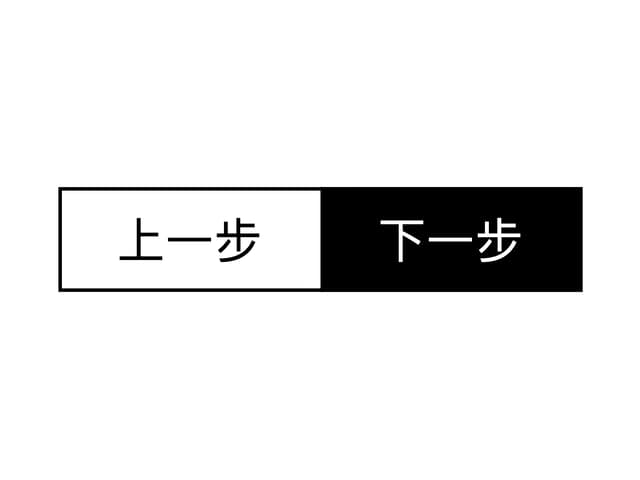
Button Group
More in Buttons
View all
Button Save
46

Button
20

Eclipse Button
5

Button
6

Button
14

Button Group
37

Button
32
Split Button
32

