
About
HeroUI v3 Alert — status-aware feedback messages built with the real @heroui/react package. Includes default, accent, success, warning and danger statuses, action buttons, close buttons, custom indicators, compact alerts, stacked notifications, maintenance notices and custom BEM/Tailwind styling. Works in light and dark themes.
Built with React and Tailwind. Copy the prompt and paste it into Claude Code, Cursor or Lovable: your agent adds HeroUI Alert to your project and fits it to your theme.
Code
How HeroUI Alert is used: the demo's code. The component's own source comes with a free account.
Usage.tsx
"use client"

import { Alert } from "@/components/ui/heroui-alert"

export default function CustomStylesDemo() {
  return (
    <div className="w-full max-w-xl">
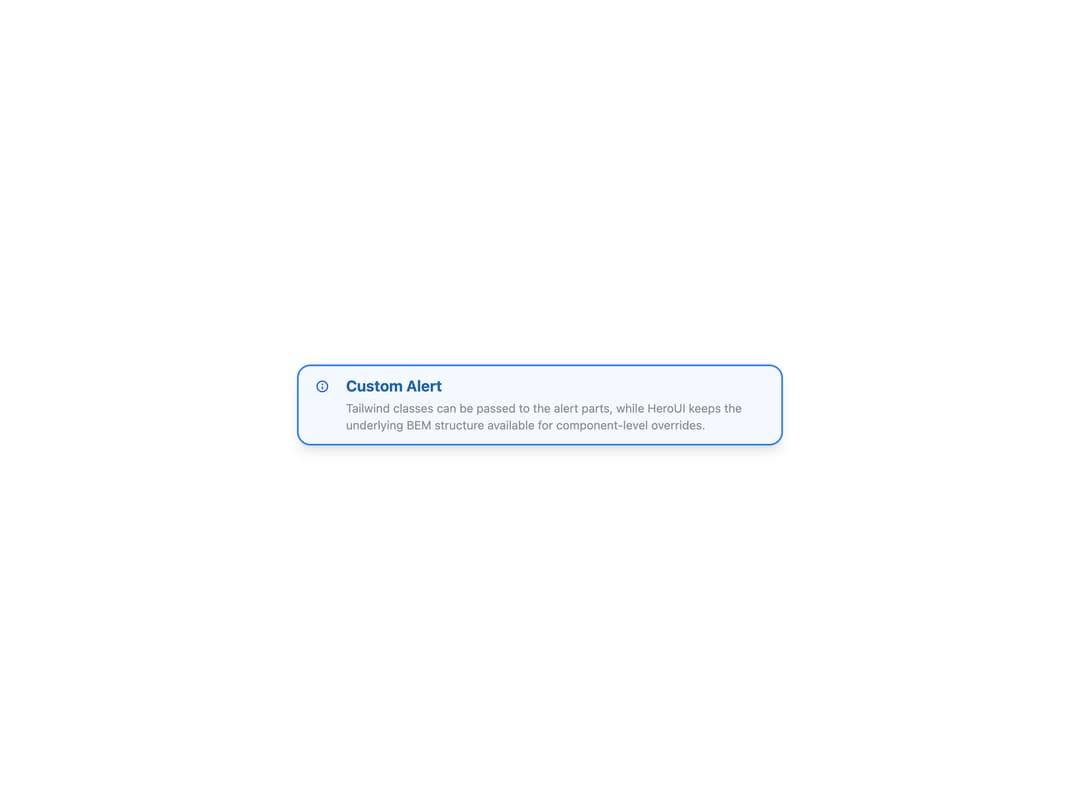
      <Alert className="rounded-2xl border-2 border-blue-500 bg-blue-50/70 shadow-lg dark:bg-blue-950/30" status="accent">
        <Alert.Indicator className="text-blue-600 dark:text-blue-300" />
        <Alert.Content className="gap-1">
          <Alert.Title className="text-lg font-bold">Custom Alert</Alert.Title>
          <Alert.Description className="text-sm opacity-80">
            Tailwind classes can be passed to the alert parts, while HeroUI keeps the underlying
            BEM structure available for component-level overrides.
          </Alert.Description>
        </Alert.Content>
      </Alert>
    </div>
  )
}
Dependencies
More by Hero Ui
View all

DatePicker
465
Chip
440
The Pagination
361
HeroUI Color Picker
105
Skeleton
104
HeroUI Table
100
HeroUI Disclosure Group
94
HeroUI AlertDialog
80