
About
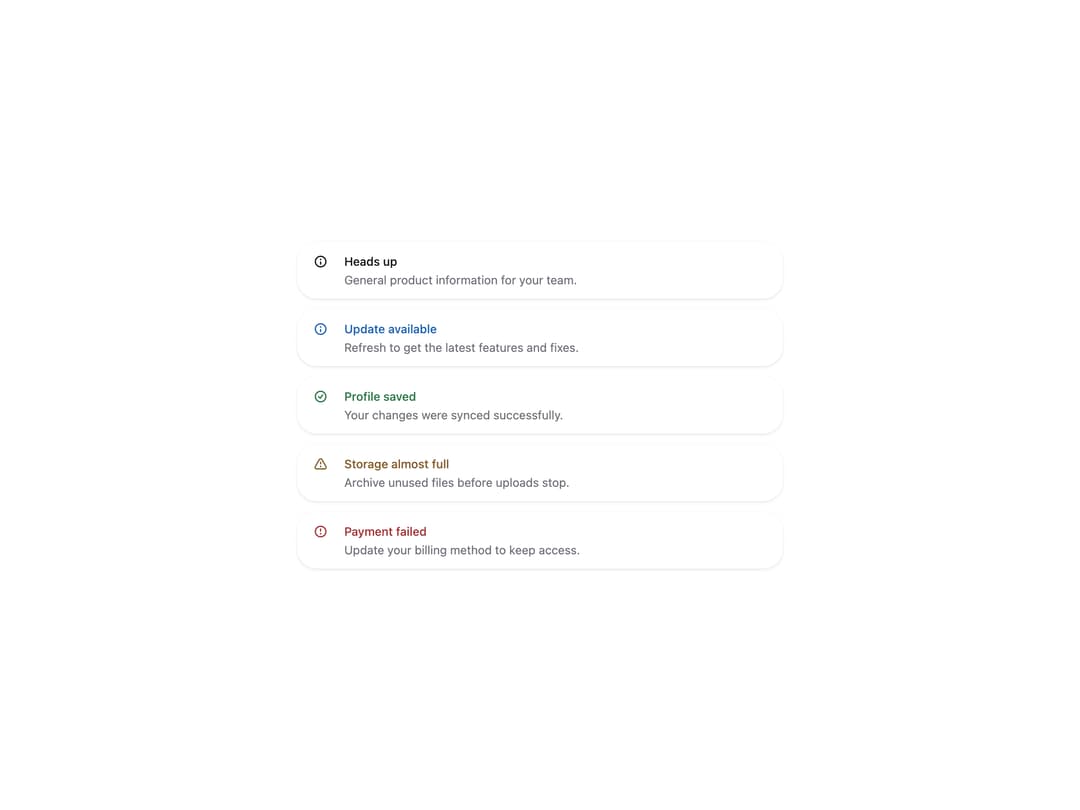
HeroUI v3 Alert — status-aware feedback messages built with the real @heroui/react package. Includes default, accent, success, warning and danger statuses, action buttons, close buttons, custom indicators, compact alerts, stacked notifications, maintenance notices and custom BEM/Tailwind styling. Works in light and dark themes.
Built with React and Tailwind. Copy the prompt and paste it into Claude Code, Cursor or Lovable: your agent adds HeroUI Alert to your project and fits it to your theme.
Code
How HeroUI Alert is used: the demo's code. The component's own source comes with a free account.
Usage.tsx
"use client"

import { Alert } from "@/components/ui/heroui-alert"

const statuses = [
  ["default", "Heads up", "General product information for your team."],
  ["accent", "Update available", "Refresh to get the latest features and fixes."],
  ["success", "Profile saved", "Your changes were synced successfully."],
  ["warning", "Storage almost full", "Archive unused files before uploads stop."],
  ["danger", "Payment failed", "Update your billing method to keep access."],
] as const

export default function StatusesDemo() {
  return (
    <div className="grid w-full max-w-xl gap-3">
      {statuses.map(([status, title, description]) => (
        <Alert key={status} status={status}>
          <Alert.Indicator />
          <Alert.Content>
            <Alert.Title>{title}</Alert.Title>
            <Alert.Description>{description}</Alert.Description>
          </Alert.Content>
        </Alert>
      ))}
    </div>
  )
}
Dependencies
More by Hero Ui
View all

DatePicker
465
Chip
440
The Pagination
361
HeroUI Color Picker
105
Skeleton
104
HeroUI Table
100
HeroUI Disclosure Group
94
HeroUI AlertDialog
80