
About
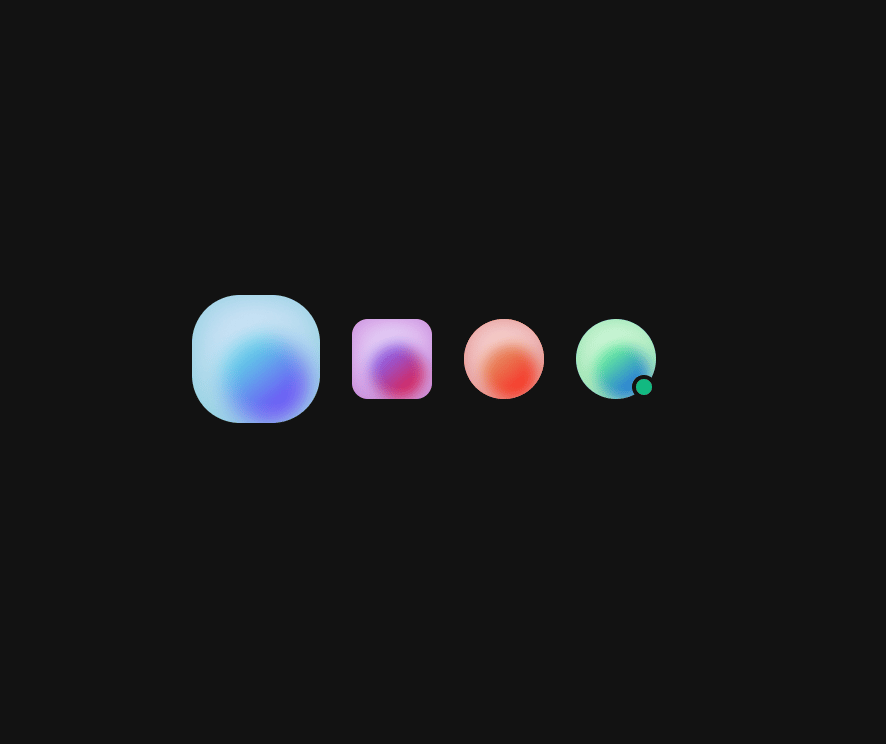
Display user profile images with customizable fallback content.
Built with React and Tailwind. Copy the prompt and paste it into Claude Code, Cursor or Lovable: your agent adds Avatar to your project and fits it to your theme.
Code
How Avatar is used: the demo's code. The component's own source comes with a free account.
Usage.tsx
import { Avatar } from "@/components/ui/heroui-avatar";

export default function AvatarCustomStylesDemo() {
  return (
    <div className="flex min-h-screen w-full items-center justify-center overflow-hidden bg-background p-8">
      <div className="flex items-center gap-4">
        <Avatar className="size-16">
          <Avatar.Image
            alt="Extra Large"
            src="https://cdn.21st.dev/assets/mirror/de/defa32ddb23b6307c5cb8d701022186645dfcee057d2b0ba9ec1955dea22db70.jpg"
          />
          <Avatar.Fallback>XL</Avatar.Fallback>
        </Avatar>
        <Avatar className="rounded-lg">
          <Avatar.Image
            alt="Square Avatar"
            src="https://cdn.21st.dev/assets/mirror/df/dfed184450806d7a0a9d72c650f73979ae15b522cb8e65fade232bb5ec55ca72.jpg"
          />
          <Avatar.Fallback>SQ</Avatar.Fallback>
        </Avatar>
        <Avatar className="bg-gradient-to-tr from-pink-500 to-yellow-500 p-0.5">
          <div className="size-full rounded-full bg-background p-0.5">
            <Avatar.Image
              alt="Gradient Border"
              className="rounded-full"
              src="https://cdn.21st.dev/assets/mirror/81/81b92cb17f6c3c142a5cdb568904f7bb147d17fe3454737b9187aafca340412c.jpg"
            />
          </div>
          <Avatar.Fallback>GB</Avatar.Fallback>
        </Avatar>
        <div className="relative">
          <Avatar>
            <Avatar.Image
              alt="Online User"
              src="https://cdn.21st.dev/assets/mirror/c4/c48cdbaa2058ca5420edd44e17537d7f2cbaab72f5ae01e5738fa82f3d090ba1.jpg"
            />
            <Avatar.Fallback>ON</Avatar.Fallback>
          </Avatar>
          <span className="absolute right-0 bottom-0 size-3 rounded-full border-2 border-background bg-emerald-500" />
        </div>
      </div>
    </div>
  );
}

export { AvatarCustomStylesDemo };
Dependencies
More by Hero Ui
View all

DatePicker
465
Chip
440
The Pagination
361
HeroUI Color Picker
105
Skeleton
104
HeroUI Table
100
HeroUI Disclosure Group
94
HeroUI AlertDialog
80