
About
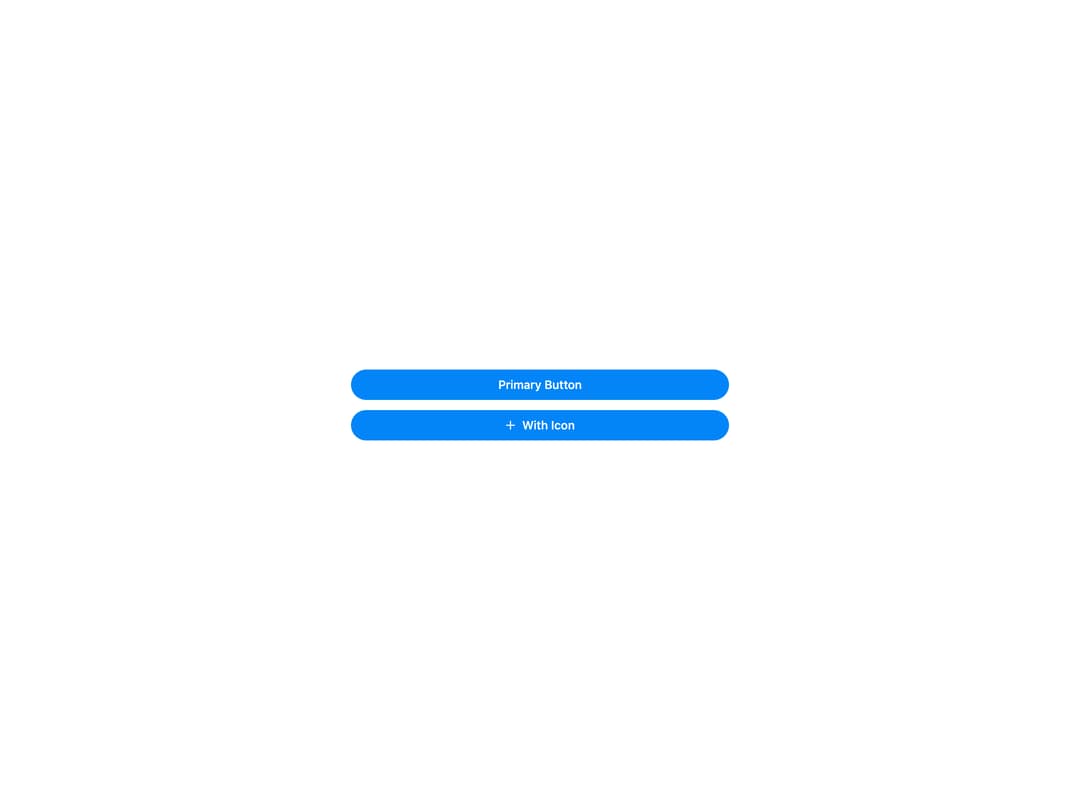
HeroUI Button with primary, secondary, tertiary, outline, ghost, danger and danger-soft variants, three sizes (sm/md/lg), icons and icon-only mode, pending/loading state, full-width, disabled state, social sign-in buttons and a render-prop children API. Works in both light and dark themes.
Built with React and Tailwind. Copy the prompt and paste it into Claude Code, Cursor or Lovable: your agent adds HeroUI Button to your project and fits it to your theme.
Code
How HeroUI Button is used: the demo's code. The component's own source comes with a free account.
Usage.tsx
import { Button } from "@/components/ui/heroui-button"
import { Plus } from "lucide-react"

export default function FullWidth() {
  return (
    <div className="flex min-h-screen w-full items-center justify-center p-8">
      <div className="flex w-full max-w-md flex-col gap-3">
        <Button variant="primary" fullWidth>Primary Button</Button>
        <Button variant="primary" fullWidth><Plus className="h-4 w-4" />With Icon</Button>
      </div>
    </div>
  )
}
Dependencies
More by Hero Ui
View all

DatePicker
465
Chip
440
The Pagination
361
HeroUI Color Picker
105
Skeleton
104
HeroUI Table
100
HeroUI Disclosure Group
94
HeroUI AlertDialog
80
More in Buttons
View all
Button Save
46

Button
20

Eclipse Button
5

Button
32

Button
6

Button
14

Button Group
37
Split Button
32

