
About
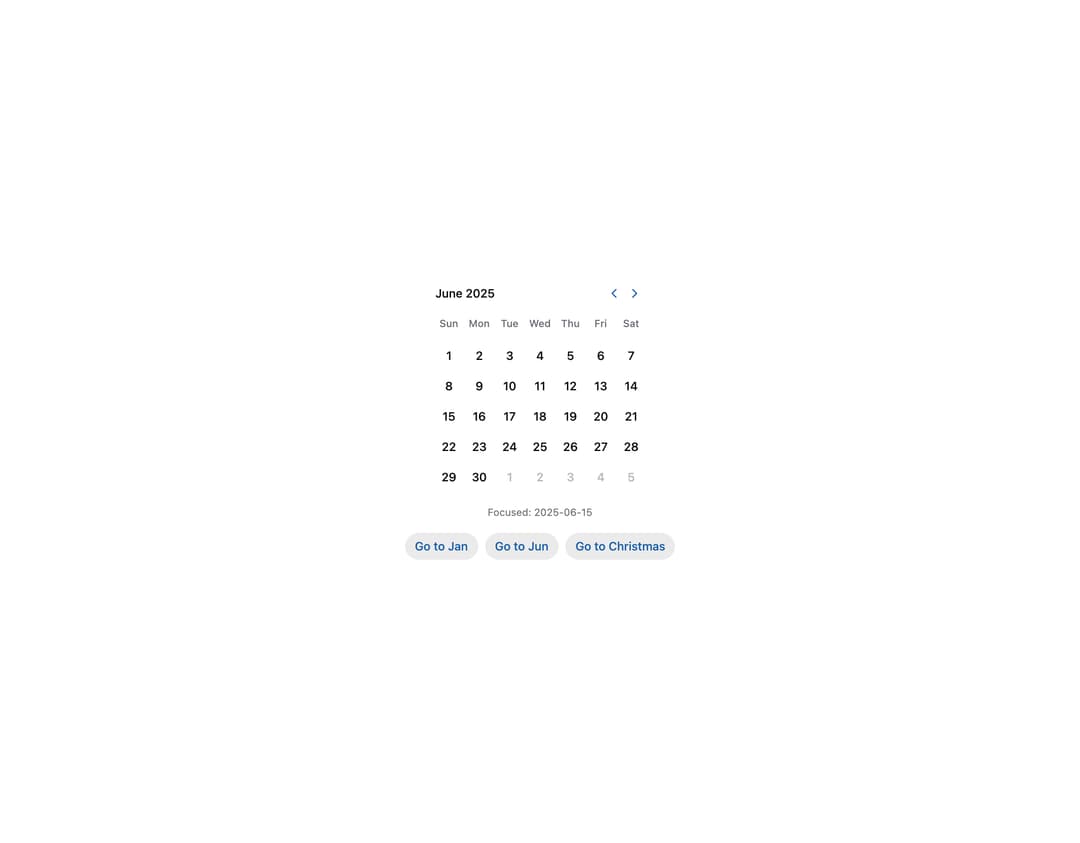
HeroUI v3 Calendar — date calendar with year picker, controlled state, week/day views, min/max, unavailable dates, multiple selection, read-only, focused value, cell indicators, multiple months, booking example and custom styles.
Built with React and Tailwind. Copy the prompt and paste it into Claude Code, Cursor or Lovable: your agent adds HeroUI Calendar to your project and fits it to your theme.
Code
How HeroUI Calendar is used: the demo's code. The component's own source comes with a free account.
Usage.tsx
"use client"

import type { DateValue } from "@internationalized/date"

import { Button, Description } from "@heroui/react"
import { parseDate } from "@internationalized/date"
import { useState } from "react"
import { I18nProvider } from "react-aria-components"

import Calendar from "@/components/ui/heroui-calendar"

export default function FocusedValue() {
  const [focusedDate, setFocusedDate] = useState<DateValue>(parseDate("2025-06-15"))

  return (
    <I18nProvider locale="en-US">
      <div className="flex flex-col items-center gap-4">
        <Calendar aria-label="Event date" focusedValue={focusedDate} onFocusChange={setFocusedDate}>
          <Calendar.Header>
            <Calendar.Heading />
            <Calendar.NavButton slot="previous" />
            <Calendar.NavButton slot="next" />
          </Calendar.Header>
          <Calendar.Grid>
            <Calendar.GridHeader>
              {(day) => <Calendar.HeaderCell>{day}</Calendar.HeaderCell>}
            </Calendar.GridHeader>
            <Calendar.GridBody>{(date) => <Calendar.Cell date={date} />}</Calendar.GridBody>
          </Calendar.Grid>
        </Calendar>

        <Description className="text-center">Focused: {focusedDate.toString()}</Description>

        <div className="flex flex-wrap justify-center gap-2">
          <Button
            size="sm"
            variant="secondary"
            onPress={() => setFocusedDate(parseDate("2025-01-01"))}
          >
            Go to Jan
          </Button>
          <Button
            size="sm"
            variant="secondary"
            onPress={() => setFocusedDate(parseDate("2025-06-15"))}
          >
            Go to Jun
          </Button>
          <Button
            size="sm"
            variant="secondary"
            onPress={() => setFocusedDate(parseDate("2025-12-25"))}
          >
            Go to Christmas
          </Button>
        </div>
      </div>
    </I18nProvider>
  )
}
Dependencies
More by Hero Ui
View all

DatePicker
465
Chip
440
The Pagination
361
HeroUI Color Picker
105
Skeleton
104
HeroUI Table
100
HeroUI Disclosure Group
94
HeroUI AlertDialog
80
More in Buttons
View all
Button Save
46

Button
20

Eclipse Button
5

Button
32

Button
6

Button
14

Button Group
37
Split Button
32

