
About
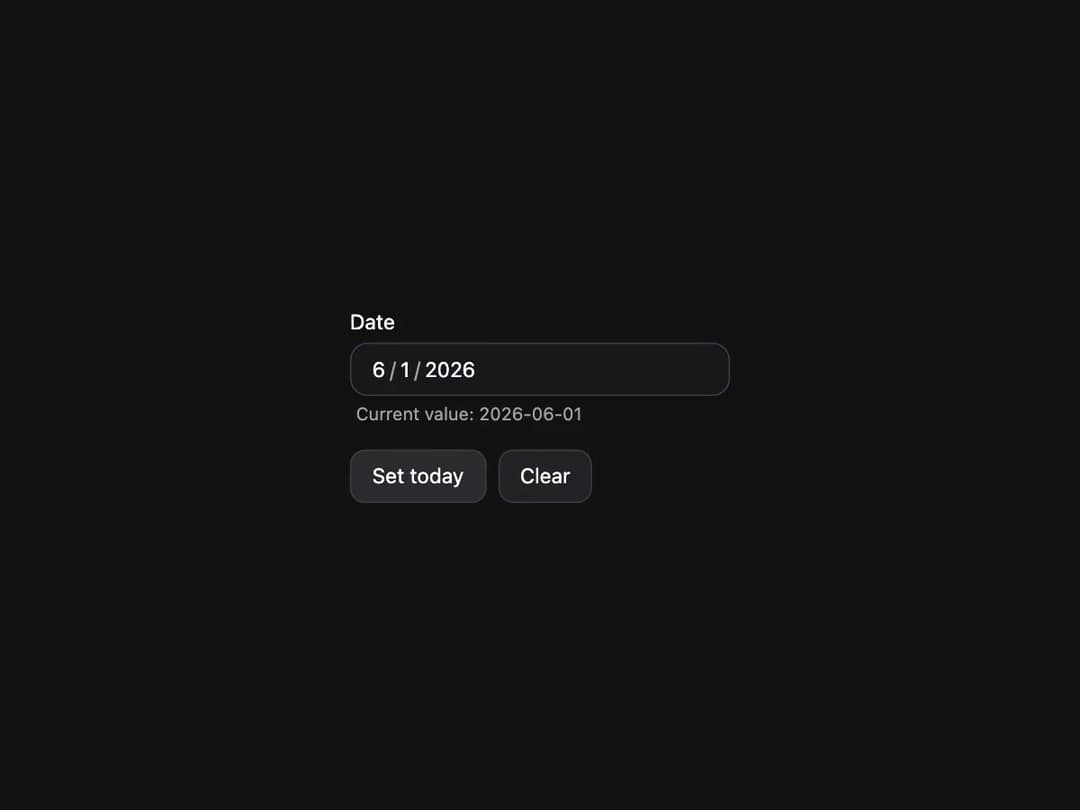
Date input field with labels, descriptions, and validation built on React Aria DateField.
Built with React and Tailwind. Copy the prompt and paste it into Claude Code, Cursor or Lovable: your agent adds DateField to your project and fits it to your theme.
Code
How DateField is used: the demo's code. The component's own source comes with a free account.
Usage.tsx
"use client";

import * as React from "react";
import { Button, DateField, Description, Label, today, type DateValue } from "@/components/ui/heroui-date-field";

export default function Controlled() {
  const [value, setValue] = React.useState<DateValue | null>(null);

  return (
    <div className="flex min-h-screen w-full items-center justify-center overflow-hidden bg-background p-8">
      <div className="flex flex-col gap-4">
        <DateField className="w-[256px]" name="date" value={value} onChange={setValue}>
          <Label>Date</Label>
          <DateField.Group>
            <DateField.Input />
          </DateField.Group>
          <Description>Current value: {value ? value.toString() : "(empty)"}</Description>
        </DateField>
        <div className="flex gap-2">
          <Button variant="tertiary" onPress={() => setValue(today())}>
            Set today
          </Button>
          <Button variant="tertiary" onPress={() => setValue(null)}>
            Clear
          </Button>
        </div>
      </div>
    </div>
  );
}

export { Controlled };
More by Hero Ui
View all

DatePicker
465
Chip
440
The Pagination
361
HeroUI Color Picker
105
Skeleton
104
HeroUI Table
100
HeroUI Disclosure Group
94
HeroUI AlertDialog
80
More in Forms
View all

Premium Auth
500

Login 2
7
Authentication Card
47

Login 1
52

Contact Card
1K
Login Form
6

Form
16

Book A Demo 3
83
