
About
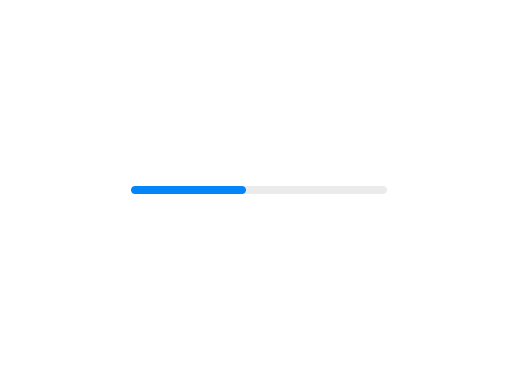
A HeroUI meter for visualizing a value within a range — storage, usage, progress toward a goal. Built on react-aria with an accessible label and formatted output. Supports accent/success/warning/danger colors, sm/md/lg sizes, an optional label, custom min/max, currency and percent formatting, and threshold-driven colors.
Built with React and Tailwind. Copy the prompt and paste it into Claude Code, Cursor or Lovable: your agent adds Meter to your project and fits it to your theme.
Code
How Meter is used: the demo's code. The component's own source comes with a free account.
Usage.tsx
"use client"

import { Meter } from "@/components/ui/heroui-meter"

export default function WithoutLabel() {
  return (
    <div className="flex w-full items-center justify-center p-10">
      <Meter aria-label="Storage usage" className="w-64" value={45} color="accent">
        <Meter.Track>
          <Meter.Fill />
        </Meter.Track>
      </Meter>
    </div>
  )
}
Dependencies
More by Hero Ui
View all

DatePicker
465
Chip
440
The Pagination
361
HeroUI Color Picker
105
Skeleton
104
HeroUI Table
100
HeroUI Disclosure Group
94
HeroUI AlertDialog
80