
About
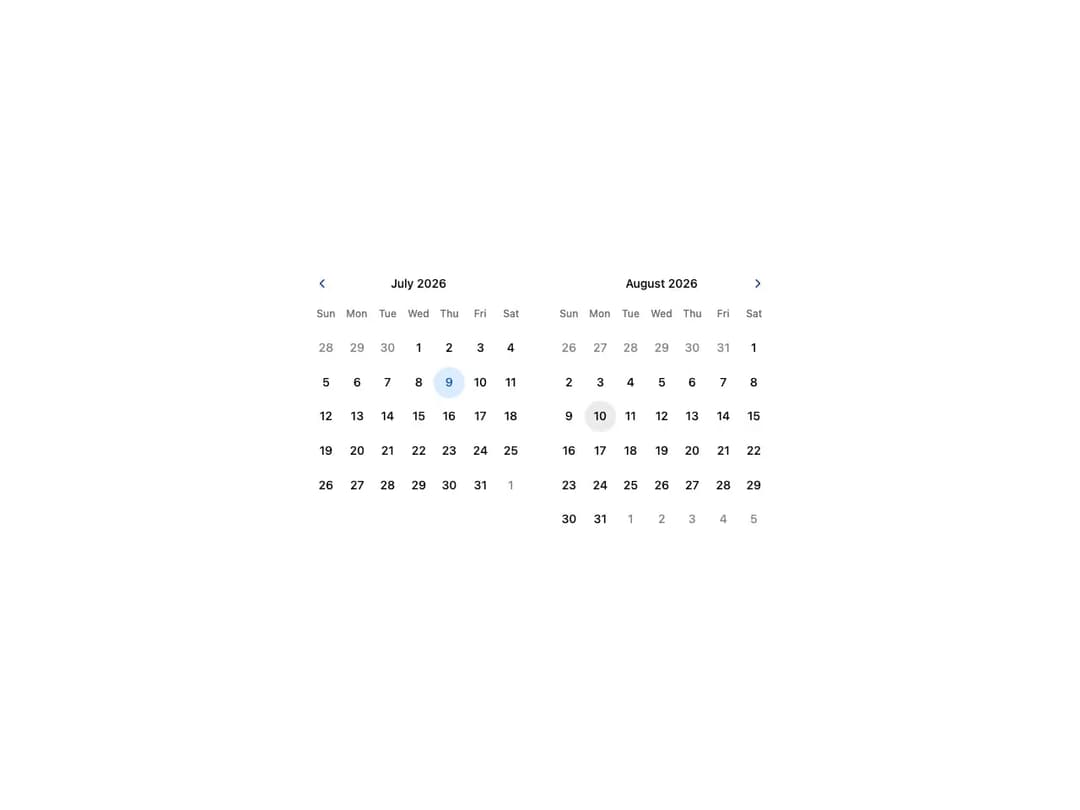
A HeroUI range calendar for selecting a contiguous span of dates, built on react-aria. Supports default and controlled values, min/max bounds, unavailable and non-contiguous ranges, read-only and disabled states, per-day indicators, and multiple visible months. Month names are rendered in English.
Built with React and Tailwind. Copy the prompt and paste it into Claude Code, Cursor or Lovable: your agent adds Range Calendar to your project and fits it to your theme.
Code
How Range Calendar is used: the demo's code. The component's own source comes with a free account.
Usage.tsx
"use client"

import { RangeCalendar } from "@/components/ui/heroui-range-calendar"
import { I18nProvider } from "react-aria-components"

export default function MultipleMonths() {
  return (
    <I18nProvider locale="en-US">
      <div className="flex w-full items-center justify-center p-8">
        <RangeCalendar
          aria-label="Trip dates"
          className="@container-normal w-full max-w-none overflow-x-auto"
          visibleDuration={{ months: 2 }}
        >
          <div className="mx-auto flex w-max gap-8">
            <div className="w-64">
              <RangeCalendar.Header>
                <RangeCalendar.NavButton slot="previous" />
                <RangeCalendar.Heading className="flex-none" />
                <div className="size-6" />
              </RangeCalendar.Header>
              <RangeCalendar.Grid>
                <RangeCalendar.GridHeader>
                  {(day) => <RangeCalendar.HeaderCell>{day}</RangeCalendar.HeaderCell>}
                </RangeCalendar.GridHeader>
                <RangeCalendar.GridBody>
                  {(date) => <RangeCalendar.Cell date={date} />}
                </RangeCalendar.GridBody>
              </RangeCalendar.Grid>
            </div>
            <div className="w-64">
              <RangeCalendar.Header>
                <div className="size-6" />
                <RangeCalendar.Heading className="flex-none" offset={{ months: 1 }} />
                <RangeCalendar.NavButton slot="next" />
              </RangeCalendar.Header>
              <RangeCalendar.Grid offset={{ months: 1 }}>
                <RangeCalendar.GridHeader>
                  {(day) => <RangeCalendar.HeaderCell>{day}</RangeCalendar.HeaderCell>}
                </RangeCalendar.GridHeader>
                <RangeCalendar.GridBody>
                  {(date) => <RangeCalendar.Cell date={date} />}
                </RangeCalendar.GridBody>
              </RangeCalendar.Grid>
            </div>
          </div>
        </RangeCalendar>
      </div>
    </I18nProvider>
  )
}
Dependencies
More by Hero Ui
View all

DatePicker
465
Chip
440
The Pagination
361
HeroUI Color Picker
105
Skeleton
104
HeroUI Table
100
HeroUI Disclosure Group
94
HeroUI AlertDialog
80