
About
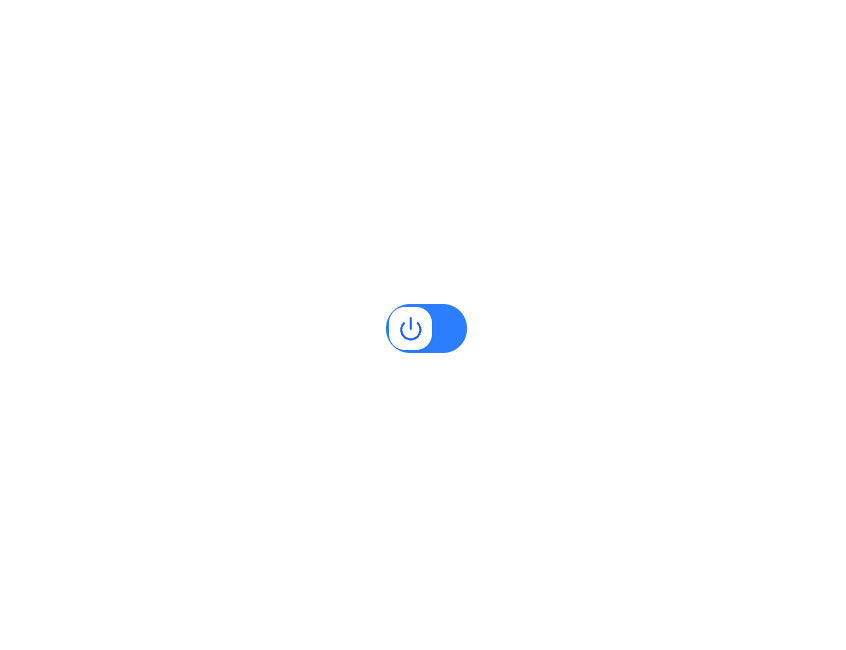
HeroUI v3 Switch — toggle with sizes, label position, icons, descriptions, disabled/selected states, groups, render props and custom styles.
Built with React and Tailwind. Copy the prompt and paste it into Claude Code, Cursor or Lovable: your agent adds HeroUI Switch to your project and fits it to your theme.
Code
How HeroUI Switch is used: the demo's code. The component's own source comes with a free account.
Usage.tsx
"use client"

import { Check, Power } from "lucide-react"
import { Switch } from "@/components/ui/heroui-switch"

export default function CustomStyles() {
  return (
    <Switch aria-label="Power">
      {({ isSelected }) => (
        <Switch.Content>
          <Switch.Control
            className={`h-[31px] w-[51px] bg-blue-500 ${isSelected ? "bg-cyan-500 shadow-[0_0_12px_rgba(6,182,212,0.5)]" : ""}`}
          >
            <Switch.Thumb
              className={`size-[27px] bg-white shadow-sm ${isSelected ? "ms-[22px] shadow-lg" : ""}`}
            >
              <Switch.Icon>
                {isSelected ? (
                  <Check className="size-4 text-cyan-600" />
                ) : (
                  <Power className="size-4 text-blue-600" />
                )}
              </Switch.Icon>
            </Switch.Thumb>
          </Switch.Control>
        </Switch.Content>
      )}
    </Switch>
  )
}
Dependencies
More by Hero Ui
View all

DatePicker
465
Chip
440
The Pagination
361
HeroUI Color Picker
105
Skeleton
104
HeroUI Table
100
HeroUI Disclosure Group
94
HeroUI AlertDialog
80