
About
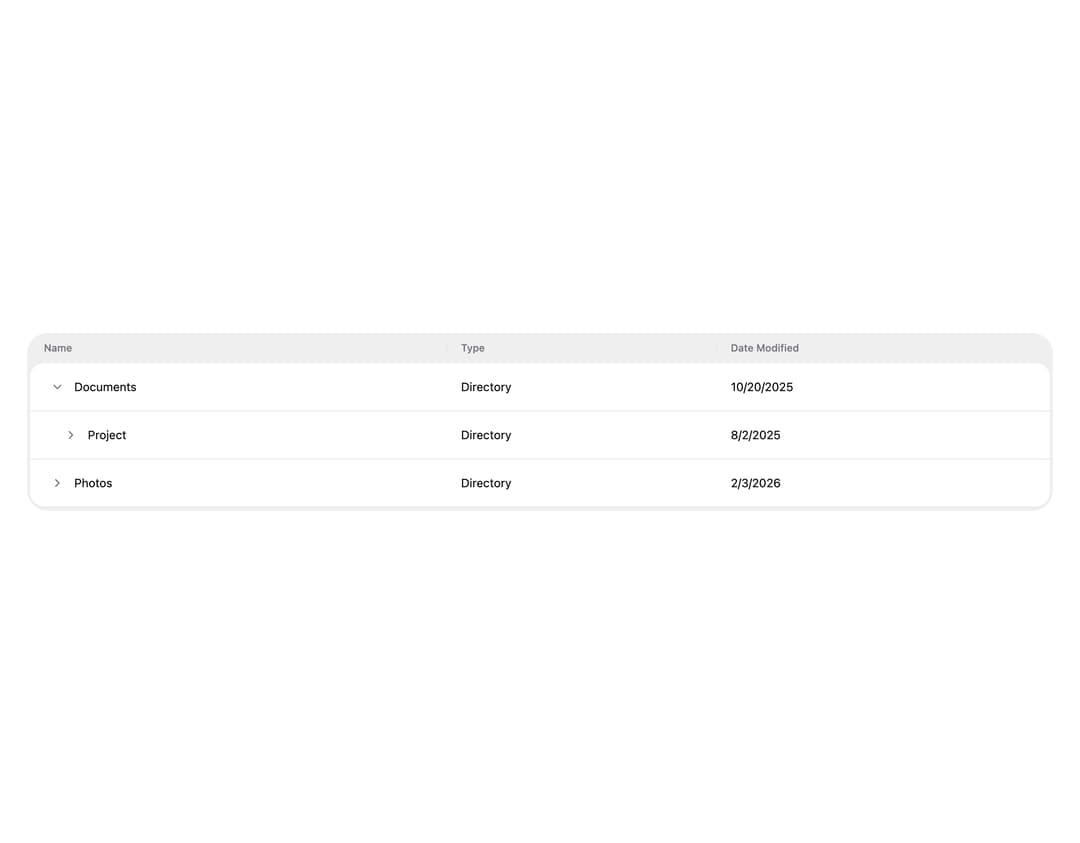
HeroUI v3 Table — data table with sorting, selection, custom cells, expandable rows, pagination, column resizing, empty state and async loading.
Built with React and Tailwind. Copy the prompt and paste it into Claude Code, Cursor or Lovable: your agent adds HeroUI Table to your project and fits it to your theme.
Code
How HeroUI Table is used: the demo's code. The component's own source comes with a free account.
Usage.tsx
"use client"

import type { Selection } from "@heroui/react"

import { Table } from "@/components/ui/heroui-table"
import { Button, cn } from "@heroui/react"
import { ChevronRight } from "lucide-react"
import { useState } from "react"

export default function ExpandableRows() {
  type Row = {
    children: Row[]
    date: string
    id: string
    title: string
    type: string
  }

  const data: Row[] = [
    {
      children: [
        {
          children: [
            { children: [], date: "7/10/2025", id: "3", title: "Weekly Report", type: "File" },
            { children: [], date: "8/20/2025", id: "4", title: "Budget", type: "File" },
          ],
          date: "8/2/2025",
          id: "2",
          title: "Project",
          type: "Directory",
        },
      ],
      date: "10/20/2025",
      id: "1",
      title: "Documents",
      type: "Directory",
    },
    {
      children: [
        { children: [], date: "1/23/2026", id: "6", title: "Image 1", type: "File" },
        { children: [], date: "2/3/2026", id: "7", title: "Image 2", type: "File" },
      ],
      date: "2/3/2026",
      id: "5",
      title: "Photos",
      type: "Directory",
    },
  ]

  const [expandedKeys, setExpandedKeys] = useState<Selection>(() => new Set(["1"]))

  const renderExpandableRow = (item: Row) => {
    return (
      <Table.Row id={item.id} textValue={item.title}>
        <Table.Cell textValue={item.title}>
          {({ hasChildItems, isDisabled, isExpanded, isTreeColumn }) => (
            <span className="flex items-center gap-1">
              {hasChildItems && isTreeColumn ? (
                <Button
                  isIconOnly
                  aria-label="Toggle row"
                  isDisabled={isDisabled}
                  size="sm"
                  slot="chevron"
                  variant="ghost"
                >
                  <ChevronRight
                    aria-hidden
                    className={cn(
                      "size-4 text-muted transition-transform duration-150",
                      isExpanded ? "rotate-90" : "",
                    )}
                  />
                </Button>
              ) : null}
              <span>{item.title}</span>
            </span>
          )}
        </Table.Cell>
        <Table.Cell>{item.type}</Table.Cell>
        <Table.Cell>{item.date}</Table.Cell>
        <Table.Collection items={item.children}>{renderExpandableRow}</Table.Collection>
      </Table.Row>
    )
  }

  return (
    <div className="w-full p-8">
    <Table>
      <Table.ScrollContainer>
        <Table.Content
          aria-label="Files"
          className="min-w-[520px]"
          expandedKeys={expandedKeys}
          treeColumn="name"
          onExpandedChange={setExpandedKeys}
        >
          <Table.Header>
            <Table.Column isRowHeader id="name">
              Name
            </Table.Column>
            <Table.Column id="type">Type</Table.Column>
            <Table.Column id="date">Date Modified</Table.Column>
          </Table.Header>
          <Table.Body items={data}>{renderExpandableRow}</Table.Body>
        </Table.Content>
      </Table.ScrollContainer>
    </Table>
    </div>
  )
}
Dependencies
More by Hero Ui
View all

DatePicker
465
Chip
440
The Pagination
361
HeroUI Color Picker
105
Skeleton
104
HeroUI Disclosure Group
94
HeroUI AlertDialog
80
ComboBox
75