
About
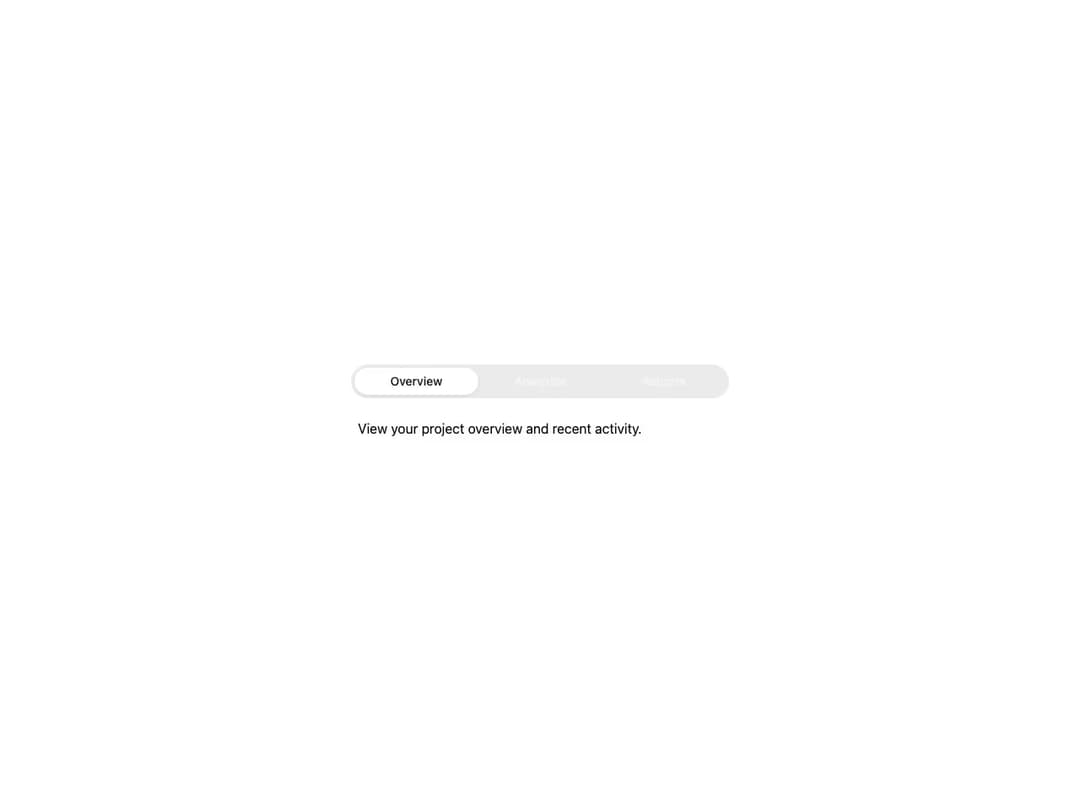
HeroUI tabs to organize content into sections with primary and secondary variants.
Built with React and Tailwind. Copy the prompt and paste it into Claude Code, Cursor or Lovable: your agent adds Tabs to your project and fits it to your theme.
Code
How Tabs is used: the demo's code. The component's own source comes with a free account.
Usage.tsx
"use client"

import { Tabs } from "@/components/ui/heroui-tabs"

export default function Demo() {
  return (
    <Tabs className="w-full max-w-md">
      <Tabs.ListContainer>
        <Tabs.List aria-label="Options">
          <Tabs.Tab id="overview">
            Overview
            <Tabs.Indicator />
          </Tabs.Tab>
          <Tabs.Tab id="analytics">
            Analytics
            <Tabs.Indicator />
          </Tabs.Tab>
          <Tabs.Tab id="reports">
            Reports
            <Tabs.Indicator />
          </Tabs.Tab>
        </Tabs.List>
      </Tabs.ListContainer>
      <Tabs.Panel className="pt-4" id="overview">
        <p>View your project overview and recent activity.</p>
      </Tabs.Panel>
      <Tabs.Panel className="pt-4" id="analytics">
        <p>Track your metrics and analyze performance data.</p>
      </Tabs.Panel>
      <Tabs.Panel className="pt-4" id="reports">
        <p>Generate and download detailed reports.</p>
      </Tabs.Panel>
    </Tabs>
  )
}
Dependencies
More by Hero Ui
View all

DatePicker
465
Chip
440
The Pagination
361
HeroUI Color Picker
105
Skeleton
104
HeroUI Table
100
HeroUI Disclosure Group
94
HeroUI AlertDialog
80