
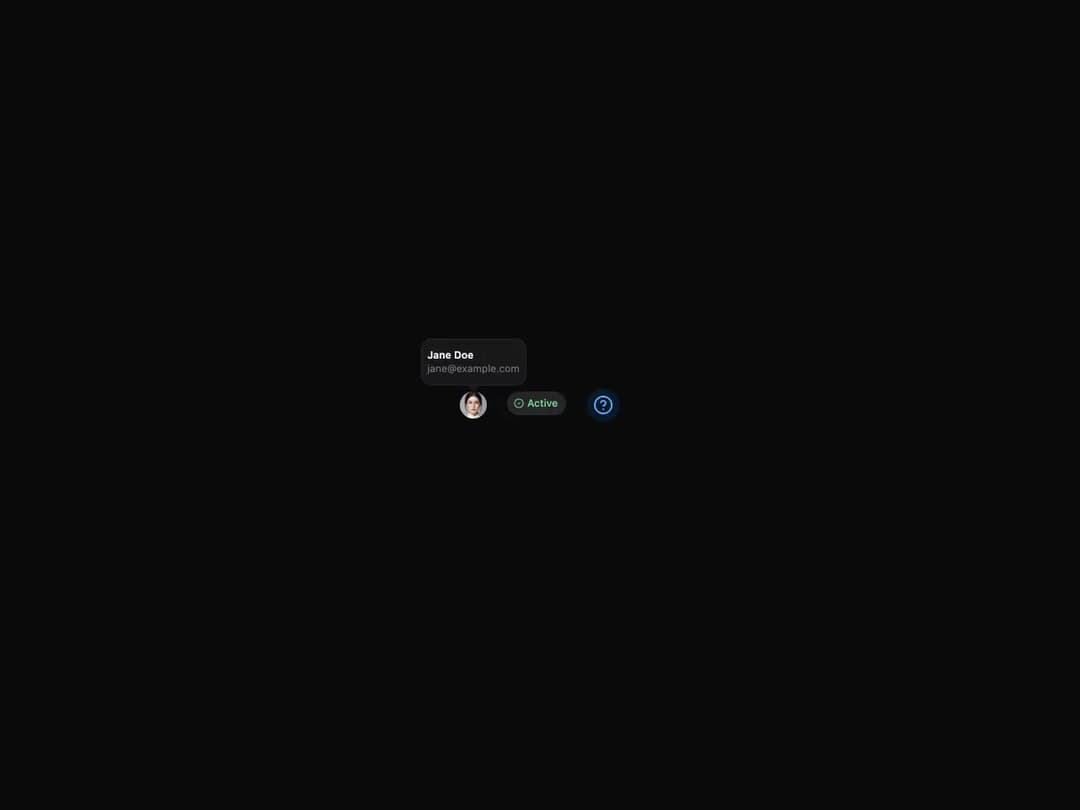
Accessible tooltip built on React Aria, from HeroUI v3. Shows informative text when users hover over or focus an element. Supports an optional arrow indicator, four placements (top/bottom/left/right), custom open/close delays, controlled offset, a disabled state, custom non-button triggers (avatars, chips, icons), custom-styled content, and a render-prop escape hatch. Compound API: Tooltip / Tooltip.Trigger / Tooltip.Content / Tooltip.Arrow, with delay, closeDelay, trigger, isDisabled, showArrow, offset and placement props.
Built with React and Tailwind. Copy the prompt and paste it into Claude Code, Cursor or Lovable: your agent adds Tooltip to your project and fits it to your theme.
Code
How Tooltip is used: the demo's code. The component's own source comes with a free account.
Usage.tsx
"use client"

import { CircleCheck, CircleHelp } from "lucide-react"
import { Avatar, Chip, Tooltip } from "@/components/ui/heroui-tooltip"

export default function Demo() {
  return (
    <div className="flex items-center justify-center gap-6 p-12">
      <Tooltip delay={0}>
        <Tooltip.Trigger aria-label="User avatar">
          <Avatar size="sm">
            <Avatar.Image
              alt="Jane Doe"
              src="https://img.heroui.chat/image/avatar?w=400&h=400&u=4"
            />
            <Avatar.Fallback>JD</Avatar.Fallback>
          </Avatar>
        </Tooltip.Trigger>
        <Tooltip.Content showArrow>
          <Tooltip.Arrow />
          <div className="flex flex-col gap-0 py-1">
            <p className="font-semibold">Jane Doe</p>
            <p className="text-xs text-muted">jane@example.com</p>
          </div>
        </Tooltip.Content>
      </Tooltip>

      <Tooltip delay={0}>
        <Tooltip.Trigger aria-label="Status chip">
          <Chip color="success">
            <CircleCheck width={12} />
            <Chip.Label>Active</Chip.Label>
          </Chip>
        </Tooltip.Trigger>
        <Tooltip.Content className="flex items-center gap-1.5">
          <span className="relative flex size-2">
            <span className="absolute inline-flex h-full w-full animate-ping rounded-full bg-success opacity-75" />
            <span className="relative inline-flex size-2 rounded-full bg-success" />
          </span>
          <p>Jane is currently online</p>
        </Tooltip.Content>
      </Tooltip>

      <Tooltip delay={0}>
        <Tooltip.Trigger aria-label="Info icon">
          <div className="rounded-full bg-accent-soft p-2">
            <CircleHelp className="text-accent-soft-foreground" />
          </div>
        </Tooltip.Trigger>
        <Tooltip.Content showArrow>
          <Tooltip.Arrow />
          <div className="max-w-xs px-1 py-1.5">
            <p className="mb-1 font-semibold">Help Information</p>
            <p className="text-sm text-muted">
              This is a helpful tooltip with more detailed information about this feature.
            </p>
          </div>
        </Tooltip.Content>
      </Tooltip>
    </div>
  )
}
Dependencies
More by Hero Ui
View all

DatePicker
465
Chip
440
The Pagination
361
HeroUI Color Picker
105
Skeleton
104
HeroUI Table
99
HeroUI Disclosure Group
94
HeroUI AlertDialog
80