
About
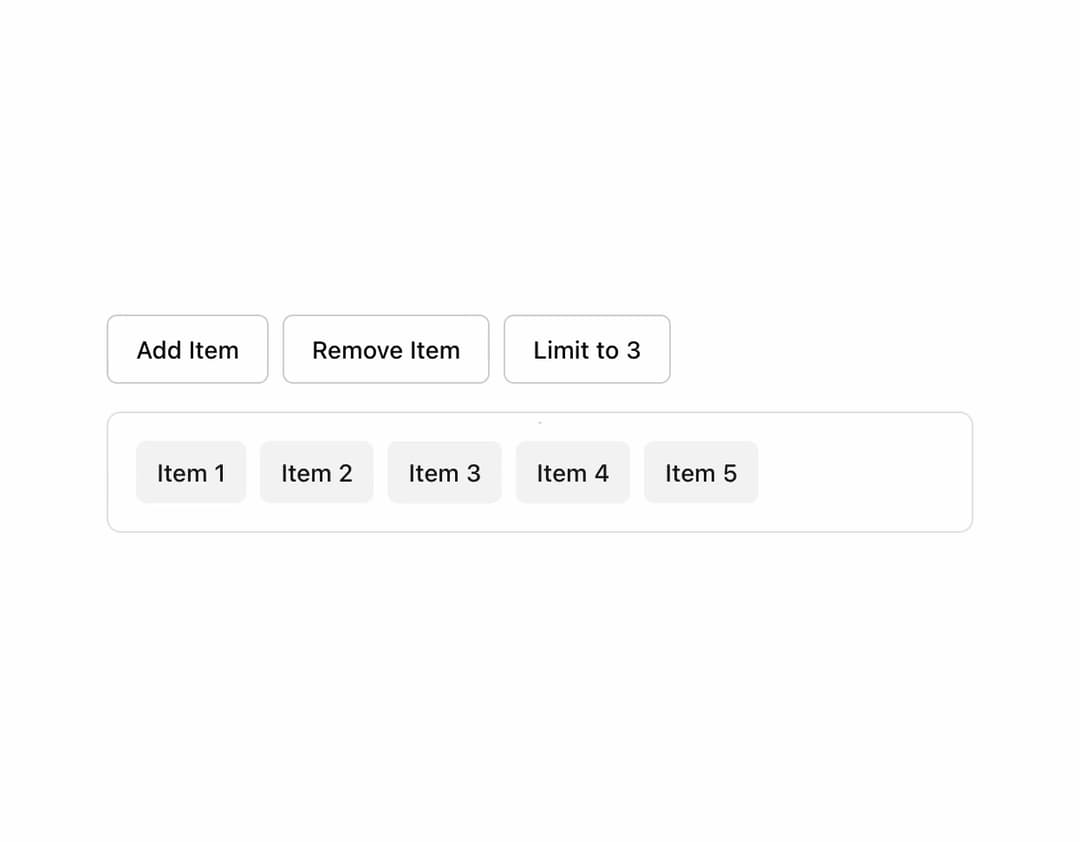
Responsive and dynamically calculates the number of items that can fit within a container without overflowing, while accounting for a "+X" overflow indicator. It automatically adjusts to container resizes and provides utilities to render responsive lists (e.g., tags, avatars, or badges) that gracefully handle overflow.
Built with React and Tailwind. Copy the prompt and paste it into Claude Code, Cursor or Lovable: your agent adds useItemOverflow to your project and fits it to your theme.
Code
How useItemOverflow is used: the demo's code. The component's own source comes with a free account.
Usage.tsx
import { useOverflow } from "@/hooks/use-item-overflow";
import { Button } from "@/components/ui/button";
import { useState } from "react";

function OverflowDemo() {
  const [items, setItems] = useState(() =>
    Array.from({ length: 5 }, (_, i) => `Item ${i + 1}`)
  );

  const [maxItems, setMaxItems] = useState(Infinity);

  const { containerRef, registerItem, isVisible, hiddenCount } = useOverflow({
    total: items.length,
    max: maxItems,
    gap: 8,
  });

  return (
    <div className="space-y-4 p-4">
      <div className="flex gap-2">
        <Button
          variant="outline"
          onClick={() =>
            setItems((prev) => [...prev, `Item ${prev.length + 1}`])
          }
        >
          Add Item
        </Button>

        <Button
          variant="outline"
          onClick={() => setItems((prev) => prev.slice(0, -1))}
          disabled={items.length === 0}
        >
          Remove Item
        </Button>

        <Button
          variant="outline"
          onClick={() => setMaxItems((prev) => (prev === 3 ? Infinity : 3))}
        >
          {maxItems === Infinity ? "Limit to 3" : "Remove Limit"}
        </Button>
      </div>

      <div className="w-[500px] border rounded-lg p-4">
        <div ref={containerRef} className="flex gap-2 flex-wrap">
          {items.map((item, index) => (
            <Button
              key={index}
              ref={registerItem(index)}
              size="sm"
              variant="secondary"
              className="transition-opacity duration-200"
              style={{
                opacity: isVisible(index) ? 1 : 0,
                pointerEvents: isVisible(index) ? "auto" : "none",
                position: isVisible(index) ? "relative" : "absolute",
              }}
            >
              {item}
            </Button>
          ))}

          {hiddenCount > 0 && (
            <Button
              ref={registerItem(items.length)}
              size="sm"
              variant="outline"
            >
              +{hiddenCount} more
            </Button>
          )}
        </div>
      </div>
    </div>
  );
}

export { OverflowDemo };
Dependencies
More by oc tung
View all
Circle Progress
95