
About
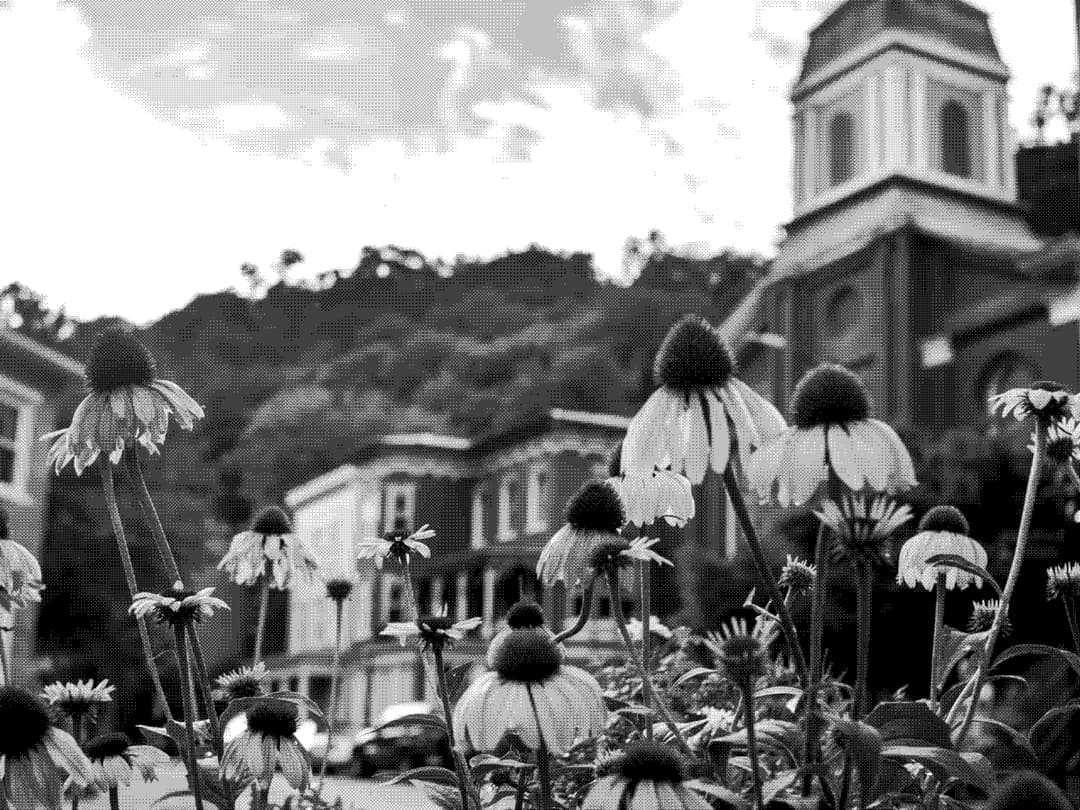
An interactive WebGL image component with animated wave distortion, dithering, and a mouse-driven color reveal effect.
Built with React and Tailwind. Copy the prompt and paste it into Claude Code, Cursor or Lovable: your agent adds Reveal Wave Image to your project and fits it to your theme.
Code
How Reveal Wave Image is used: the demo's code. The component's own source comes with a free account.
Usage.tsx
import { RevealWaveImage } from "@/components/ui/reveal-wave-image";

const settings = {
  waveSpeed: 0.2,
  waveFrequency: 0.7,
  waveAmplitude: 0.5,
  revealRadius: 0.5,
  revealSoftness: 1,
  pixelSize: 2,
  mouseRadius: 0.4,
};

export default function DemoOne(props: Partial<typeof settings>) {
  const s = { ...settings, ...props };
  return (
    <div className="w-screen h-svh">
      <RevealWaveImage
        src="https://cdn.21st.dev/assets/mirror/06/06ba4acfdb1af9566708b2edadceabe226e5682b2beed7fdb058153cab765352.jpg"
        waveSpeed={s.waveSpeed}
        waveFrequency={s.waveFrequency}
        waveAmplitude={s.waveAmplitude}
        revealRadius={s.revealRadius}
        revealSoftness={s.revealSoftness}
        pixelSize={s.pixelSize}
        mouseRadius={s.mouseRadius}
      />
    </div>
  );
}