
About
Floating WhatsApp contact button (bottom-right) that links to a pre-filled WhatsApp chat with the company number. Always visible across the site.
Built with React and Tailwind. Copy the prompt and paste it into Claude Code, Cursor or Lovable: your agent adds WhatsAppFloat to your project and fits it to your theme.
Code
How WhatsAppFloat is used: the demo's code. The component's own source comes with a free account.
Usage.tsx
import WhatsappFloatinline from "@/components/ui/whatsapp-float"

export default function Demo() {
  return <WhatsappFloatinline />
}
Dependencies
More by Jason Mohab-Ali
View all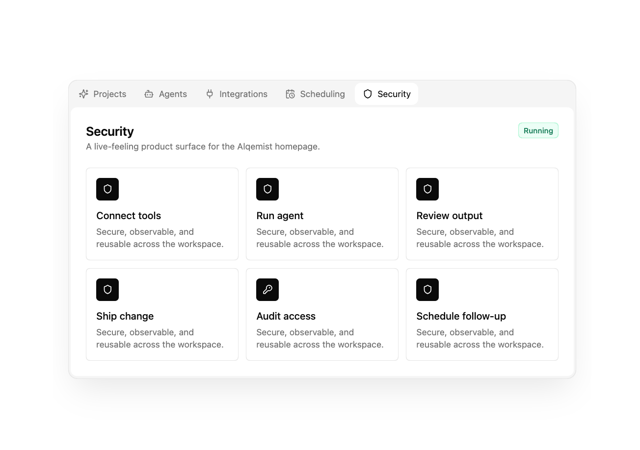

Alqemist Interactive Demo
9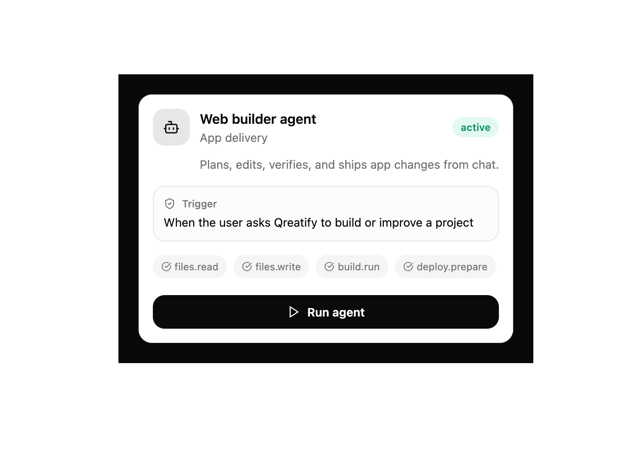
Qreatify Super Agent Card
5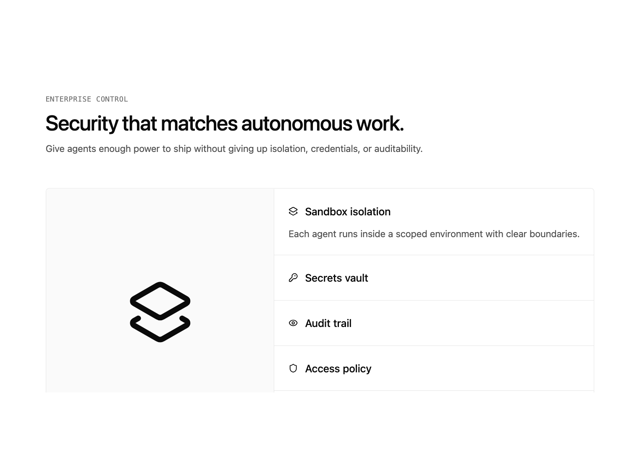
Alqemist Security
4
Alqemist Hero
4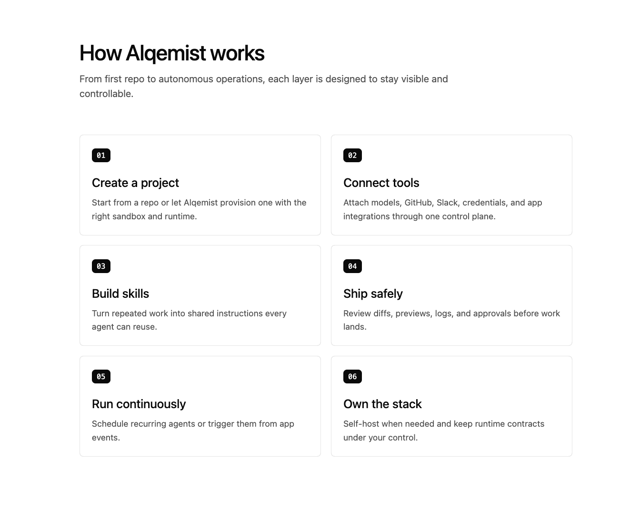
Alqemist How It Works
3
Alqemist Cta
2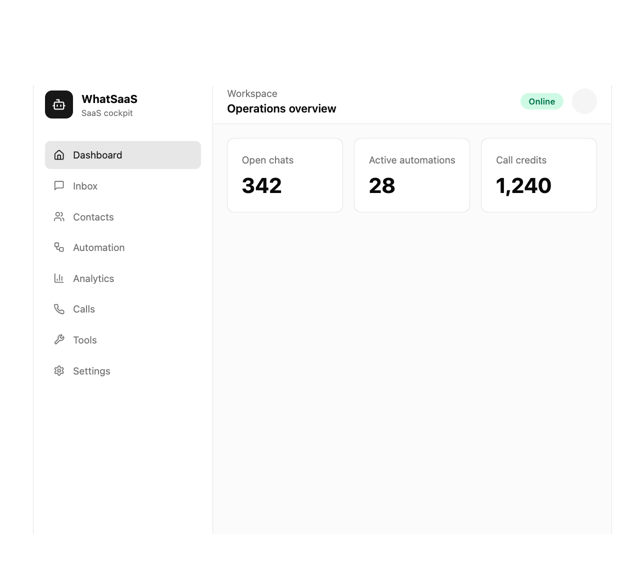
What Saa SApp Shell
2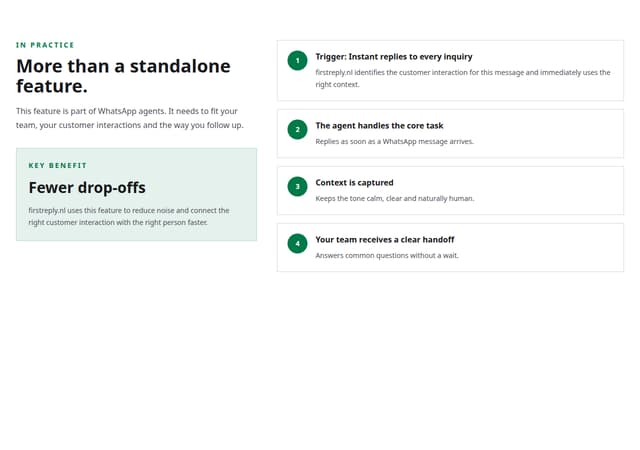
FirstReply Product Detail flow
More in Forms
View all

Premium Auth
500

Login 1
52

Book A Demo 3
83
Authentication Card
47

Contact Card
1K

Login Card
32
Book A Demo 1
69

Login 2
7
