
About
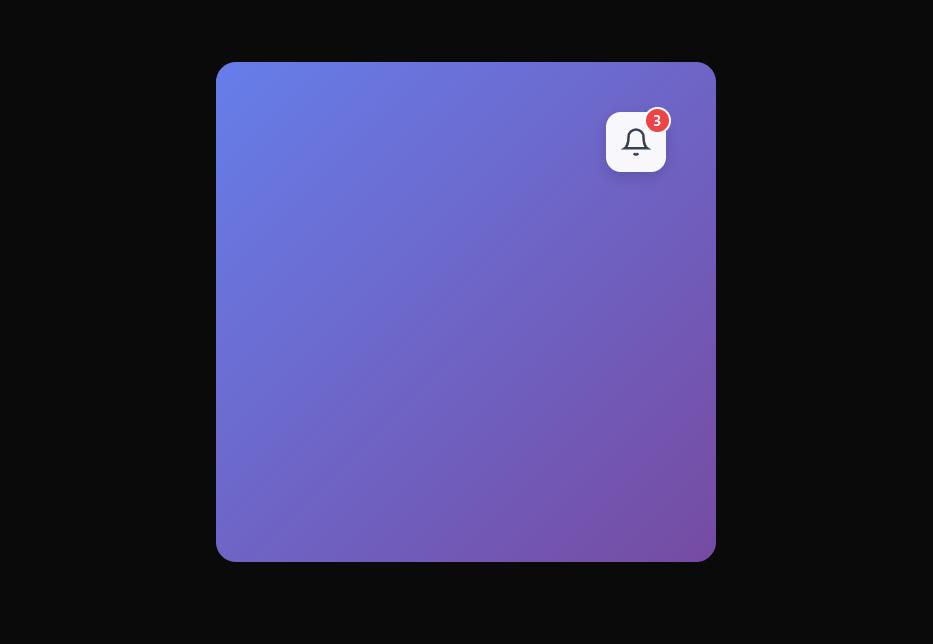
Notification center animation new type window animation
Built with React and Tailwind. Copy the prompt and paste it into Claude Code, Cursor or Lovable: your agent adds Notification UI to your project and fits it to your theme.
Code
How Notification UI is used: the demo's code. The component's own source comes with a free account.
Usage.tsx
import { Component } from "@/components/ui/notification-ui";
import { useState } from "react"
export default function DemoOne() {
 const [notifications, setNotifications] = useState([
    {
      id: "1",
      type: "success",
      title: "Payment Received",
      message: "Your payment of $200 has been processed.",
      timestamp: new Date(Date.now() - 1000 * 60 * 10),
      read: false,
    },
    {
      id: "2",
      type: "warning",
      title: "Storage Almost Full",
      message: "You're reaching 90% of your plan storage.",
      timestamp: new Date(Date.now() - 1000 * 60 * 60),
      read: false,
    },
    {
      id: "3",
      type: "info",
      title: "New Update",
      message: "A new dashboard version is available.",
      timestamp: new Date(Date.now() - 1000 * 60 * 120),
      read: true,
    },
  ]);

  const deleteNotification = (id) =>
    setNotifications((n) => n.filter((x) => x.id !== id));

  const markAsRead = (id) =>
    setNotifications((n) => n.map((x) => (x.id === id ? { ...x, read: true } : x)));

  const markAllAsRead = () =>
    setNotifications((n) => n.map((x) => ({ ...x, read: true })));

  return (
    <div
      style={{
        padding: 40,
        minHeight: "100vh",
        background: "#f9fafb",
      }}
    >
      <Component
        notifications={notifications}
        onDelete={deleteNotification}
        onMarkAsRead={markAsRead}
        onMarkAllAsRead={markAllAsRead}
      />
    </div>
  );
}
Dependencies
More by Kousthubha Yadiyala
View all

Morphing Card Stack
1.8K
Animated Menu
603
Circular Command Menu
466
Fluid Dropdown
421
Trello Kanban Board
317
Real time Analytics
287
Shatter Button
276
Action Searchbar
221