About
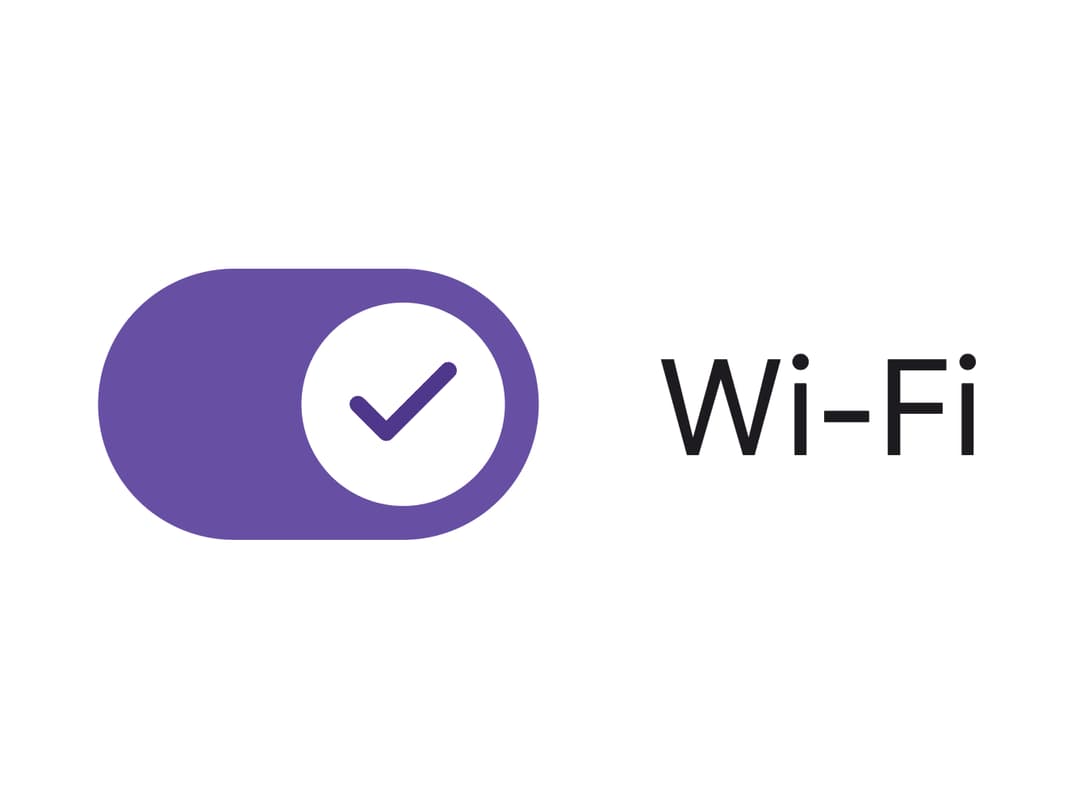
A toggle control rendered as a native checkbox with role="switch" that follows the Material 3 Expressive spec, including pressed-shape motion and an optional icon inside the thumb.
Built with React and Tailwind. Copy the prompt and paste it into Claude Code, Cursor or Lovable: your agent adds Material 3 Switch to your project and fits it to your theme.
Code
How Material 3 Switch is used: the demo's code. The component's own source comes with a free account.
Usage.tsx
import Switch from "@/components/ui/switch";
import { useState } from "react";

function CheckIcon() {
  return (
    <svg
      viewBox="0 0 24 24"
      fill="none"
      stroke="currentColor"
      strokeWidth={3}
      strokeLinecap="round"
      strokeLinejoin="round"
    >
      <path d="M20 6 9 17l-5-5" />
    </svg>
  );
}

function CloseIcon() {
  return (
    <svg
      viewBox="0 0 24 24"
      fill="none"
      stroke="currentColor"
      strokeWidth={3}
      strokeLinecap="round"
      strokeLinejoin="round"
    >
      <path d="M18 6 6 18M6 6l12 12" />
    </svg>
  );
}

export default function SwitchWithThumbIconDemo() {
  const [wifi, setWifi] = useState(false);

  return (
    <div className="flex w-full items-center justify-center p-10">
      <label className="flex items-center gap-4">
        <Switch
          checked={wifi}
          onCheckedChange={setWifi}
          thumbIcon={wifi ? <CheckIcon /> : <CloseIcon />}
        />
        <span className="text-base text-[#1d1b20]">Wi-Fi</span>
      </label>
    </div>
  );
}
More by language-lit
View all

Material Text Field
Material 3 Checkbox
Circular Progress