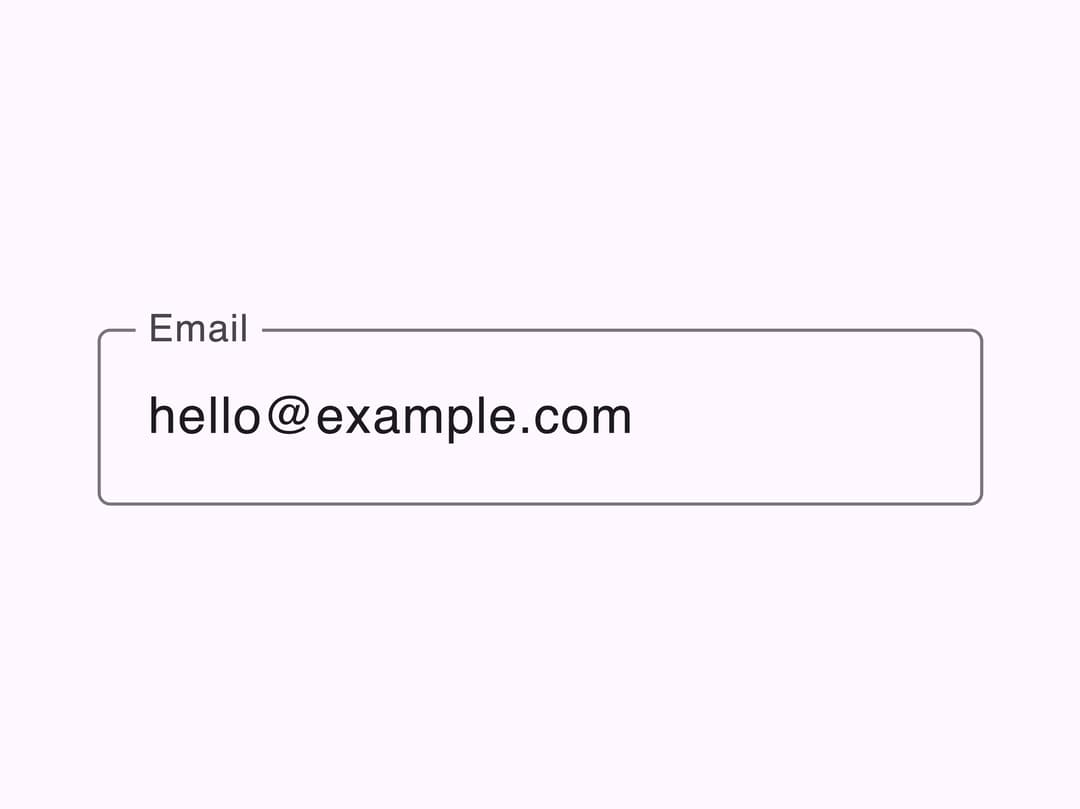
About
A floating-label text input with filled and outlined variants, leading/trailing icon slots, and supporting/error text, following Google's Material 3 design spec.
Built with React and Tailwind. Copy the prompt and paste it into Claude Code, Cursor or Lovable: your agent adds Material Text Field to your project and fits it to your theme.
Code
How Material Text Field is used: the demo's code. The component's own source comes with a free account.
Usage.tsx
import TextField from "@/components/ui/text-field";
import { useState } from "react";

export default function TextFieldDemo() {
  const [email, setEmail] = useState("");

  return (
    <div className="flex min-h-screen w-full items-center justify-center bg-[#fef7ff] p-8">
      <TextField
        label="Email"
        variant="outlined"
        type="email"
        value={email}
        onChange={(event) => setEmail(event.currentTarget.value)}
      />
    </div>
  );
}
More by language-lit
View all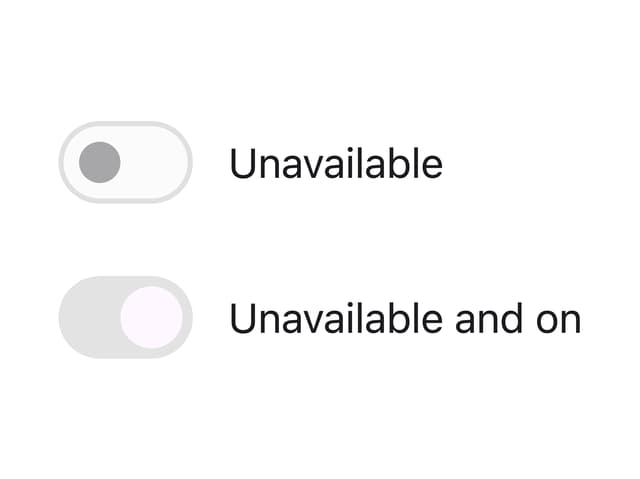

Material 3 Switch
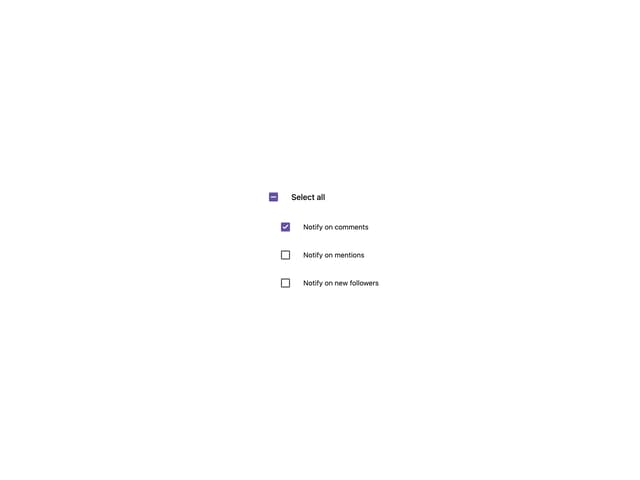
Material 3 Checkbox

Circular Progress
More in Forms
View all

Premium Auth
500

Login 1
52

Book A Demo 3
83
Authentication Card
47
Book A Demo 1
69

Contact Card
1K

Login Card
32

Login 2
7
