

About
Interactive waves background
Built with React and Tailwind. Copy the prompt and paste it into Claude Code, Cursor or Lovable: your agent adds Waves to your project and fits it to your theme.
Code
How Waves is used: the demo's code. The component's own source comes with a free account.
Usage.tsx
import { Waves } from "@/components/ui/waves";

const WavesDemo = () => {
  return (
    <div className="w-screen h-screen bg-neutral-900 relative">
      <Waves
        lineColor="#555"
        backgroundColor="rgba(25, 25, 30, 0.1)"
        waveSpeedX={0.02}
        waveSpeedY={0.01}
        waveAmpX={50}
        waveAmpY={25}
        friction={0.92}
        tension={0.015}
        maxCursorMove={100}
        xGap={14}
        yGap={38}
        className="custom-waves-class"
      />
      <div className="absolute bottom-4 right-4 text-xs text-neutral-500 bg-black/50 p-2 rounded">
        Interactive Waves
      </div>
    </div>
  );
};

export { WavesDemo };More by 21st
View all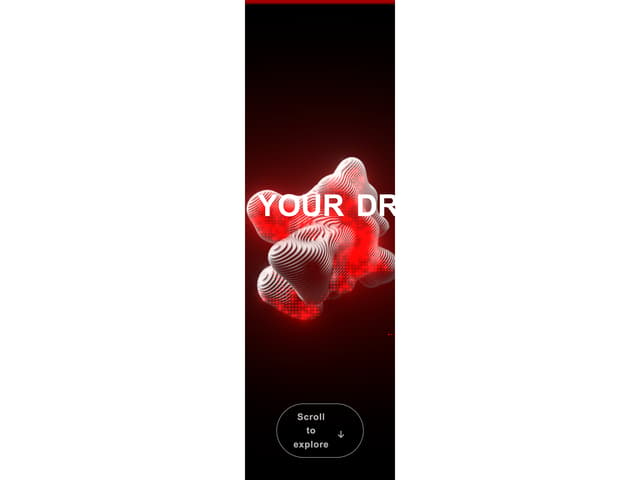

Futuristic Hero
2.7K
Hero ASCII one
1.4K
Hero ASCII
1.3K
Admit One Ticket
961
Navigation Menu
916
Border Beam
890
Border Beam Search
545
Thinking Orbs
438
More in Heroes
View all

SaaS Template
2.4K

Responsive Hero Banner
2K

Hero
1.2K
Centered Hero with Image Fan
931
Editorial Collage Hero
430
Glass Fold
212

Minimalist Hero Fashion
285

HeroSectionWithGradient
336
