
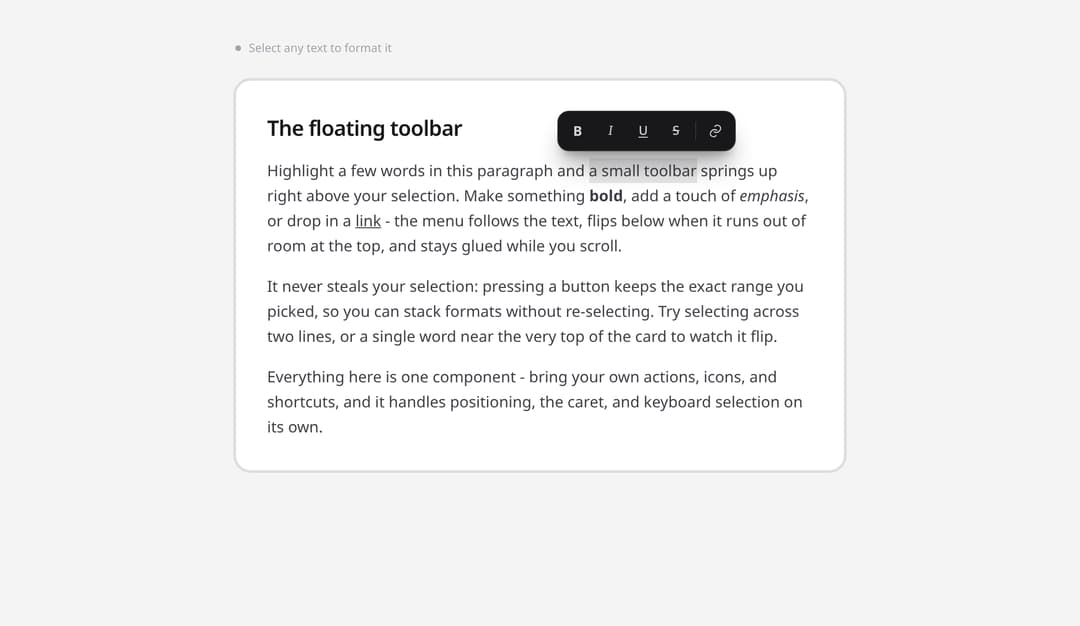
A floating toolbar that springs up above any text selection, the pattern from Medium and Notion. Highlight text and format actions appear right where you are looking, follow the selection as you scroll, and flip below when there is no room above. Pressing a button never drops your selection, so you can stack formats without re-selecting. Bring your own actions, icons, and shortcuts. Self-contained: portaled, keyboard-aware, adapts to light or dark. React plus framer-motion.
Built with React and Tailwind. Copy the prompt and paste it into Claude Code, Cursor or Lovable: your agent adds Selection Bubble Menu to your project and fits it to your theme.
Code
How Selection Bubble Menu is used: the demo's code. The component's own source comes with a free account.
Usage.tsx
"use client";

import * as React from "react";
import { SelectionBubble, type BubbleItem } from "@/components/ui/selection-bubble-menu";

function exec(command: string, value?: string) {
  try {
    document.execCommand(command, false, value);
  } catch {
    return;
  }
}

function state(command: string) {
  try {
    return document.queryCommandState(command);
  } catch {
    return false;
  }
}

const LinkIcon = (
  <svg viewBox="0 0 24 24" className="h-4 w-4" fill="none" stroke="currentColor" strokeWidth={1.7} strokeLinecap="round" strokeLinejoin="round">
    <path d="M10 13a5 5 0 0 0 7 0l2-2a5 5 0 0 0-7-7l-1 1" />
    <path d="M14 11a5 5 0 0 0-7 0l-2 2a5 5 0 0 0 7 7l1-1" />
  </svg>
);

const ACTIONS: BubbleItem[] = [
  {
    id: "bold",
    label: "Bold",
    shortcut: "Cmd B",
    icon: <span className="text-[14px] font-bold">B</span>,
    isActive: () => state("bold"),
    run: () => exec("bold"),
  },
  {
    id: "italic",
    label: "Italic",
    shortcut: "Cmd I",
    icon: <span className="font-serif text-[14px] italic">I</span>,
    isActive: () => state("italic"),
    run: () => exec("italic"),
  },
  {
    id: "underline",
    label: "Underline",
    shortcut: "Cmd U",
    icon: <span className="text-[13px] underline underline-offset-2">U</span>,
    isActive: () => state("underline"),
    run: () => exec("underline"),
  },
  {
    id: "strike",
    label: "Strikethrough",
    icon: <span className="text-[13px] line-through">S</span>,
    isActive: () => state("strikeThrough"),
    run: () => exec("strikeThrough"),
  },
  { divider: true },
  {
    id: "link",
    label: "Add link",
    icon: LinkIcon,
    run: ({ text }) => {
      const url = window.prompt("Link to", text.startsWith("http") ? text : "https://");
      if (url) exec("createLink", url);
    },
  },
];

export default function SelectionBubbleDemo() {
  return (
    <div className="min-h-screen overflow-x-hidden bg-zinc-100 text-zinc-900 dark:bg-zinc-950 dark:text-zinc-100">
      <div className="mx-auto max-w-2xl px-5 py-10 sm:py-14">
        <div className="mb-6 flex items-center gap-2 text-[12px] text-zinc-400">
          <span className="inline-block h-1.5 w-1.5 rounded-full bg-zinc-400" />
          Select any text to format it
        </div>

        <SelectionBubble actions={ACTIONS}>
          <article
            contentEditable
            suppressContentEditableWarning
            spellCheck={false}
            className="rounded-2xl border border-zinc-200 bg-white p-6 leading-relaxed text-zinc-700 outline-none selection:bg-zinc-900/10 focus-visible:ring-2 focus-visible:ring-zinc-900/10 dark:border-zinc-800 dark:bg-zinc-900 dark:text-zinc-300 dark:selection:bg-white/20 sm:p-8"
          >
            <h1 className="mb-3 text-[22px] font-semibold tracking-tight text-zinc-900 dark:text-zinc-50">
              The floating toolbar
            </h1>
            <p className="mb-4">
              Highlight a few words in this paragraph and a small toolbar springs up right above
              your selection. Make something <b>bold</b>, add a touch of <i>emphasis</i>, or drop
              in a <u>link</u> - the menu follows the text, flips below when it runs out of room at
              the top, and stays glued while you scroll.
            </p>
            <p className="mb-4">
              It never steals your selection: pressing a button keeps the exact range you picked,
              so you can stack formats without re-selecting. Try selecting across two lines, or a
              single word near the very top of the card to watch it flip.
            </p>
            <p>
              Everything here is one component - bring your own actions, icons, and shortcuts, and
              it handles positioning, the caret, and keyboard selection on its own.
            </p>
          </article>
        </SelectionBubble>
      </div>
    </div>
  );
}
Dependencies
More by Kiki
View all

Filter Token Bar
522
Compose
423
Product Tour
216
Tier List Maker
138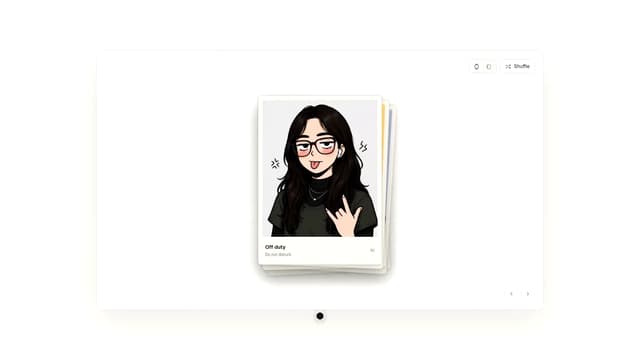
Draggable Photo Stack
84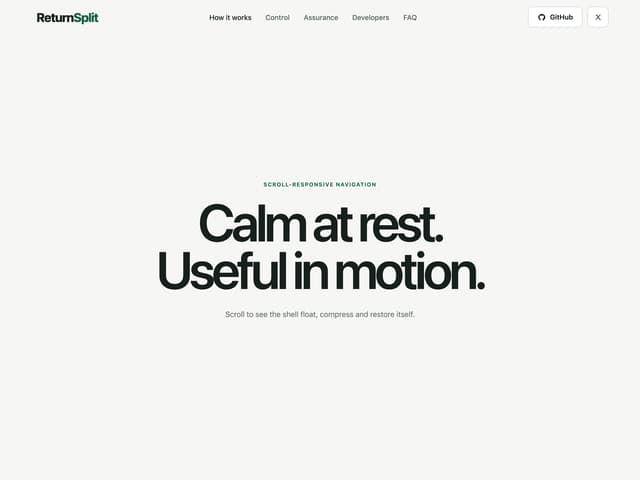
Morphing Scroll Navbar
81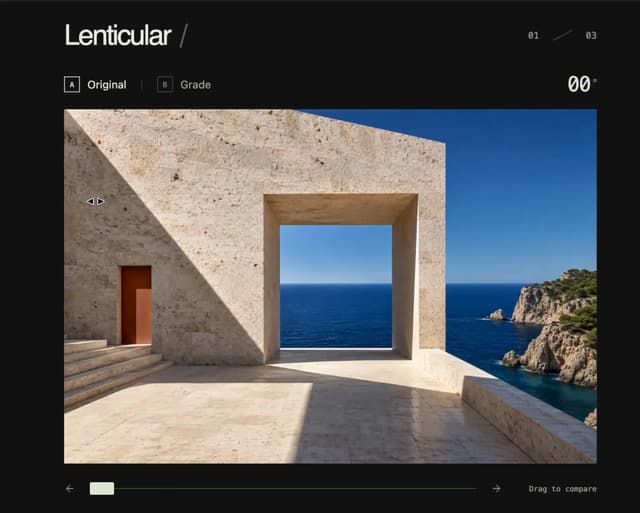
3D Before & After Image Slider
32
Advanced Data Table Filter Builder
28