
About
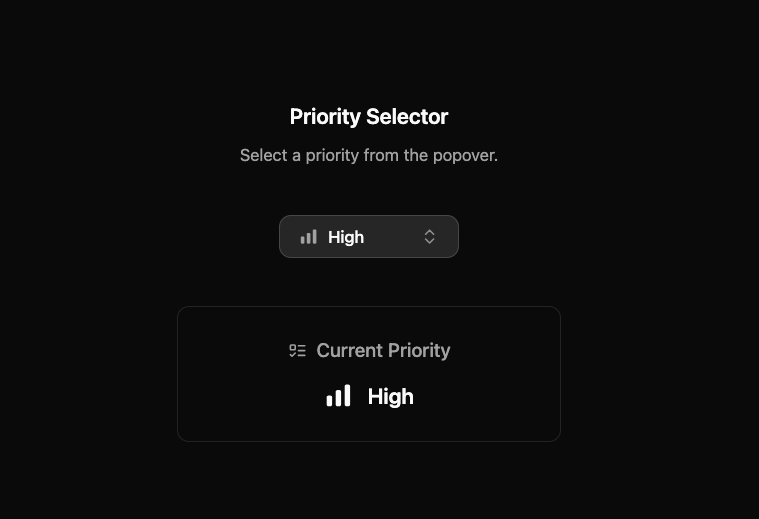
Here is priority selector icon by indev ui
Built with React and Tailwind. Copy the prompt and paste it into Claude Code, Cursor or Lovable: your agent adds Priority Selector to your project and fits it to your theme.
Code
How Priority Selector is used: the demo's code. The component's own source comes with a free account.
Usage.tsx
'use client';

import { useState } from 'react';
import PrioritySelector, { priorities } from '@/components/ui/priority-selector';
import { Ban, ListTodo } from 'lucide-react';

const PrioritySelectorDemo = () => {
   const [selectedPriorityId, setSelectedPriorityId] = useState<string>(priorities[2].id);

   const currentPriority = priorities.find((p) => p.id === selectedPriorityId);
   const CurrentIcon = currentPriority?.icon || Ban;

   return (
      <div className="flex w-full flex-col items-center justify-center gap-10 p-4">
         <div className="flex flex-col items-center gap-2 text-center">
            <h2 className="text-lg font-semibold">Priority Selector</h2>
            <p className="text-sm text-muted-foreground">Select a priority from the popover.</p>
         </div>

         <PrioritySelector value={selectedPriorityId} onChange={setSelectedPriorityId} />

         <div className="flex w-full max-w-xs flex-col items-center gap-3 rounded-lg border bg-background p-6 shadow-sm">
            <h3 className="flex items-center text-base font-medium text-muted-foreground">
               <ListTodo className="mr-2 size-4" />
               Current Priority
            </h3>
            <div className="flex items-center gap-3 text-lg font-semibold">
               <CurrentIcon className="size-6 text-foreground" />
               <span>{currentPriority?.name || 'None'}</span>
            </div>
         </div>
      </div>
   );
};

export { PrioritySelectorDemo as DemoOne };
Dependencies
More by LN
View all
Pricing Interaction
1.4K
Dorpdown Navigation
1.2K
Visualize Booking
618
Assisted Password Confirmation
585
Tags Selector
531
Mega Menu
386
Feedback Slider
326
FlipButton
288