
About
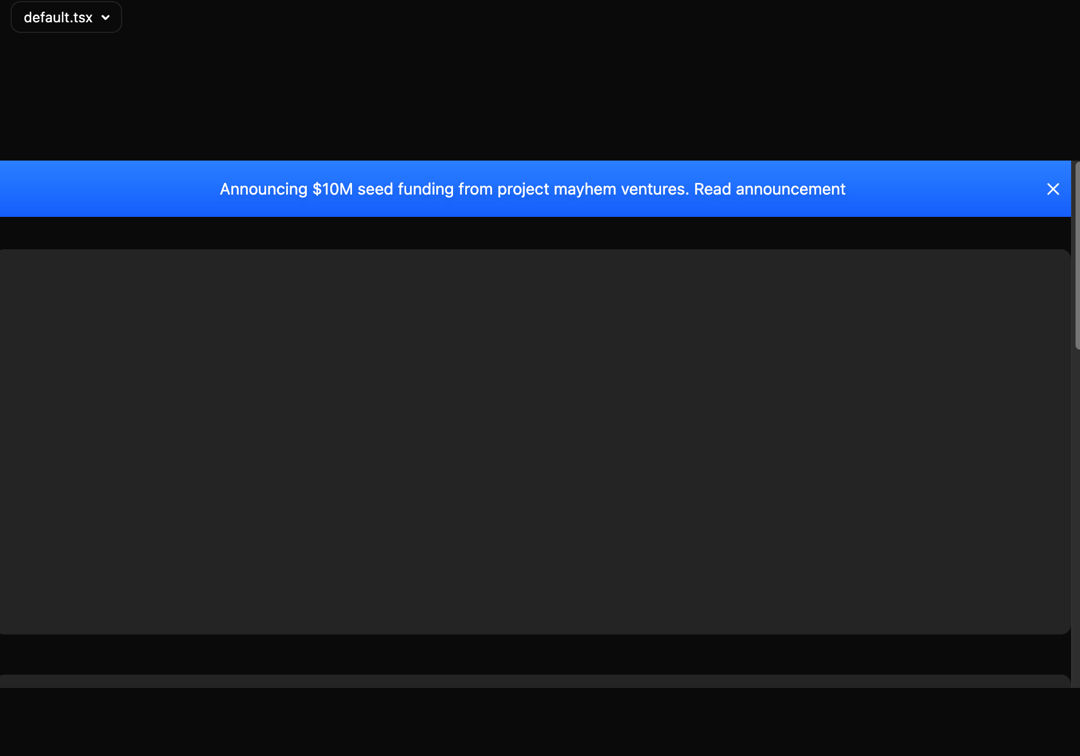
Here is Sticky Banner component
Built with React and Tailwind. Copy the prompt and paste it into Claude Code, Cursor or Lovable: your agent adds Sticky Banner to your project and fits it to your theme.
Code
How Sticky Banner is used: the demo's code. The component's own source comes with a free account.
Usage.tsx
import { StickyBanner } from "@/components/ui/sticky-banner";

export default function StickyBannerDemo() {
  return (
    <div className="relative flex h-[60vh] w-full flex-col overflow-y-auto">
      <StickyBanner className="bg-gradient-to-b from-blue-500 to-blue-600">
        <p className="mx-0 max-w-[90%] text-white drop-shadow-md">
          Announcing $10M seed funding from project mayhem ventures.{" "}
          <a href="#" className="transition duration-200 hover:underline">
            Read announcement
          </a>
        </p>
      </StickyBanner>
      <DummyContent />
    </div>
  );
}

const DummyContent = () => {
  return (
    <div className="relative mx-auto flex w-full max-w-7xl flex-col gap-10 py-8">
      <div className="h-96 w-full animate-pulse rounded-lg bg-neutral-100 dark:bg-neutral-800" />
      <div className="h-96 w-full animate-pulse rounded-lg bg-neutral-100 dark:bg-neutral-800" />
      <div className="h-96 w-full animate-pulse rounded-lg bg-neutral-100 dark:bg-neutral-800" />
    </div>
  );
};
Dependencies
More by Manu Arora
View all
Container Scroll Animation
10.2K
Glowing Effect
4.4K
Aurora Background
4.4K
Timeline
4.3K
Sparkles
4.1K
Lamp
3.7K
Sidebar
3.6K
Bento Grid
2.7K