
About
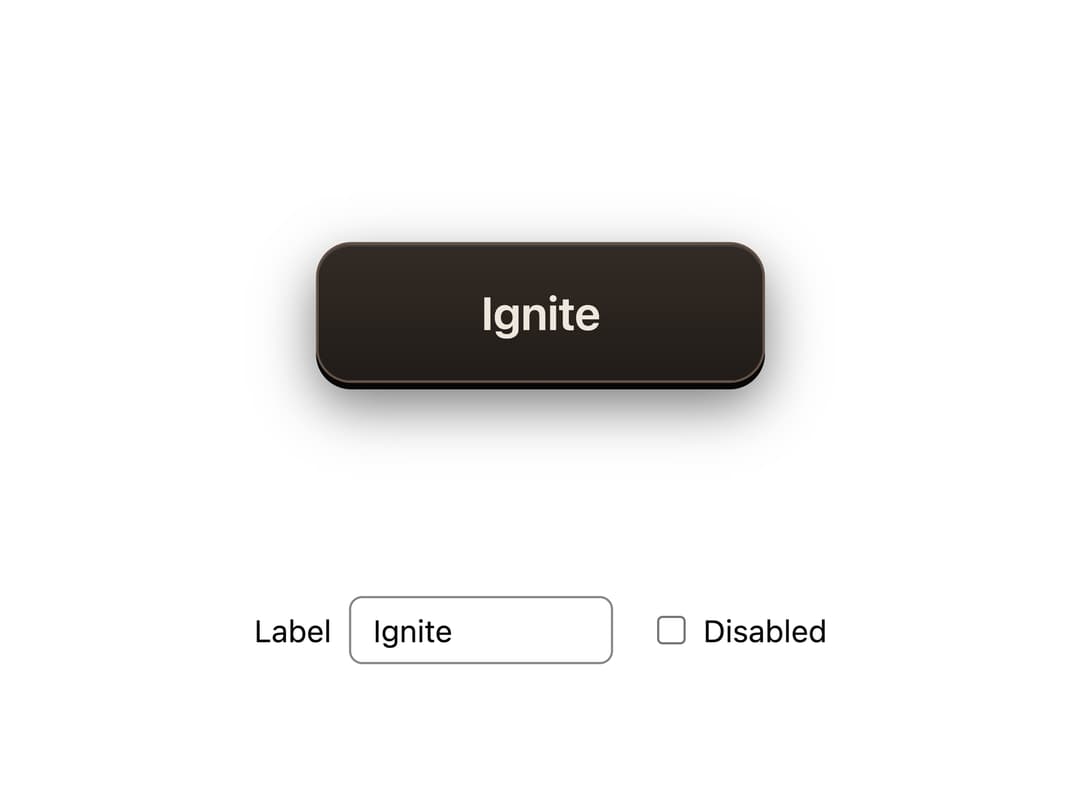
A tactile fire button with small animated flames, rising embers and a warm glow on hover or keyboard focus.
Built with React and Tailwind. Copy the prompt and paste it into Claude Code, Cursor or Lovable: your agent adds Ember Fire Button to your project and fits it to your theme.
Code
How Ember Fire Button is used: the demo's code. The component's own source comes with a free account.
Usage.tsx
"use client";

import * as React from "react";
import { FireButton } from "@/components/ui/ember-fire-button";

export default function FireButtonDemo() {
  const [label, setLabel] = React.useState("Ignite");
  const [disabled, setDisabled] = React.useState(false);
  return (
    <div style={{ display: "grid", placeItems: "center", gap: 48, minHeight: 400,
      width: "100%", padding: "80px 24px", boxSizing: "border-box" }}>
      <FireButton disabled={disabled}>{label}</FireButton>
      <div style={{ display: "flex", flexWrap: "wrap", justifyContent: "center", alignItems: "center", gap: 20, font: "14px system-ui", color: "inherit" }}>
        <label style={{ display: "flex", alignItems: "center", gap: 8 }}>
          Label
          <input value={label} onChange={event => setLabel(event.target.value)}
            style={{ width: 120, padding: "6px 10px", border: "1px solid #888", borderRadius: 6, background: "transparent", color: "inherit" }} />
        </label>
        <label style={{ display: "flex", alignItems: "center", gap: 8 }}>
          <input type="checkbox" checked={disabled} onChange={event => setDisabled(event.target.checked)} />
          Disabled
        </label>
      </div>
    </div>
  );
}
More by Martin Geltl
View all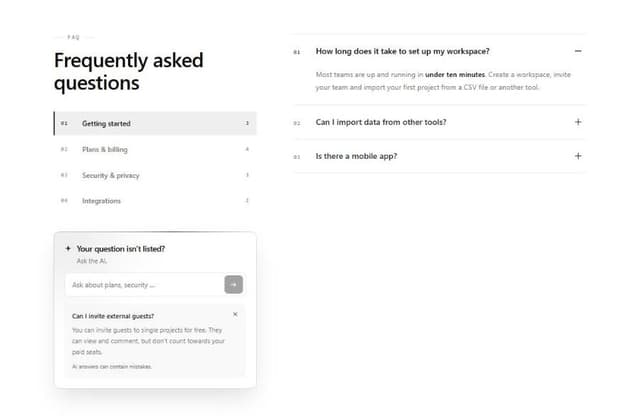
FAQ with AI Ask
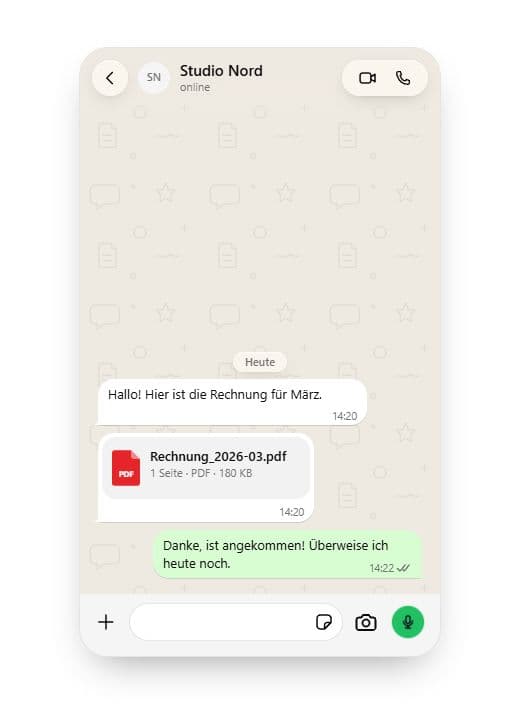
Animated WhatsApp Chat
More in Buttons
View all
Button Save
46

Button
20

Eclipse Button
5

Button
32

Button
6

Button
14

Button Group
37
Split Button
32

