
About
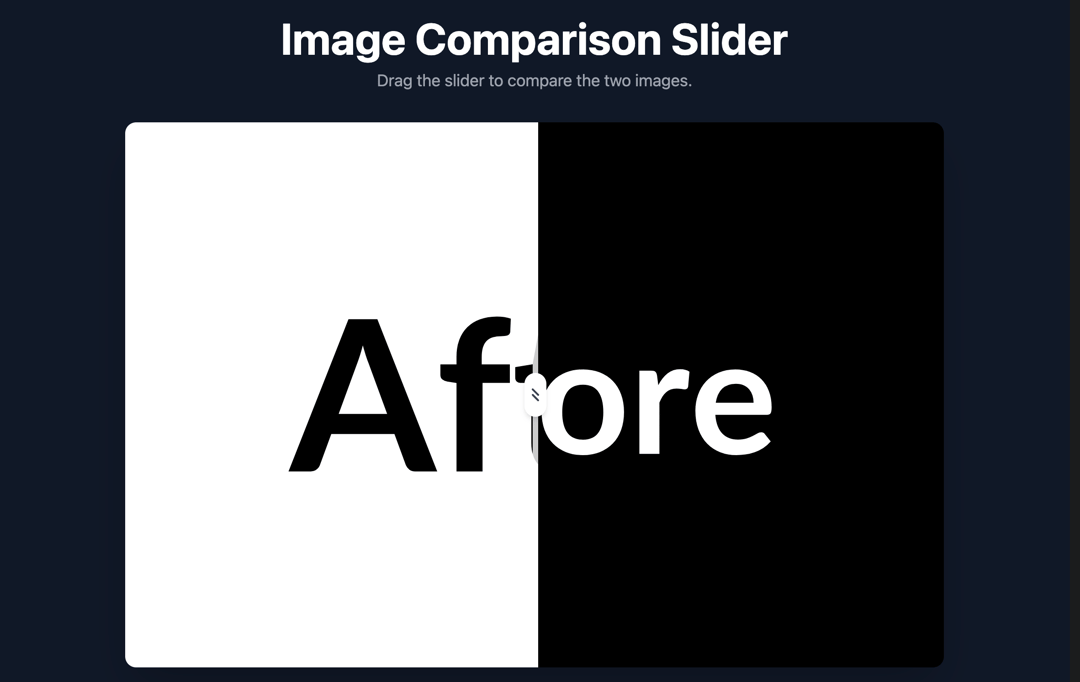
Image Comparison Slider. Drag the slider to compare the two images.
Built with React and Tailwind. Copy the prompt and paste it into Claude Code, Cursor or Lovable: your agent adds Image Comparison Slider to your project and fits it to your theme.
Code
How Image Comparison Slider is used: the demo's code. The component's own source comes with a free account.
Usage.tsx
import { ImageComparison } from "@/components/ui/image-comparison-slider";

export default function DemoOne() {
  return (
    <div className="w-full min-h-screen bg-gray-900 flex flex-col items-center justify-center font-sans p-4">
            <div className="w-full text-center mb-8">
                <h1 className="text-4xl md:text-5xl font-bold text-white mb-2">Image Comparison Slider</h1>
                <p className="text-lg text-gray-400">Drag the slider to compare the two images.</p>
            </div>

            <ImageComparison
                beforeImage="https://cdn.21st.dev/assets/mirror/df/df2d82e9f3111ef7e02991723416a3a24ca445b3c3f7ac8b243f9566a5b25f4d.svg"
                afterImage="https://cdn.21st.dev/assets/mirror/0c/0c41f983980c6efe47469e13579797978a1d3b3973cddd46e27dcb88f07436a0.svg"
                altBefore="A black placeholder image with the word Before"
                altAfter="A white placeholder image with the word After"
            />
        </div>
  )
}
More by Le Thanh
View all
Interactive Image Accordion
4.2K
Interactive Selector
2.6K
Gradient Menu
2.3K
Animated Shader Background
2.1K
Shader Background
2K
Waitlist Hero
1.8K
Digital Serenity - Animated Landing Page
1.4K
Login Form
1.4K