
About
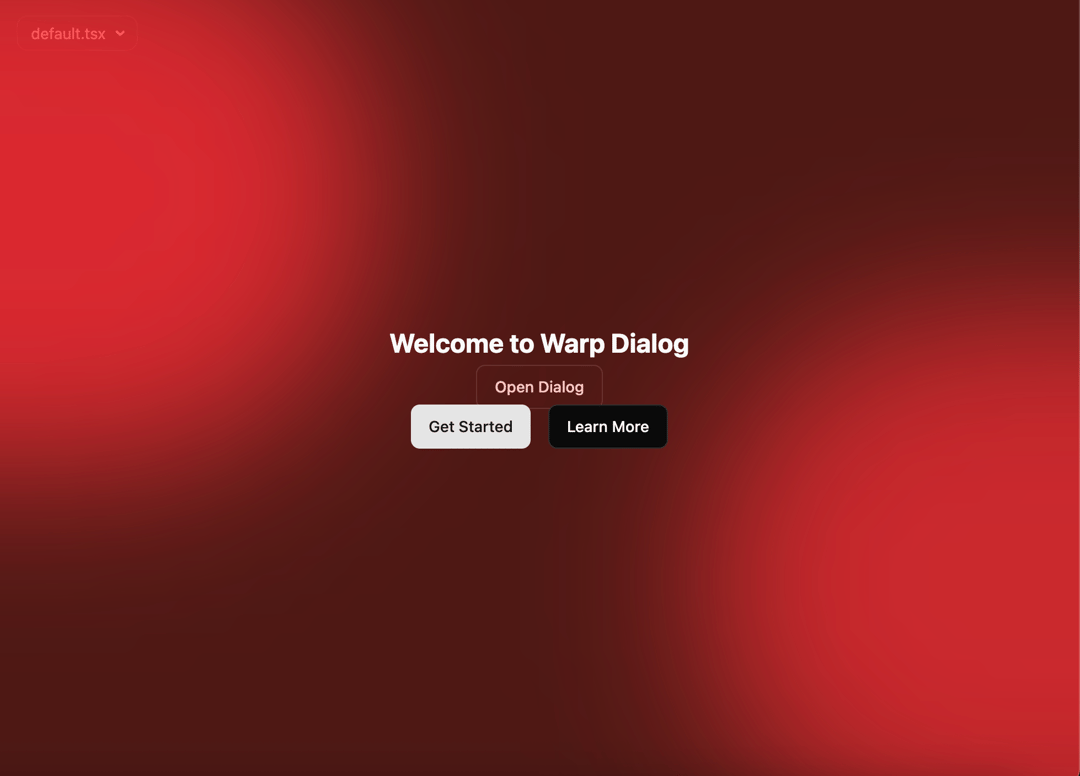
A visually striking dialog component with 3D warp animations and smooth transitions. Features perspective transformations, animated backgrounds, and spring-based motion effects for an immersive user experience.
Built with React and Tailwind. Copy the prompt and paste it into Claude Code, Cursor or Lovable: your agent adds Warp Dialog to your project and fits it to your theme.
Code
How Warp Dialog is used: the demo's code. The component's own source comes with a free account.
Usage.tsx
import {   WarpDialog,
  WarpDialogContent,
  WarpDialogTrigger, } from "@/components/ui/warp-dialog";

import { Button } from "@/components/ui/button"


export default function DemoOne() {
  return <div className="w-full h-full relative items-center justify-center flex rounded-2xl overflow-hidden">
      <WarpDialog>
        <WarpDialogTrigger asChild>
          <Button variant="outline">Open Dialog</Button>
        </WarpDialogTrigger>
        <WarpDialogContent>
          <h2 className="text-2xl font-bold mb-6">Welcome to Warp Dialog</h2>
          <div className="flex gap-4 justify-center">
            <Button variant="default">Get Started</Button>
            <Button variant="outline">Learn More</Button>
          </div>
        </WarpDialogContent>
      </WarpDialog>
    </div>;
}
Dependencies
More by Rushil Dhinoja
View all

Morphing Square
435
Voice Input
311
Orbital Loader
204
Bouncing Dots
193
Vignette Grid Background
190
Wave Loader
131
Discussion
85
Word Rotate
62