
About
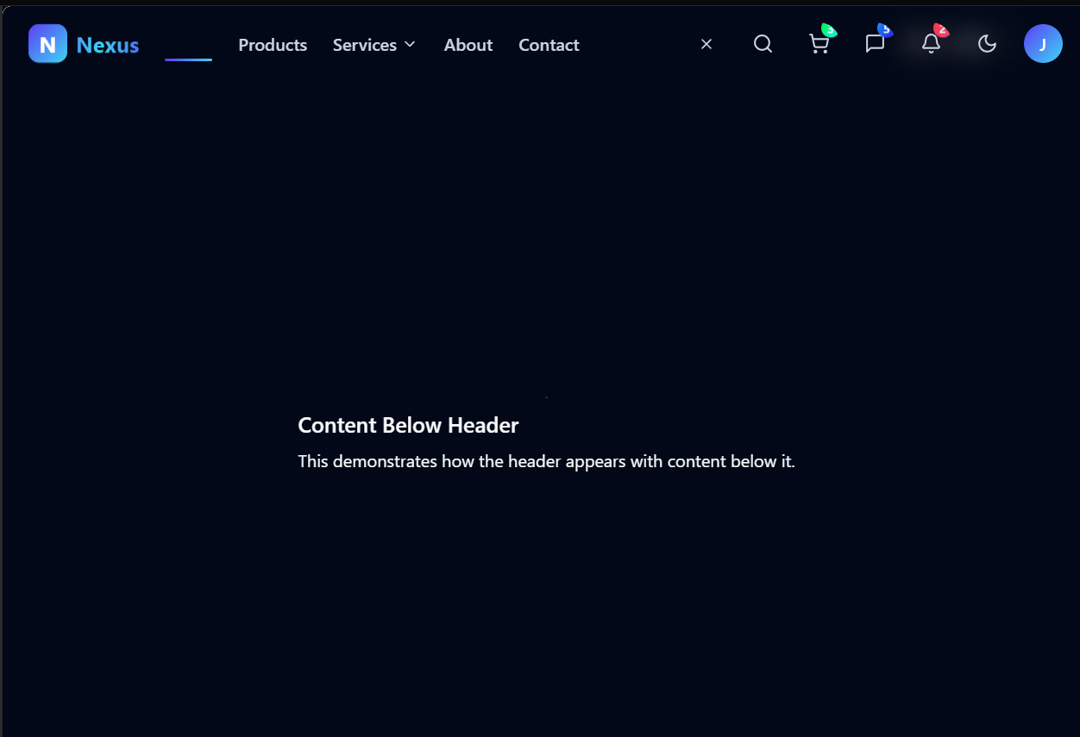
some attractive header going over here
Built with React and Tailwind. Copy the prompt and paste it into Claude Code, Cursor or Lovable: your agent adds amazing-header to your project and fits it to your theme.
Code
How amazing-header is used: the demo's code. The component's own source comes with a free account.
Usage.tsx
"use client"

import * as React from "react"
// Import AmazingHeader exactly as specified in the guide
import { AmazingHeader } from "@/components/ui/amazing-header"

// Default header example
export function BasicHeader() {
  return (
    <div className="preview-example">
      <AmazingHeader />
      <div className="mt-20 p-4">
        <h2 className="text-xl font-semibold">Content Below Header</h2>
        <p className="mt-2">This demonstrates how the header appears with content below it.</p>
      </div>
    </div>
  )
}

// Scrolled state example
export function ScrollableHeader() {
  return (
    <div className="preview-example h-[500px] overflow-auto">
      <AmazingHeader />
      <div className="mt-20 p-4 h-[1000px]">
        <h2 className="text-xl font-semibold">Scrollable Example</h2>
        <p className="mt-2 mb-4">Scroll down to see the header's behavior when scrolling.</p>
        <div className="h-[800px] flex items-end justify-center">
          <p>Scroll back up to see the header reappear</p>
        </div>
      </div>
    </div>
  )
}

// Dark mode example
export function DarkModeHeader() {
  return (
    <div className="preview-example dark">
      <AmazingHeader />
      <div className="mt-20 p-4 bg-slate-900 text-white">
        <h2 className="text-xl font-semibold">Dark Mode Header</h2>
        <p className="mt-2">This shows the header in dark mode.</p>
      </div>
    </div>
  )
}

// Export all variants as required by the guide
export { BasicHeader, ScrollableHeader, DarkModeHeader }
Dependencies
More by nakulgupta2004
View all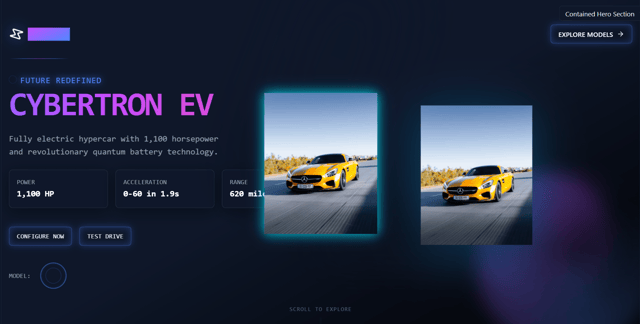
Hero-section
More in Navigation
View all

Sidebar
235
Navbar with Theme Toggle
43

Tabs
60

Sidebar
340
Numberless Pagination with Text
11
Oversized 404 Numeral
50
Footer
446
Pagination
43


