
About
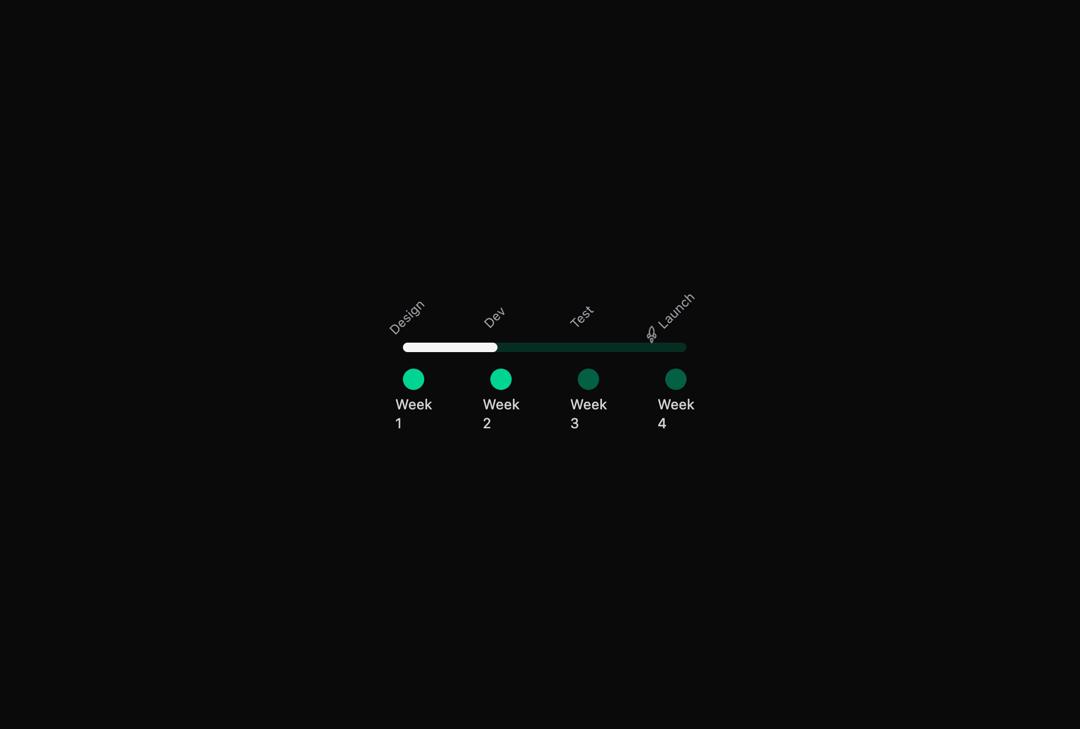
Here is Timeline Rail component
Built with React and Tailwind. Copy the prompt and paste it into Claude Code, Cursor or Lovable: your agent adds Timeline Rail to your project and fits it to your theme.
Code
How Timeline Rail is used: the demo's code. The component's own source comes with a free account.
Usage.tsx
'use client';
import { Rocket } from 'lucide-react';
import TimelineRail, { TimelineItem } from '@/components/ui/timeline-rail';

const steps: TimelineItem[] = [
  { label: 'Design', caption: 'Week 1', active: true, href: '#' },
  { label: 'Dev', caption: 'Week 2', active: true, href: '#' },
  { label: 'Test', caption: 'Week 3', href: '#' },
  { label: 'Launch', caption: 'Week 4', href: '#' },
];

export default function TrCustom() {
  return (
    <div className='max-w-4xl'>
      <TimelineRail
        items={steps}
        lineThickness={8}
        lineColorClass='bg-emerald-200 dark:bg-emerald-900/50'
        dotClass='bg-emerald-300 dark:bg-emerald-800'
        dotActiveClass='bg-emerald-600 dark:bg-emerald-400'
        renderLabel={(item, i) => (
          <span className='flex items-center gap-1'>
            {i === steps.length - 1 && <Rocket className='h-3 w-3' />}
            {item.label}
          </span>
        )}
        renderCaption={(item) => <time>{item.caption}</time>}
      />
    </div>
  );
}
More by nayan_radadiya6
View all

First Place Leaderboard
35