
About
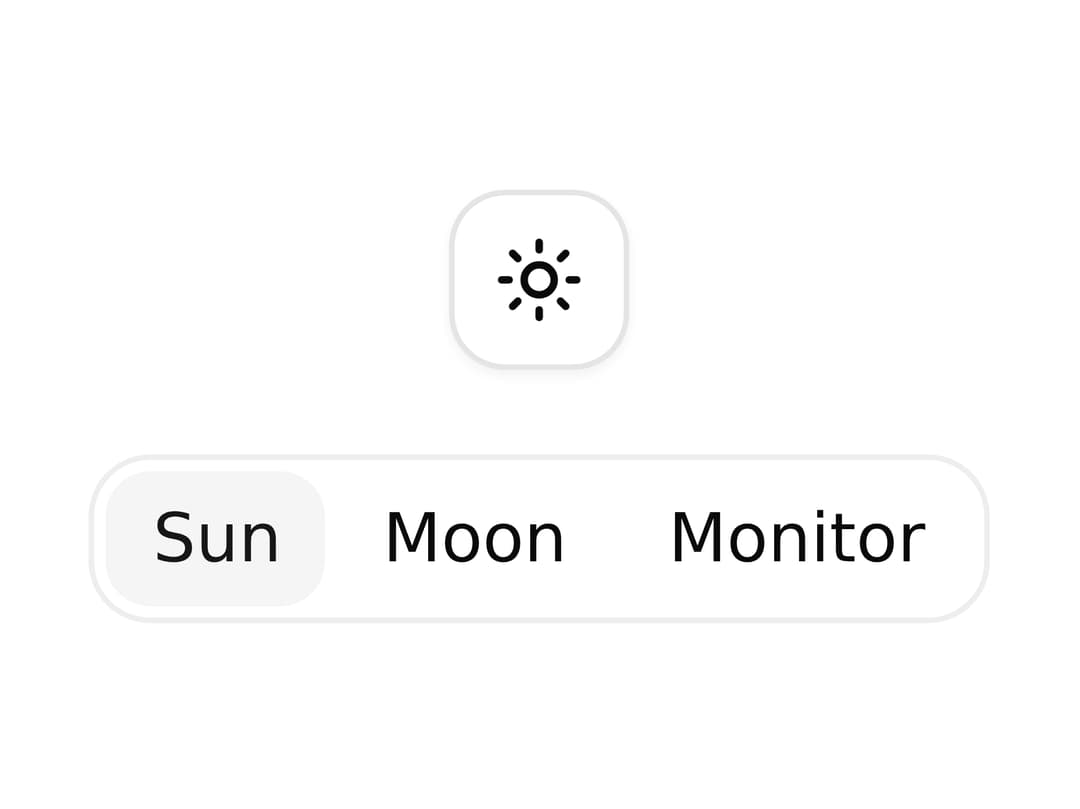
Animate swapping between icons with scale, blur, and fade transitions when the active icon changes.
Built with React and Tailwind. Copy the prompt and paste it into Claude Code, Cursor or Lovable: your agent adds Icon Swap to your project and fits it to your theme.
Code
How Icon Swap is used: the demo's code. The component's own source comes with a free account.
Usage.tsx
"use client"

import { IconSwap, IconSwapItem } from "@/components/ui/icon-swap"

import { useState } from "react"
import { MonitorIcon, MoonIcon, SunIcon } from "lucide-react"

import { Button } from "@/components/ui/icon-swap-utils/button"

const ICONS = {
  sun: SunIcon,
  moon: MoonIcon,
  monitor: MonitorIcon,
} as const

type IconKey = keyof typeof ICONS

export default function IconSwapDemo() {
  const [icon, setIcon] = useState<IconKey>("sun")

  const Icon = ICONS[icon]

  return (
    <div className="flex flex-col items-center gap-4">
      <Button
        className="relative will-change-transform"
        variant="outline"
        size="icon-sm"
        aria-label={icon}
      >
        <IconSwap>
          <IconSwapItem key={icon}>
            <Icon />
          </IconSwapItem>
        </IconSwap>
      </Button>

      <div className="flex gap-0.5 rounded-lg p-0.5 ring-1 ring-line">
        {Object.keys(ICONS).map((key) => (
          <Button
            key={key}
            className="rounded-md border-none capitalize"
            size="xs"
            variant={icon === key ? "secondary" : "ghost"}
            onClick={() => setIcon(key as IconKey)}
          >
            {key}
          </Button>
        ))}
      </div>
    </div>
  )
}
Dependencies
More by Chánh Đại
View all
Apple Hello Effect
610
Theme Switcher
225
Hero Golden Spiral
101
Mobius Loop Icon
69
Wheel Picker
67
Testimonial 2
32
Glow Card Grid
28
Spinning Circular Text
23