
About
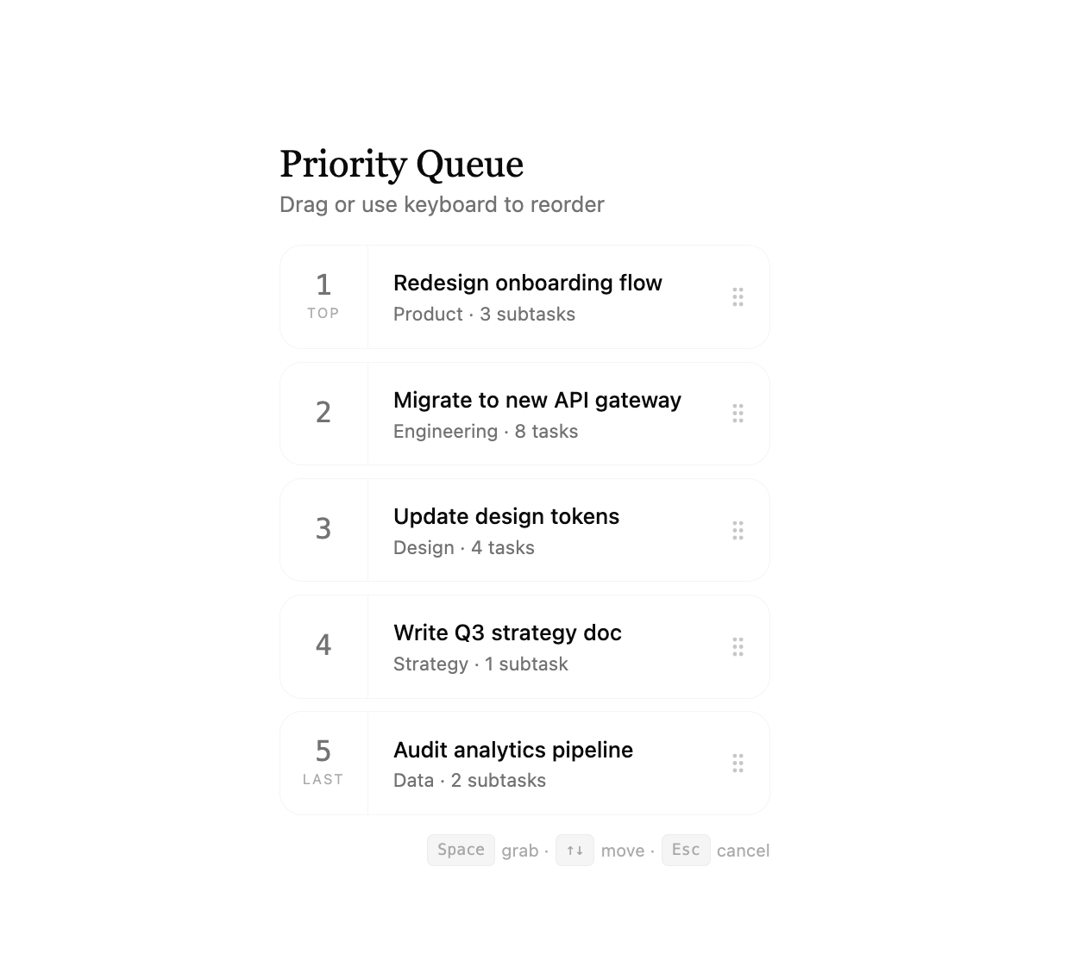
A keyboard and drag-and-drop reorderable list with rank numbers, smooth transitions, and full accessibility support. Built with native HTML5 DnD.
Built with React and Tailwind. Copy the prompt and paste it into Claude Code, Cursor or Lovable: your agent adds Draggable Priority List to your project and fits it to your theme.
Code
How Draggable Priority List is used: the demo's code. The component's own source comes with a free account.
Usage.tsx
"use client";
import { DraggablePriorityList, type PriorityItem } from "@/components/ui/draggable-priority-list";

const DEMO_ITEMS: PriorityItem[] = [
  { id: 1, title: "Redesign onboarding flow",   meta: "Product · 3 subtasks"  },
  { id: 2, title: "Migrate to new API gateway",  meta: "Engineering · 8 tasks" },
  { id: 3, title: "Write Q3 strategy doc",       meta: "Strategy · 1 subtask"  },
  { id: 4, title: "Update design tokens",        meta: "Design · 4 tasks"      },
  { id: 5, title: "Audit analytics pipeline",   meta: "Data · 2 subtasks"     },
];

export default function DraggablePriorityListDemo() {
  return (
    <div className="flex min-h-screen items-center justify-center bg-background p-8">
      <div className="w-full max-w-lg space-y-4">
        <div>
          <h1 className="font-serif text-2xl font-normal">Priority Queue</h1>
          <p className="text-sm text-muted-foreground">Drag or use keyboard to reorder</p>
        </div>
        <DraggablePriorityList
          items={DEMO_ITEMS}
          onChange={(reordered) => console.log("New order:", reordered)}
        />
      </div>
    </div>
  );
}