About
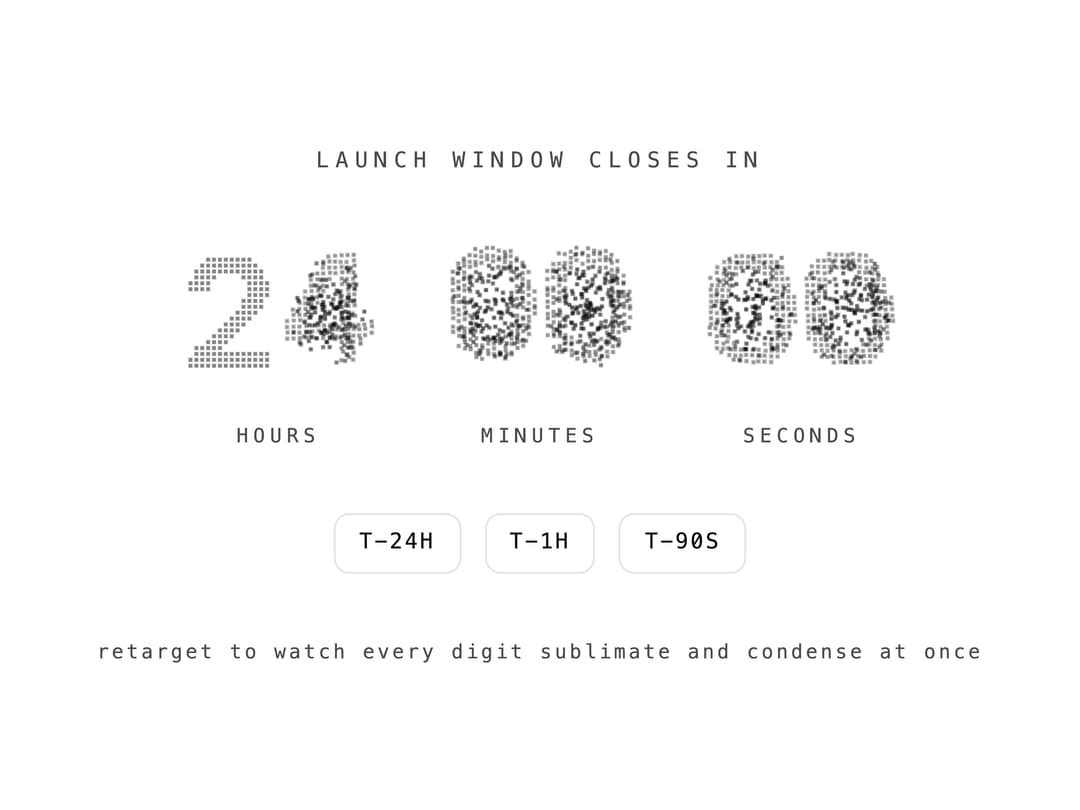
A live HH:MM:SS countdown timer where each digit change animates as a phase transition, with the outgoing digit dissolving into drifting grains while the incoming digit condenses back into place on a canvas particle effect.
Built with React and Tailwind. Copy the prompt and paste it into Claude Code, Cursor or Lovable: your agent adds Countdown Vapor Digits to your project and fits it to your theme.
Code
How Countdown Vapor Digits is used: the demo's code. The component's own source comes with a free account.
Usage.tsx
"use client";

import { useState } from "react";
import { VaporCountdown } from "@/components/ui/countdown-vapor-digits";

export default function Preview() {
  const [target, setTarget] = useState(
    () => new Date(Date.now() + 24 * 60 * 60 * 1000),
  );

  const retarget = (seconds: number) => {
    setTarget(new Date(Date.now() + seconds * 1000));
  };

  return (
    <div className="flex min-h-screen w-full flex-col items-center justify-center gap-8 bg-background px-6 text-center">
      <p className="font-mono text-[11px] tracking-[0.3em] text-ns-muted">
        LAUNCH WINDOW CLOSES IN
      </p>
      <VaporCountdown targetDate={target} />
      <div className="flex items-center gap-3">
        <button
          onClick={() => retarget(24 * 3600)}
          className="rounded-md border border-border px-3 py-1.5 font-mono text-[11px] tracking-[0.1em] text-foreground transition-colors hover:bg-accent"
        >
          T-24H
        </button>
        <button
          onClick={() => retarget(3600)}
          className="rounded-md border border-border px-3 py-1.5 font-mono text-[11px] tracking-[0.1em] text-foreground transition-colors hover:bg-accent"
        >
          T-1H
        </button>
        <button
          onClick={() => retarget(90)}
          className="rounded-md border border-border px-3 py-1.5 font-mono text-[11px] tracking-[0.1em] text-foreground transition-colors hover:bg-accent"
        >
          T-90S
        </button>
      </div>
      <p className="font-mono text-[10px] tracking-[0.15em] text-ns-muted">
        retarget to watch every digit sublimate and condense at once
      </p>
    </div>
  );
}
More by nikolas-sapa
View all

Dye Whorl
135
Hero Burin Hatch
60
Background ASCII Wake
52
Hero Text Ring Funnel
48
Toast Gravity Stack
46
Hero ASCII Schlieren
43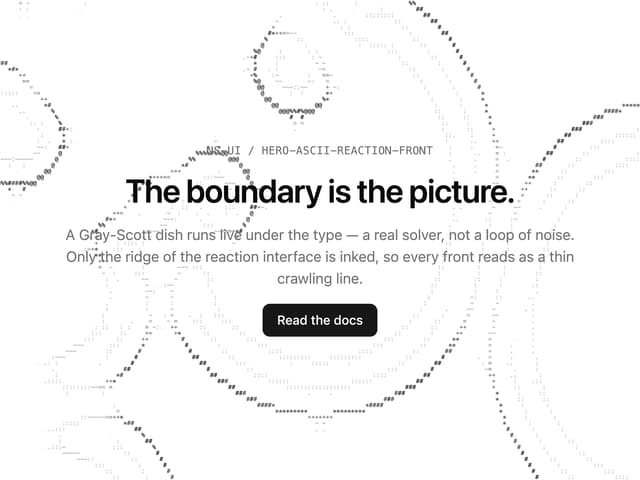
Hero ASCII Reaction Front
40
Hero ASCII Tunnel
35
More in Heroes
View all

SaaS Template
2.4K

Responsive Hero Banner
2K

Hero
1.2K
Centered Hero with Image Fan
919

HeroSectionWithGradient
334
Editorial Collage Hero
425

Hero 03
313
Glass Fold
194
