About
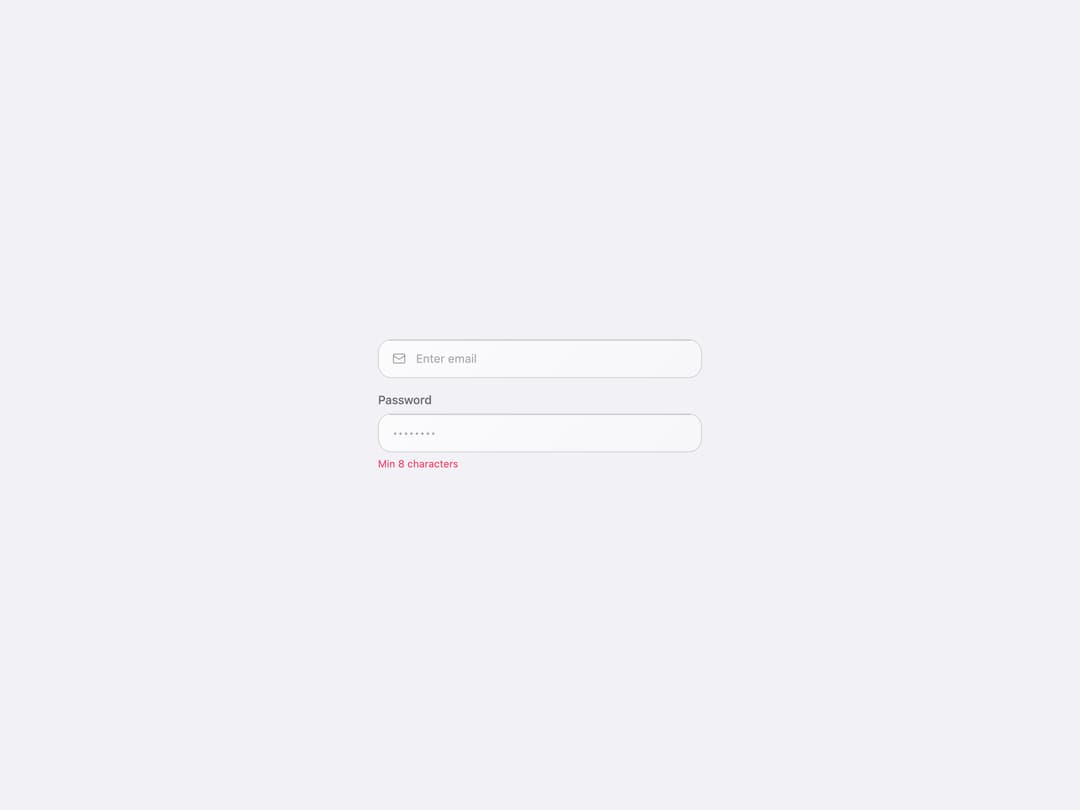
A frosted glassmorphism text input with an optional label, leading/trailing icons, and error message, styled after Apple's Liquid Glass aesthetic.
Built with React and Tailwind. Copy the prompt and paste it into Claude Code, Cursor or Lovable: your agent adds Liquid Glass Input to your project and fits it to your theme.
Code
How Liquid Glass Input is used: the demo's code. The component's own source comes with a free account.
Usage.tsx
import { LiquidGlassInput } from "@/components/ui/liquid-glass-input";
import { useState } from "react";

export default function LiquidGlassInputDemo() {
  const [inputValue, setInputValue] = useState("");

  return (
    <div className="relative flex min-h-screen w-full items-center justify-center overflow-hidden p-10">
      {/* Base surface + soft color blobs, matching the source library's AnimatedBackground */}
      <div className="absolute inset-0 -z-10 bg-[var(--lg-bg)]" />
      <div className="absolute -top-40 -left-40 -z-10 h-[600px] w-[600px] rounded-full bg-liquid-blue/10 blur-[120px] dark:bg-liquid-blue/15" />
      <div className="absolute top-1/3 -right-40 -z-10 h-[500px] w-[500px] rounded-full bg-liquid-purple/8 blur-[100px] dark:bg-liquid-purple/15" />
      <div className="absolute -bottom-40 left-1/4 -z-10 h-[500px] w-[500px] rounded-full bg-liquid-pink/6 blur-[100px] dark:bg-liquid-pink/10" />

      <div className="relative w-full max-w-sm space-y-4">
        <LiquidGlassInput
          placeholder="Enter email"
          icon={
            <svg
              width="16"
              height="16"
              viewBox="0 0 24 24"
              fill="none"
              stroke="currentColor"
              strokeWidth="2"
            >
              <rect width="20" height="16" x="2" y="4" rx="2" />
              <path d="m22 7-8.97 5.7a1.94 1.94 0 0 1-2.06 0L2 7" />
            </svg>
          }
          value={inputValue}
          onChange={setInputValue}
        />
        <LiquidGlassInput
          label="Password"
          type="password"
          placeholder="••••••••"
          error="Min 8 characters"
        />
      </div>
    </div>
  );
}
Dependencies
More by obaidqatan
View all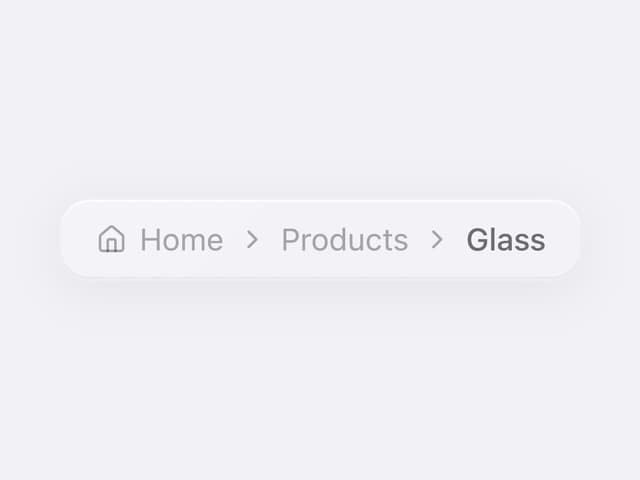

Liquid Glass Breadcrumb
23
Liquid Glass Accordion
22
Liquid Glass Hover Card
9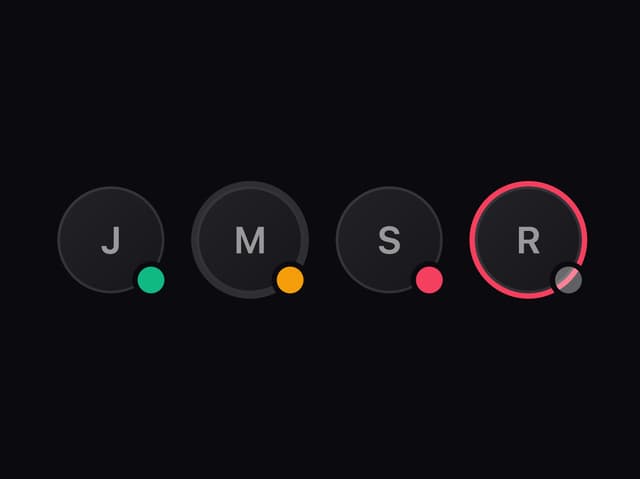
Liquid Glass Avatar
More in Forms
View all

Premium Auth
500

Login 1
52

Book A Demo 3
83
Authentication Card
47

Contact Card
1K

Login Card
32
Book A Demo 1
69

Login 2
7
