
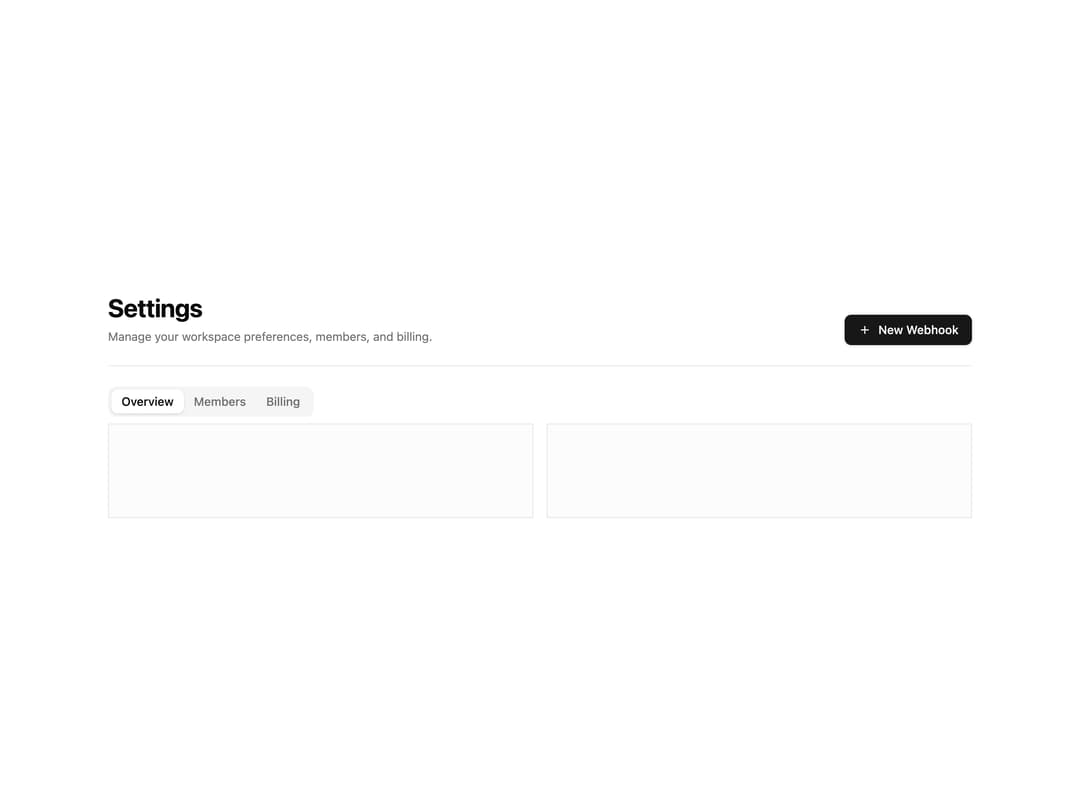
About
An application page header with a title, description, primary action button, and navigation tabs for switching between content sections.
Built with React and Tailwind. Copy the prompt and paste it into Claude Code, Cursor or Lovable: your agent adds Page Header with Tabs to your project and fits it to your theme.
Code
How Page Header with Tabs is used: the demo's code. The component's own source comes with a free account.
Usage.tsx
import PageHeaderBlock from "@/components/ui/page-header-3";

export default function Default() {
  return <PageHeaderBlock />;
}
Dependencies
More by Oliver
View all
Dismissible Alert Stack
339
Us vs Them Comparison
334
Feature Comparison Table
237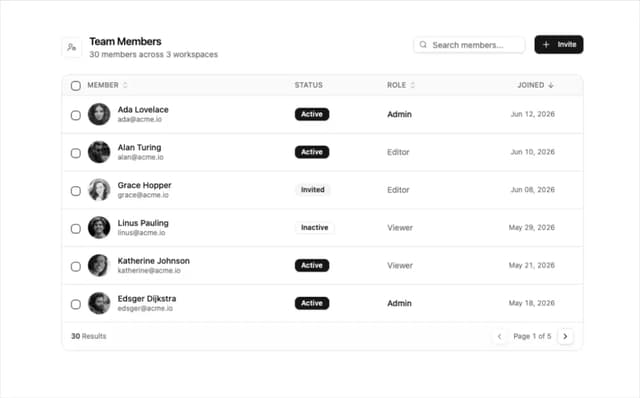
Team Members Data Table
210
How It Works Timeline
198
Logo Cloud Marquee
96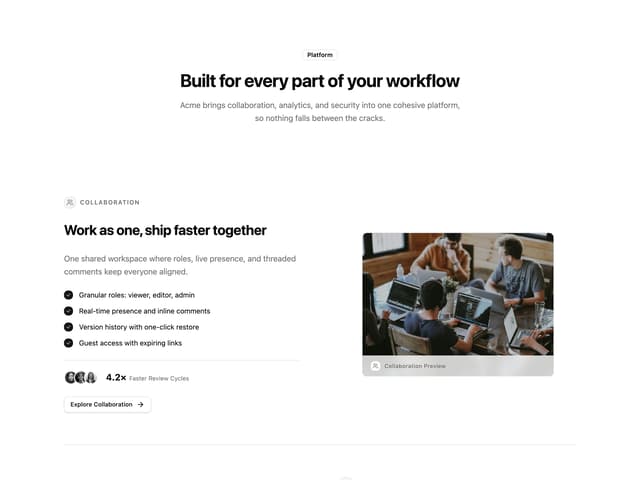
Alternating Rows With Stats
80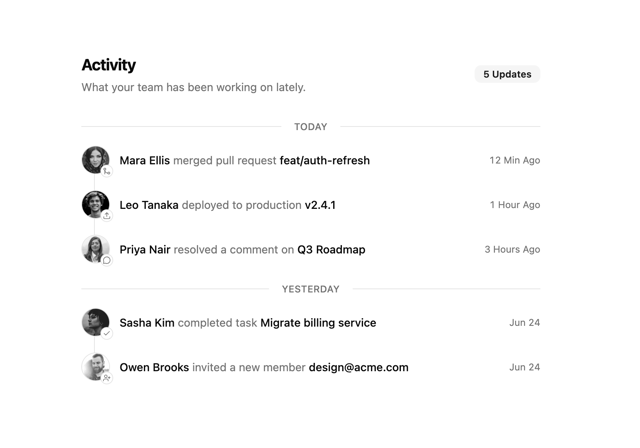
Activity Timeline
69
More in Buttons
View all
Button Save
46

Button
20

Eclipse Button
5

Button
6

Button
14

Button Group
37

Button
32
Split Button
32

