
About
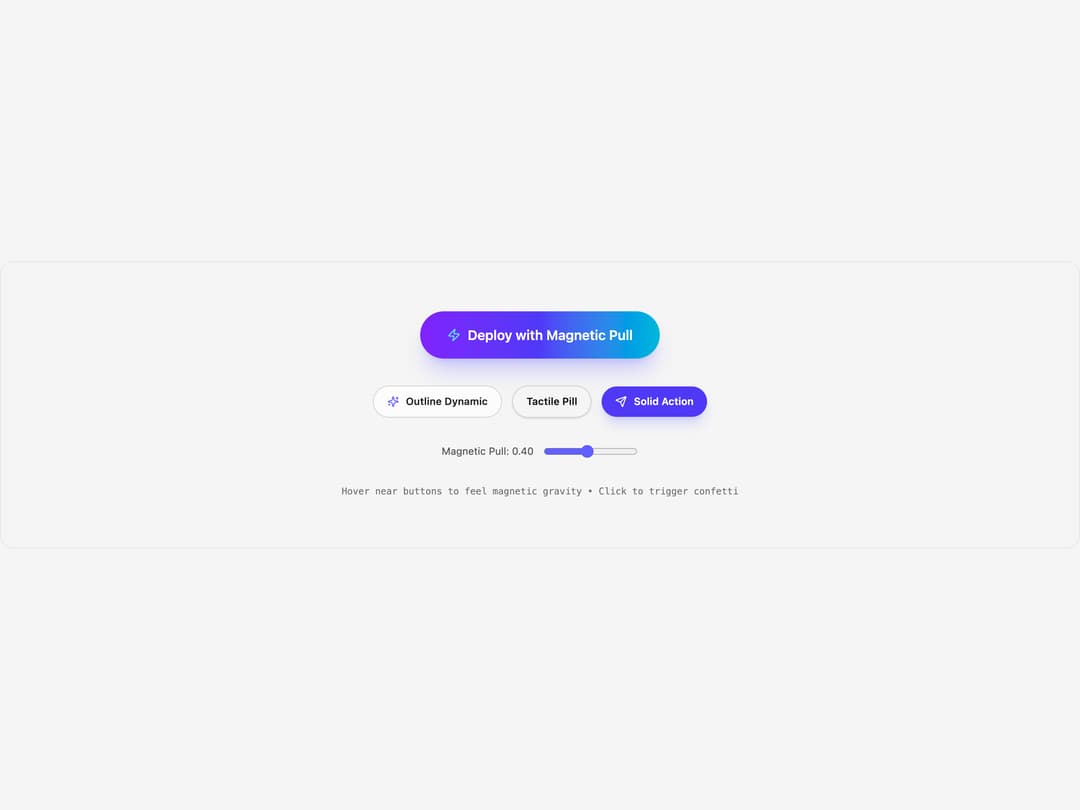
Magnetic action button with spring cursor pull, inner parallax and confetti feedback
Built with React and Tailwind. Copy the prompt and paste it into Claude Code, Cursor or Lovable: your agent adds Magnetic Button to your project and fits it to your theme.
Code
How Magnetic Button is used: the demo's code. The component's own source comes with a free account.
Usage.tsx
import { useState } from "react"
import { MagneticButton } from "@/components/ui/magnetic-button"
import { Zap, Sparkles, Send } from "lucide-react"

export default function MagneticButtonDemo() {
  const [strength, setStrength] = useState(0.4)
  const [loading, setLoading] = useState(false)
  const [success, setSuccess] = useState(false)

  const handleSimulateAction = () => {
    setLoading(true)
    setSuccess(false)
    setTimeout(() => {
      setLoading(false)
      setSuccess(true)
      setTimeout(() => setSuccess(false), 2400)
    }, 1200)
  }

  return (
    <div className="flex flex-col items-center justify-center p-8 sm:p-12 min-h-[340px] w-full rounded-2xl bg-neutral-100 dark:bg-[#090a0f] border border-neutral-200 dark:border-white/10 gap-8 transition-colors">
      {/* Glow Variant with Confetti and Async Simulation */}
      <MagneticButton
        magneticStrength={strength}
        isLoading={loading}
        isSuccess={success}
        onClick={handleSimulateAction}
        variant="glow"
        className="text-base px-8 py-4"
      >
        <Zap className="w-4 h-4 text-cyan-300" />
        <span>Deploy with Magnetic Pull</span>
      </MagneticButton>

      {/* Variations row */}
      <div className="flex flex-wrap items-center justify-center gap-3">
        <MagneticButton
          magneticStrength={strength}
          variant="outline"
          className="text-xs px-4 py-2.5"
        >
          <Sparkles className="w-3.5 h-3.5 text-indigo-500 dark:text-indigo-400" />
          <span>Outline Dynamic</span>
        </MagneticButton>

        <MagneticButton
          magneticStrength={strength}
          variant="secondary"
          className="text-xs px-4 py-2.5"
        >
          <span>Tactile Pill</span>
        </MagneticButton>

        <MagneticButton
          magneticStrength={strength}
          variant="primary"
          className="text-xs px-4 py-2.5"
        >
          <Send className="w-3.5 h-3.5" />
          <span>Solid Action</span>
        </MagneticButton>
      </div>

      <div className="flex items-center gap-3 text-xs text-neutral-600 dark:text-neutral-400">
        <span>Magnetic Pull: {strength.toFixed(2)}</span>
        <input
          type="range"
          min={0.15}
          max={0.7}
          step={0.05}
          value={strength}
          onChange={(e) => setStrength(Number(e.target.value))}
          className="w-28 accent-indigo-500 cursor-pointer"
        />
      </div>

      <p className="text-[11px] text-neutral-500 dark:text-neutral-400 font-mono text-center">
        Hover near buttons to feel magnetic gravity • Click to trigger confetti
      </p>
    </div>
  )
}

export { MagneticButtonDemo }
Dependencies
More by Paulo Riveros
View all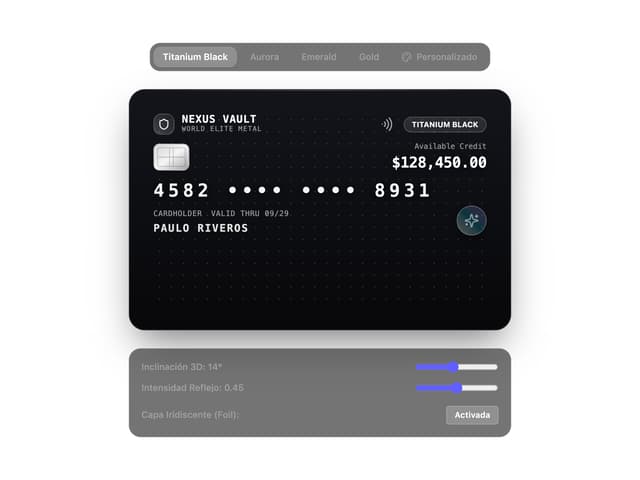
Holographic Card