About
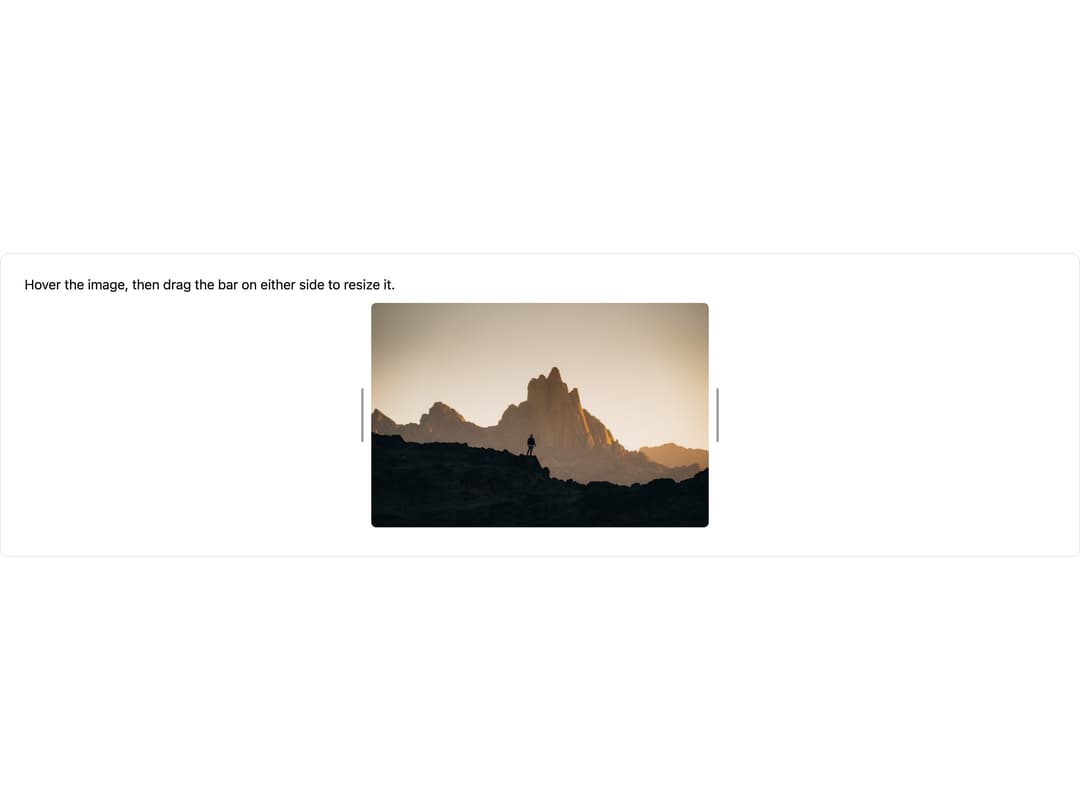
A resizable wrapper with draggable resize handles for media elements in a Plate editor, letting users resize images and other blocks by dragging their side bars.
Built with React and Tailwind. Copy the prompt and paste it into Claude Code, Cursor or Lovable: your agent adds Resize Handle to your project and fits it to your theme.
Code
How Resize Handle is used: the demo's code. The component's own source comes with a free account.
Usage.tsx
"use client";

import * as React from "react";

import {
  mediaResizeHandleVariants,
  Resizable,
  ResizeHandle,
} from "@/components/ui/resize-handle";

import { ImagePlugin } from "@platejs/media/react";
import { ResizableProvider } from "@platejs/resizable";
import {
  Plate,
  PlateContent,
  PlateElement,
  usePlateEditor,
  withHOC,
} from "platejs/react";

const ImageElement = withHOC(
  ResizableProvider,
  function ImageElement(props: any) {
    return (
      <PlateElement {...props} className="py-2.5">
        <figure className="group relative m-0" contentEditable={false}>
          <Resizable align="center" options={{ align: "center" }}>
            <ResizeHandle
              className={mediaResizeHandleVariants({ direction: "left" })}
              options={{ direction: "left" }}
            />
            <img
              className="block w-full max-w-full cursor-pointer rounded-sm object-cover"
              src={props.element.url}
              alt=""
            />
            <ResizeHandle
              className={mediaResizeHandleVariants({ direction: "right" })}
              options={{ direction: "right" }}
            />
          </Resizable>
        </figure>
        {props.children}
      </PlateElement>
    );
  },
);

const initialValue = [
  {
    type: "p",
    children: [
      {
        text: "Hover the image, then drag the bar on either side to resize it.",
      },
    ],
  },
  {
    type: "img",
    url: "https://cdn.21st.dev/assets/mirror/93/93705f2c9b4e565fdce3bce468297be812a4abbdf9f108c70a90ddeb6e5053af.jpg",
    width: 400,
    children: [{ text: "" }],
  },
];

export default function ResizeHandleDemo() {
  const editor = usePlateEditor({
    plugins: [ImagePlugin.withComponent(ImageElement)],
    value: initialValue,
  });

  return (
    <div className="w-full rounded-lg border bg-background p-4 text-foreground">
      <Plate editor={editor}>
        <PlateContent className="min-h-[300px] px-3 py-2 outline-none" />
      </Plate>
    </div>
  );
}
Dependencies
More by platejs
View all

Math Base Kit
15
Highlight Leaf
6
Cursor Overlay
5
Editor
4
Link Element
3
Inline Combobox
1
List
1
Blockquote Element
1