About
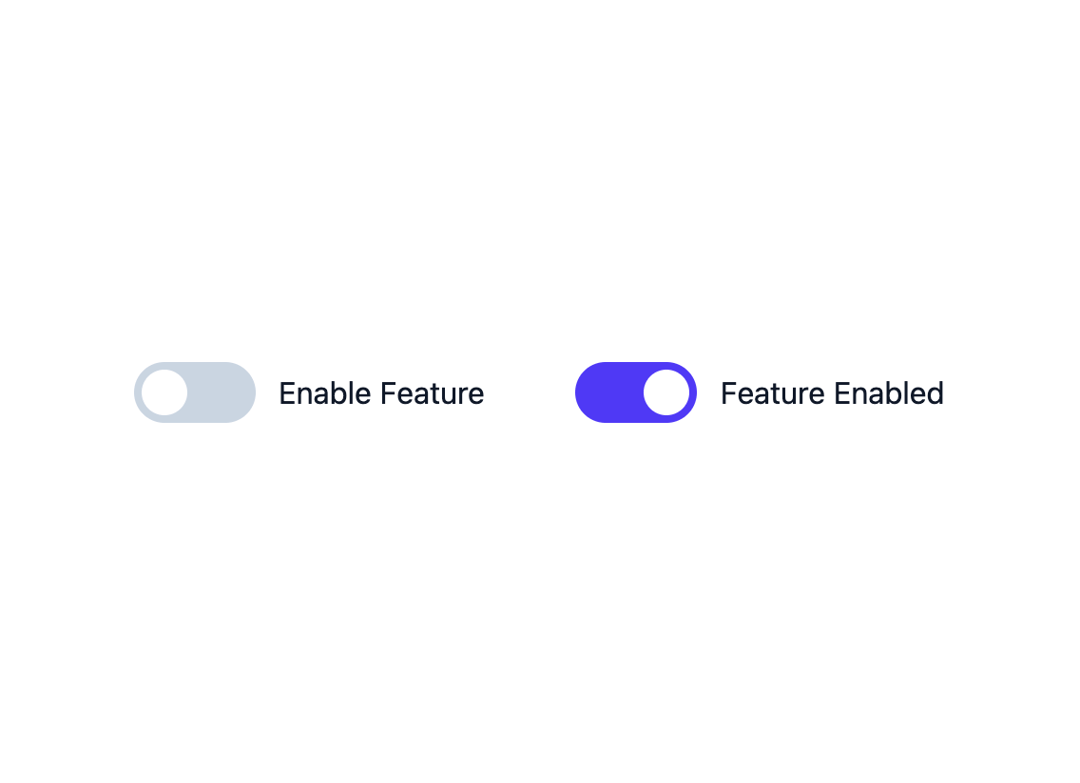
Here is Toggle Switch component
Built with React and Tailwind. Copy the prompt and paste it into Claude Code, Cursor or Lovable: your agent adds Toggle Switch to your project and fits it to your theme.
Code
How Toggle Switch is used: the demo's code. The component's own source comes with a free account.
Usage.tsx
export default function Example() {
    return (
        <div className="flex flex-wrap items-center justify-center gap-12">
            <label className="relative inline-flex items-center cursor-pointer text-gray-900 gap-3">
                <input type="checkbox" className="sr-only peer" />
                <div className="w-16 h-8 bg-slate-300 rounded-full peer peer-checked:bg-indigo-600 transition-colors duration-200"></div>
                <span className="dot absolute left-1 top-1 w-6 h-6 bg-white rounded-full transition-transform duration-200 ease-in-out peer-checked:translate-x-8"></span>
                Enable Feature
            </label>
            <label className="relative inline-flex items-center cursor-pointer text-gray-900 gap-3">
                <input type="checkbox" className="sr-only peer" checked />
                <div className="w-16 h-8 bg-slate-300 rounded-full peer peer-checked:bg-indigo-600 transition-colors duration-200"></div>
                <span className="dot absolute left-1 top-1 w-6 h-6 bg-white rounded-full transition-transform duration-200 ease-in-out peer-checked:translate-x-8"></span>
                Feature Enabled
            </label>
        </div>
    );
};More by prebuiltui
View all

Image Gallery
1.3K
Hero Section
412
Feature Sections
344
Testimonial
303
Cards
231
FAQ Sections
177
Form
136
Login Form
125
More in Forms
View all

Premium Auth
500

Login 2
7
Authentication Card
47

Login 1
52

Contact Card
1K
Login Form
6

Form
16

Book A Demo 3
83
