
About
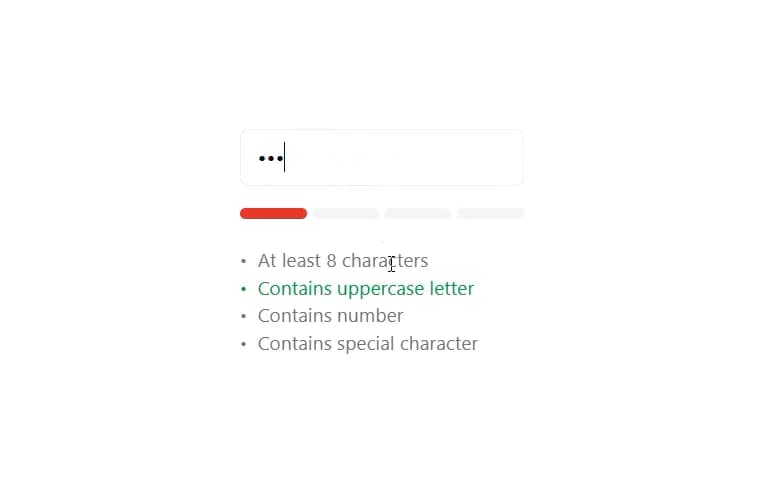
Visual indicator for password strength with validation criteria.
Built with React and Tailwind. Copy the prompt and paste it into Claude Code, Cursor or Lovable: your agent adds Password Strength Meter to your project and fits it to your theme.
Code
How Password Strength Meter is used: the demo's code. The component's own source comes with a free account.
Usage.tsx
import { PasswordStrengthMeter } from "@/components/ui/password-strength-meter"
import {useState} from 'react';

export const Demo = () => {
  const [password, setPassword] = useState("");

  return (
    <div className="flex flex-col gap-4">
      <input
        type="password"
        value={password}
        onChange={(e) => setPassword(e.target.value)}
        className="w-full px-3 py-2 border rounded-md focus-visible:ring-0 focus-within:ring-0 focus:outline-white/10"
        placeholder="Enter password"
      />
      <PasswordStrengthMeter password={password} />
    </div>
  );
};More by Preet Suthar
View all

Modern & Stunning sign in
1.5K
Shining Text
1.5K
Magic Text
846
Hero 2
818
Toolbar
815
Typewriter Text
768
AI Chat Input
729
Full Screen Signup
722
More in Forms
View all

Premium Auth
492
Authentication Card
44

Login 1
52

Login 2
7

Form
15

Form
31

Login Card
32

Card Studio
41
