
About
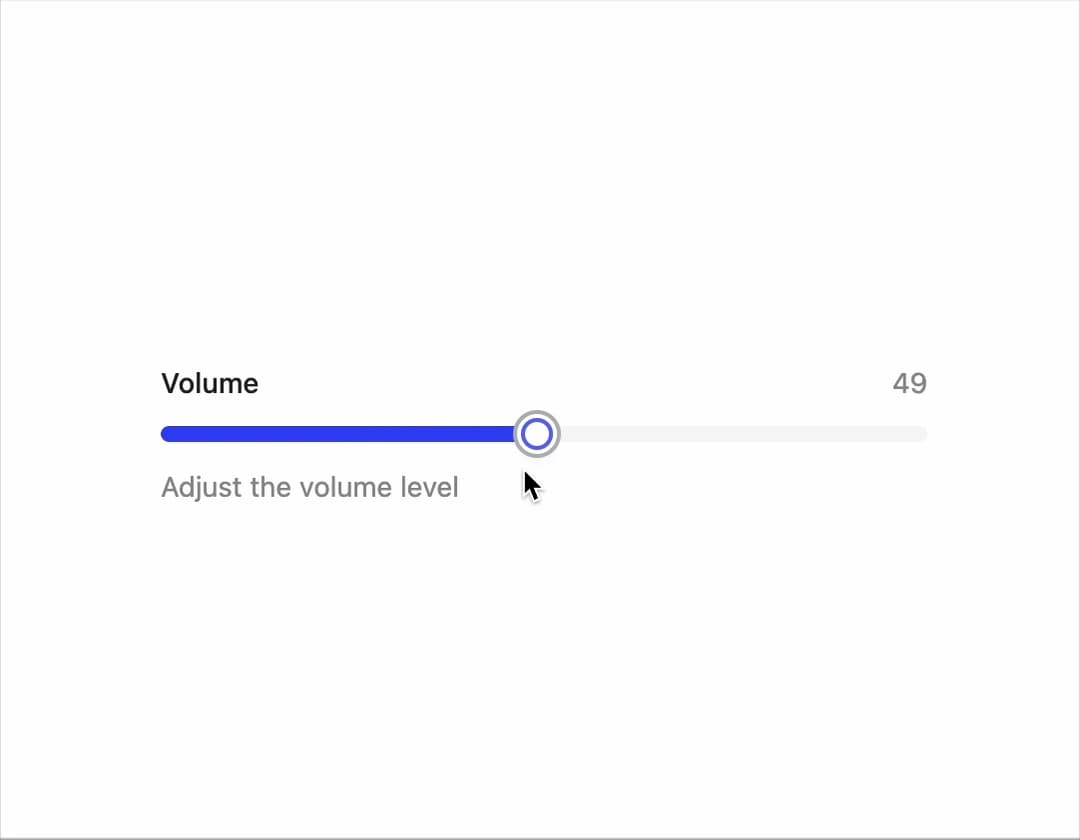
A customizable range input component for selecting numeric values with multiple variants and sizes
Built with React and Tailwind. Copy the prompt and paste it into Claude Code, Cursor or Lovable: your agent adds Slider to your project and fits it to your theme.
Code
How Slider is used: the demo's code. The component's own source comes with a free account.
Usage.tsx
import { Slider } from "@/components/ui/slider";
import React from "react";

export default function DemoOne() {
  const [value, setValue] = React.useState([25]);

  return  (
    <div className="max-w-sm w-full">
      <Slider
        value={value}
        onValueChange={setValue}
        label="Volume"
        description="Adjust the volume level"
        showValue
        max={100}
        step={1}
      />
    </div>
  )
}
Dependencies
More by Preet Suthar
View all

Modern & Stunning sign in
1.6K
Shining Text
1.5K
Magic Text
845
Toolbar
821
Hero 2
818
Typewriter Text
768
AI Chat Input
733
Full Screen Signup
729
More in Forms
View all

Premium Auth
497

Login 2
7
Authentication Card
45

Login 1
52

Contact Card
1K

Form
16

Form
136

Card Studio
41
