
About
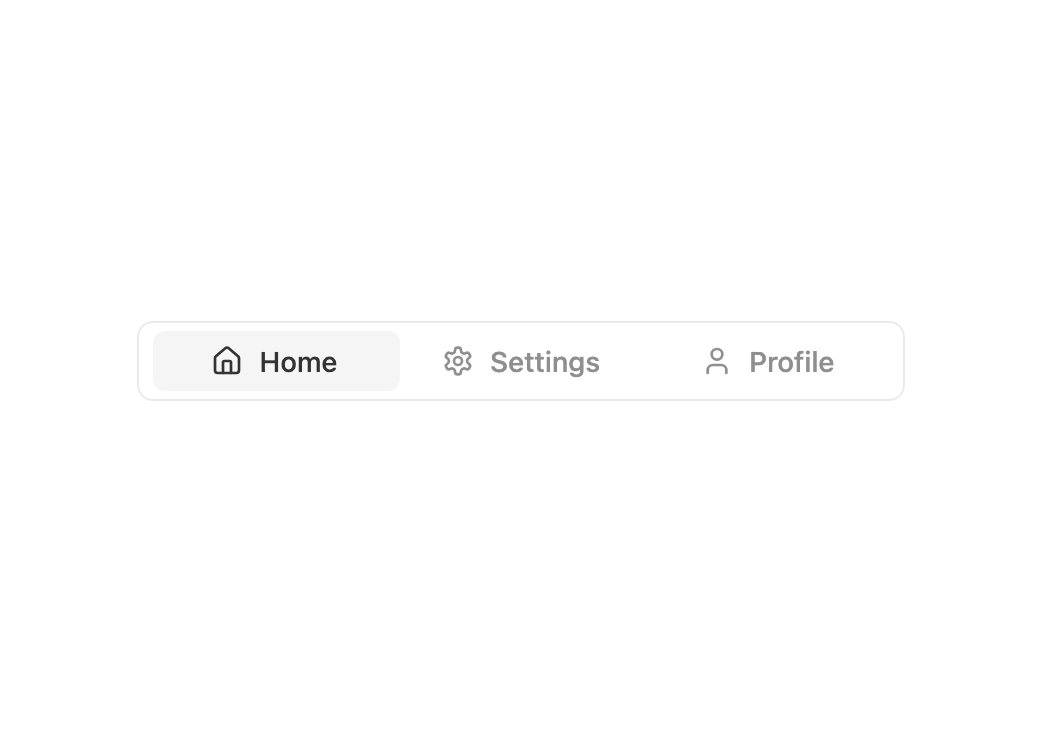
A set of layered sections of content with smooth animations and modern styling.
Built with React and Tailwind. Copy the prompt and paste it into Claude Code, Cursor or Lovable: your agent adds Tabs to your project and fits it to your theme.
Code
How Tabs is used: the demo's code. The component's own source comes with a free account.
Usage.tsx
import { Tabs } from "@/components/ui/tabs";
import {Home, Settings, User} from "lucide-react"

export default function DemoOne() {
  return (
    <>
      <div className="flex flex-col items-center gap-6 w-full max-w-sm">
        <Tabs
          items={[
            { id: "home", label: "Home", icon: <Home /> },
            { id: "settings", label: "Settings", icon: <Settings /> },
            { id: "profile", label: "Profile", icon: <User /> },
          ]}
          defaultValue="home"
        />
      </div>
    </>
  );
}
Dependencies
More by Preet Suthar
View all

Modern & Stunning sign in
1.6K
Shining Text
1.5K
Magic Text
845
Toolbar
822
Hero 2
818
Typewriter Text
769
AI Chat Input
734
Full Screen Signup
731
More in Navigation
View all

Sidebar
234

Tabs
60
Newsletter Signup Footer
16
Progress Bar Stepper
36

Footer 2
201
Navbar with Theme Toggle
43

Navbar
71
Pagination
86
