
About
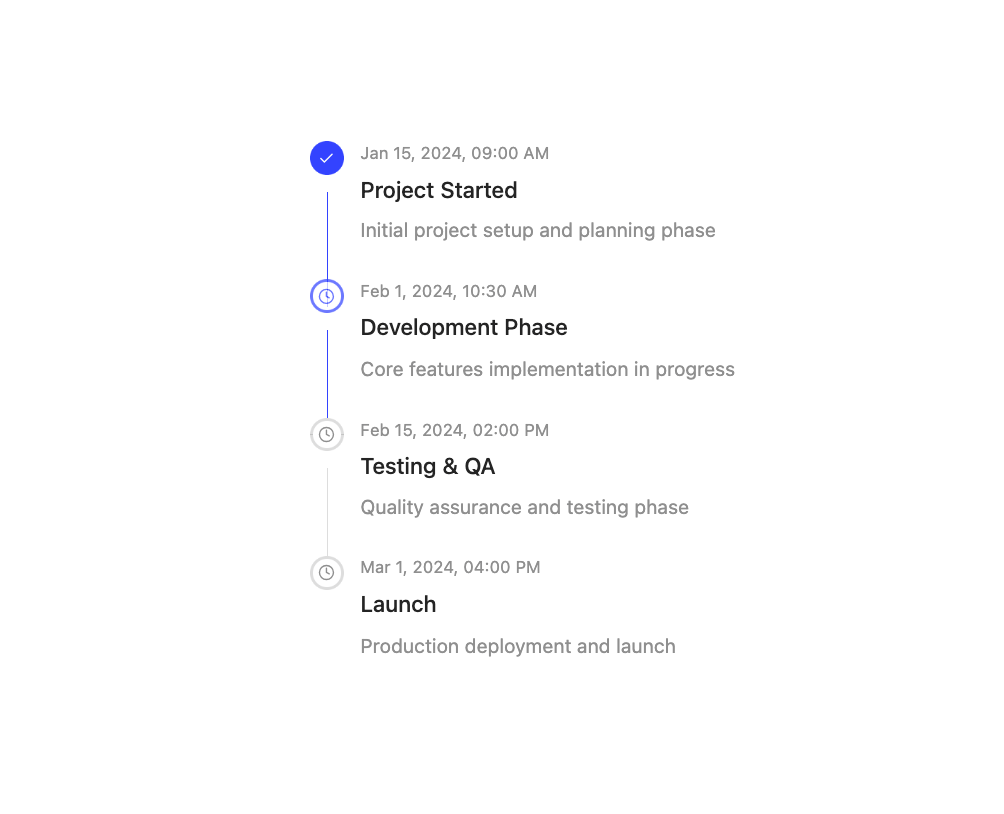
A flexible timeline component for displaying chronological events, processes, and workflows with support for different orientations, statuses, and custom content.
Built with React and Tailwind. Copy the prompt and paste it into Claude Code, Cursor or Lovable: your agent adds Timeline to your project and fits it to your theme.
Code
How Timeline is used: the demo's code. The component's own source comes with a free account.
Usage.tsx
import { Timeline } from "@/components/ui/timeline";

interface TimelineItem {
  id: string;
  title: string;
  description: string;
  timestamp: Date;
  status: "completed" | "active" | "pending";
}

export default function DemoOne() {
  const items: TimelineItem[] = [
    {
      id: "1",
      title: "Project Started",
      description: "Initial project setup and planning phase",
      timestamp: new Date("2024-01-15T09:00:00"),
      status: "completed",
    },
    {
      id: "2",
      title: "Development Phase",
      description: "Core features implementation in progress",
      timestamp: new Date("2024-02-01T10:30:00"),
      status: "active",
    },
    {
      id: "3",
      title: "Testing & QA",
      description: "Quality assurance and testing phase",
      timestamp: new Date("2024-02-15T14:00:00"),
      status: "pending",
    },
    {
      id: "4",
      title: "Launch",
      description: "Production deployment and launch",
      timestamp: new Date("2024-03-01T16:00:00"),
      status: "pending",
    },
  ];

  return <Timeline items={items} />;
}
Dependencies
More by Preet Suthar
View all

Modern & Stunning sign in
1.6K
Shining Text
1.5K
Magic Text
845
Toolbar
822
Hero 2
818
Typewriter Text
769
AI Chat Input
734
Full Screen Signup
731