About
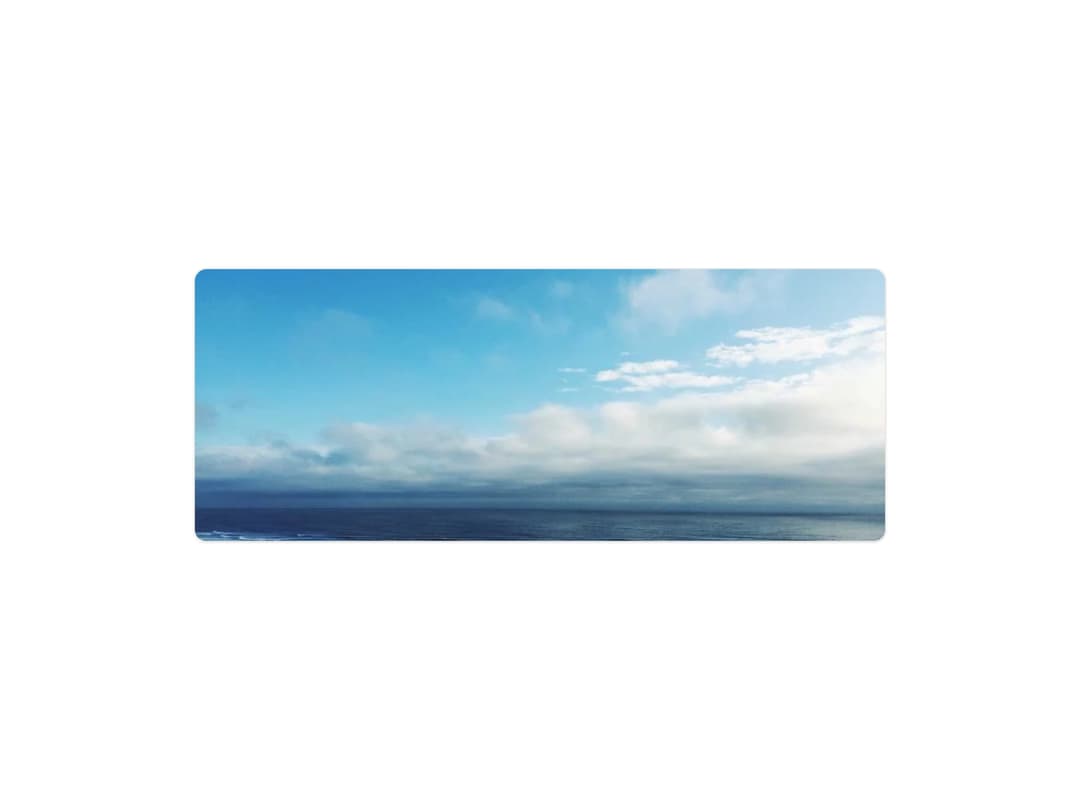
Image component with a Low Quality Image Placeholder (LQIP) that shows a blurred placeholder and fades into the full image once it loads.
Built with React and Tailwind. Copy the prompt and paste it into Claude Code, Cursor or Lovable: your agent adds LQIP Image to your project and fits it to your theme.
Code
How LQIP Image is used: the demo's code. The component's own source comes with a free account.
Usage.tsx
import { LqipImage } from "@/components/ui/lqip-image";

export default function LqipImageDemo() {
  return (
    <div className="flex min-h-[420px] w-full items-center justify-center bg-background p-8">
      <LqipImage
        src="https://cdn.21st.dev/assets/mirror/a4/a4582af2139ddf3a31f563d73f0b267cc5178f46af22bf59213f43e8bb059c1f.webp"
        alt="Aerial view of ocean waves meeting the shore"
        width={820}
        height={324}
        priority
        sizes="820px"
        className="rounded-xl"
        containerClassName="rounded-xl border border-border shadow-sm"
      />
    </div>
  );
}
Dependencies
More by pulkitxm
View all

Handwriting SVG
429
Aurora Background
150
Party Popper
49
Scroll-Linked Video Scrubber
34
Horizontal Scroll Gallery
32
Fluid Cursor Trail
32
Cursor Spotlight
29
Not Found Page
15