
About
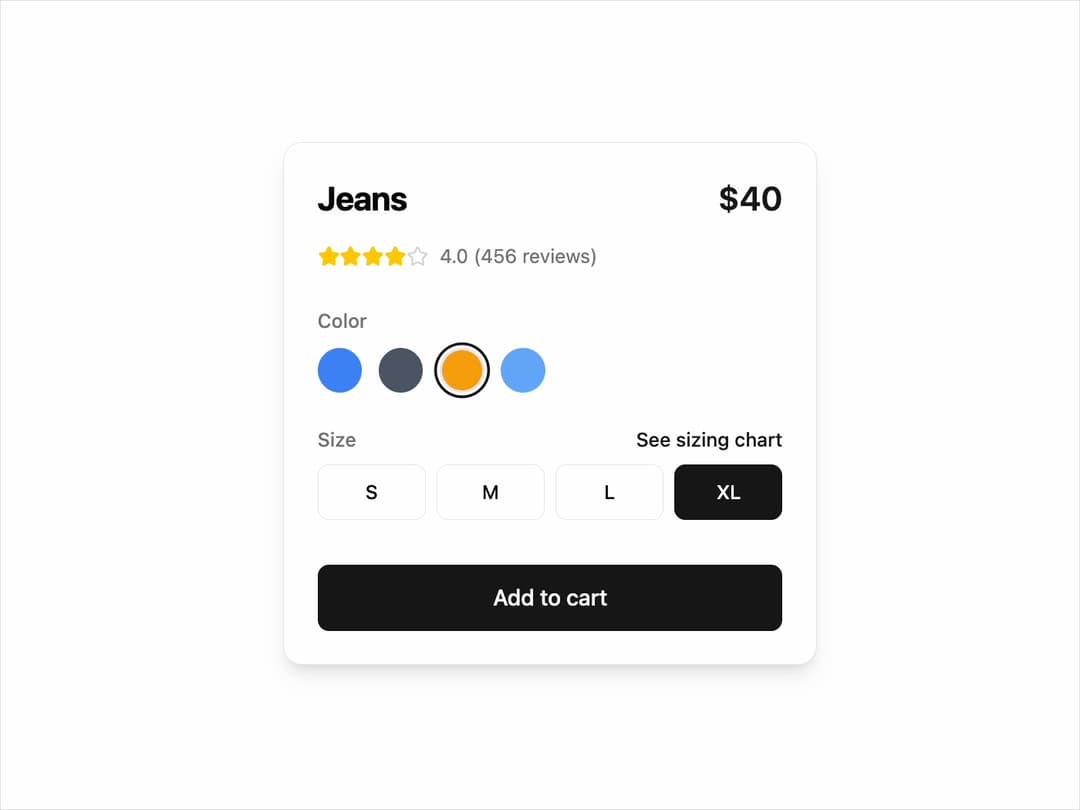
Product Card This interactive card allows users to view product details, select variants like color and size, and add the item to their cart. It's built to be highly reusable and theme-adaptive.
Built with React and Tailwind. Copy the prompt and paste it into Claude Code, Cursor or Lovable: your agent adds Card to your project and fits it to your theme.
Code
How Card is used: the demo's code. The component's own source comes with a free account.
Usage.tsx
import * as React from "react";
import { ProductCard } from "@/components/ui/card-19";

// Main demo component to showcase the ProductCard
const ProductCardDemo = () => {
  // Sample product data to be passed as props
  const productData = {
    title: "Jeans",
    price: 40,
    rating: 4.0,
    reviewsCount: 456,
    colors: ["#3b82f6", "#4b5563", "#f59e0b", "#60a5fa"],
    sizes: ["S", "M", "L", "XL"],
    initialColor: "#3b82f6",
    initialSize: "M",
  };

  // Handler function to demonstrate capturing the selected variant details
  const handleAddToCart = (details: { color: string; size: string }) => {
    console.log("Added to cart:", details);
    alert(`Added to cart!\nColor: ${details.color}\nSize: ${details.size}`);
  };

  return (
    <div className="flex h-screen w-full items-center justify-center bg-background p-4">
      <ProductCard {...productData} onAddToCart={handleAddToCart} />
    </div>
  );
};

export default ProductCardDemo;
Dependencies
More by Ravi Katiyar
View all

Animated Shader Hero
3.7K
Hero
3.1K
Circular Gallery
2.7K
Minimalist Hero
2.5K
Floating Icons Hero Section
1.9K
Glass Calendar
1.8K
Feature Carousel
1.7K
AI Image Generator Hero
1.4K