
About
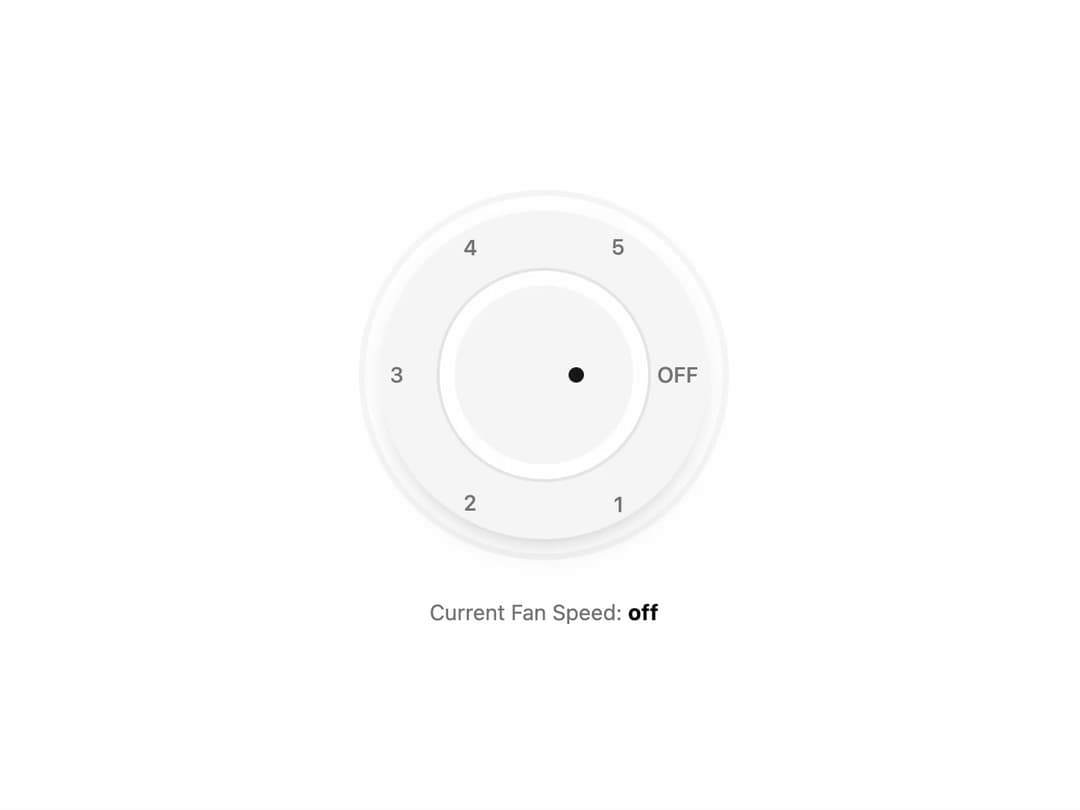
Minimalist radial dial with numeric and "OFF" labels, featuring a central indicator dot for selection. Ideal for controlling fan speeds, volume, or other step-based settings in modern UI or IoT dashboards.
Built with React and Tailwind. Copy the prompt and paste it into Claude Code, Cursor or Lovable: your agent adds Circular Fan Speed Knob to your project and fits it to your theme.
Code
How Circular Fan Speed Knob is used: the demo's code. The component's own source comes with a free account.
Usage.tsx
// demo.tsx
"use client"

import * as React from "react"
import { RadialSelector } from "@/components/ui/circular-fan-speed-knob";

// Define the options to be passed to the component
const fanSpeedOptions = [
  { value: "off", label: "OFF" },
  { value: "1", label: "1" },
  { value: "2", label: "2" },
  { value: "3", label: "3" },
  { value: "4", label: "4" },
  { value: "5", label: "5" },
];

export default function RadialSelectorDemo() {
  const [speed, setSpeed] = React.useState("off");

  return (
    <div className="flex flex-col items-center justify-center gap-6 p-4">
      <RadialSelector
        options={fanSpeedOptions}
        name="fan-speed"
        defaultValue="off"
        onValueChange={(value) => setSpeed(value)}
      />
      <p className="text-sm text-muted-foreground">
        Current Fan Speed: <span className="font-bold text-foreground">{speed}</span>
      </p>
    </div>
  );
}More by Ravi Katiyar
View all

Animated Shader Hero
3.7K
Hero
3.1K
Circular Gallery
2.7K
Minimalist Hero
2.5K
Floating Icons Hero Section
1.9K
Glass Calendar
1.8K
Feature Carousel
1.7K
AI Image Generator Hero
1.4K