
About
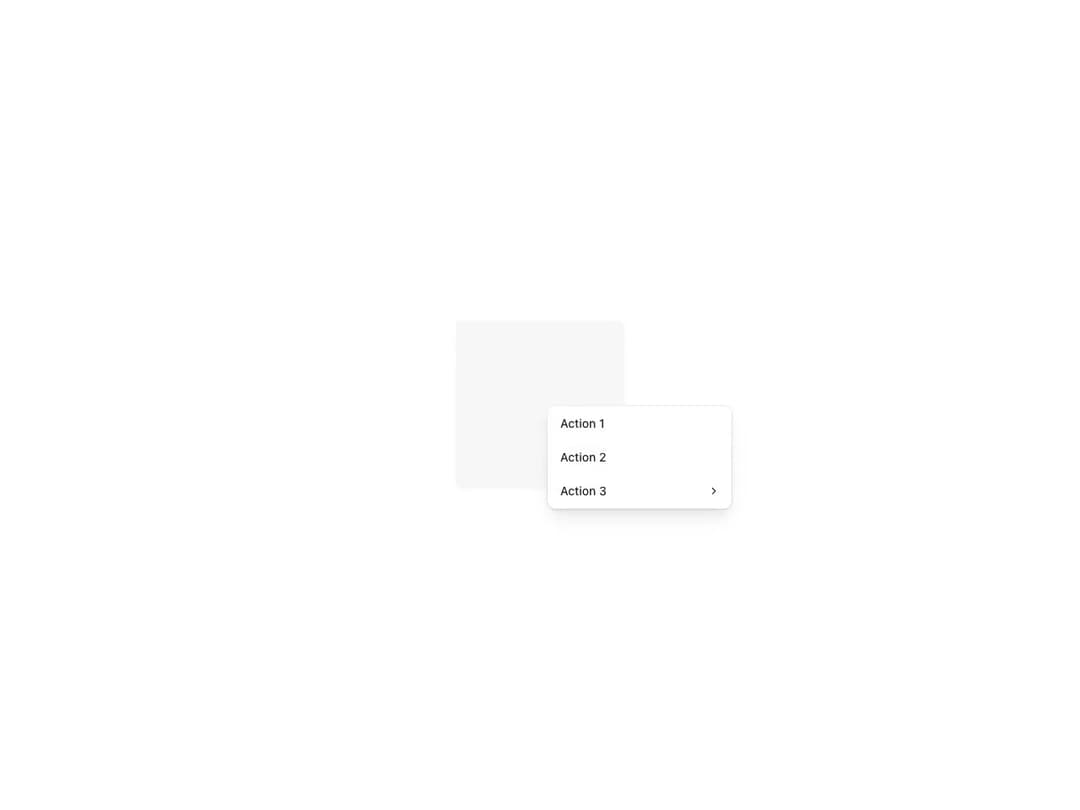
Root wrapper whose children receive a right-click handler to open an overlaying menu. Exposes compound components for menu items, item sections and nested sub-menus with automatic focus trapping, supports DropdownMenu positioning properties and automatically fits into the viewport.
Built with React and Tailwind. Copy the prompt and paste it into Claude Code, Cursor or Lovable: your agent adds Reshaped Context menu to your project and fits it to your theme.
Code
How Reshaped Context menu is used: the demo's code. The component's own source comes with a free account.
Usage.tsx
import { Reshaped, View } from "reshaped/bundle";
import ContextMenu from "@/components/ui/reshaped-context-menu";

export default function Demo() {
  return (
    <Reshaped theme="slate">
      <div style={{ margin: "0 auto", padding: 24, display: "flex", justifyContent: "center" }}>
        <ContextMenu>
          <View
            height={50}
            width={50}
            backgroundColor="neutral-faded"
            borderRadius="medium"
            justify="center"
            align="center"
          />
          <ContextMenu.Content>
            <ContextMenu.Item>Action 1</ContextMenu.Item>
            <ContextMenu.Item>Action 2</ContextMenu.Item>
            <ContextMenu.SubMenu>
              <ContextMenu.SubTrigger>Action 3</ContextMenu.SubTrigger>
              <ContextMenu.Content>
                <ContextMenu.Item onClick={() => {}}>Sub-action 1</ContextMenu.Item>
                <ContextMenu.Item onClick={() => {}}>Sub-action 2</ContextMenu.Item>
              </ContextMenu.Content>
            </ContextMenu.SubMenu>
          </ContextMenu.Content>
        </ContextMenu>
      </div>
    </Reshaped>
  );
}
Dependencies
More by reshaped
View all
Reshaped Toast
9
Reshaped Calendar
9
Reshaped Progress indicator
7
Reshaped Checkbox
7
Reshaped Autocomplete
7
Reshaped Pagination
6
Reshaped Carousel
6
Reshaped Slider
5