
About
Progress bar controlled by a value within a 0-100 range by default, with custom min/max boundaries. Comes in medium and small sizes, primary/critical/warning/positive colors plus a media color for use over images and video, and a CSS-driven duration property for timeout animations.
Built with React and Tailwind. Copy the prompt and paste it into Claude Code, Cursor or Lovable: your agent adds Reshaped Progress bar to your project and fits it to your theme.
Code
How Reshaped Progress bar is used: the demo's code. The component's own source comes with a free account.
Usage.tsx
import { Image, Reshaped, View } from "reshaped/bundle";
import ProgressBar from "@/components/ui/reshaped-progress-bar";

export default function Demo() {
  return (
    <Reshaped theme="slate">
      <div style={{ margin: "0 auto", padding: 24, display: "flex", justifyContent: "center" }}>
        <View width="300px" maxWidth="100%" overflow="hidden" borderRadius="medium">
          <Image
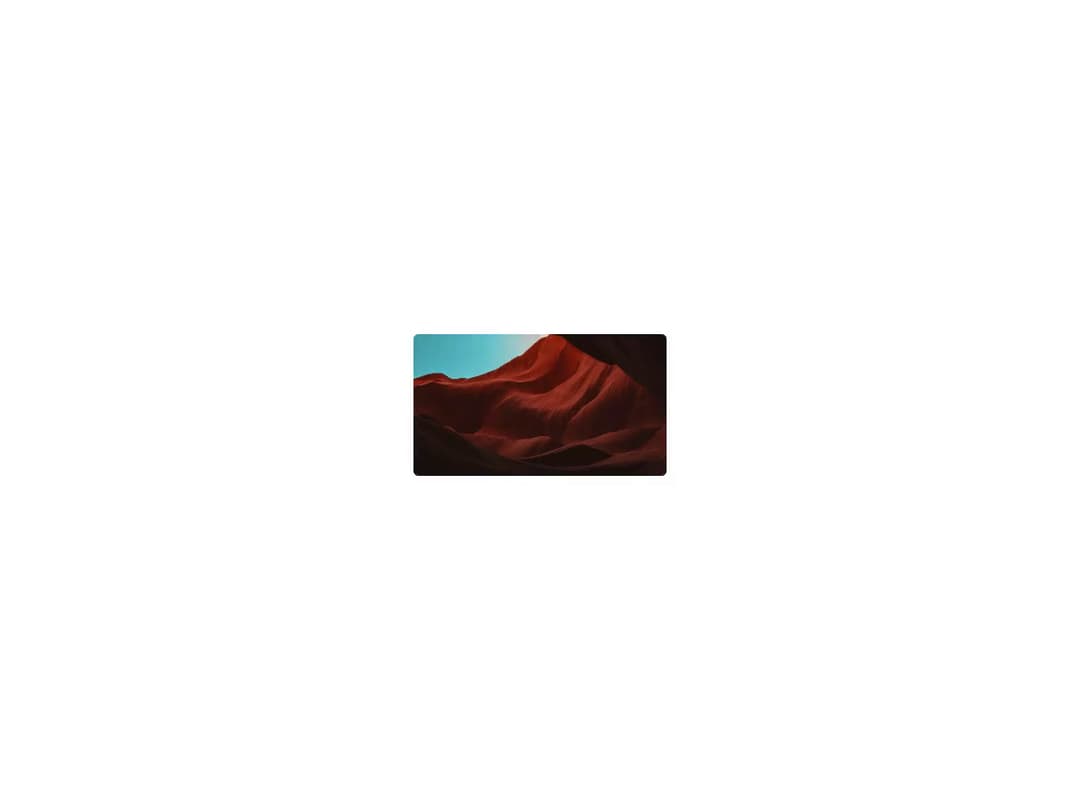
            src="https://cdn.21st.dev/assets/mirror/0e/0e4d31fbd5d0d4b27a8ea40c8a9075c1b134f4c418b472e8bf4d4fc961057362.webp"
            aspectRatio={16 / 9}
            alt="Static media example"
          />
          <View position="absolute" insetTop={0} insetEnd={0}>
            <ProgressBar value={50} color="media" size="small" />
          </View>
        </View>
      </div>
    </Reshaped>
  );
}
Dependencies
More by reshaped
View all
Reshaped Toast
9
Reshaped Calendar
9
Reshaped Context menu
7
Reshaped Checkbox
7
Reshaped Autocomplete
7
Reshaped Progress indicator
6
Reshaped Pagination
6
Reshaped Carousel
6