
About
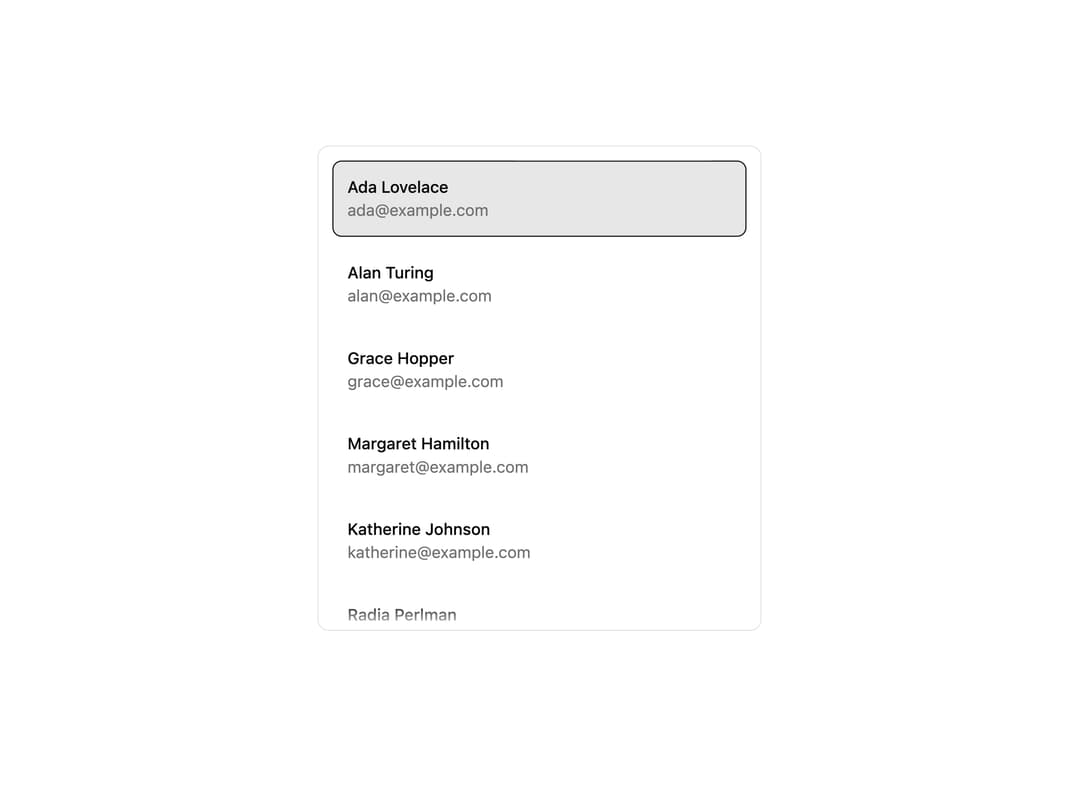
A virtualized, keyboard-navigable listbox that lets you preview, select, and activate items while reporting the currently visible item as the user scrolls.
Built with React and Tailwind. Copy the prompt and paste it into Claude Code, Cursor or Lovable: your agent adds Interactive Item List to your project and fits it to your theme.
Code
How Interactive Item List is used: the demo's code. The component's own source comes with a free account.
Usage.tsx
"use client";

import * as React from "react";

import { InteractiveItemList } from "@/components/ui/interactive-item-list";

type Contact = {
  id: string;
  name: string;
  email: string;
};

const contacts: Contact[] = [
  { id: "1", name: "Ada Lovelace", email: "ada@example.com" },
  { id: "2", name: "Alan Turing", email: "alan@example.com" },
  { id: "3", name: "Grace Hopper", email: "grace@example.com" },
  { id: "4", name: "Margaret Hamilton", email: "margaret@example.com" },
  { id: "5", name: "Katherine Johnson", email: "katherine@example.com" },
  { id: "6", name: "Radia Perlman", email: "radia@example.com" },
  { id: "7", name: "Barbara Liskov", email: "barbara@example.com" },
  { id: "8", name: "Frances Allen", email: "frances@example.com" },
];

export default function InteractiveItemListDemo() {
  const [selectedItemId, setSelectedItemId] = React.useState<string | null>(
    contacts[0]?.id ?? null,
  );

  return (
    <div className="bg-background text-foreground h-[420px] w-full max-w-sm rounded-lg border">
      <InteractiveItemList
        aria-label="Contacts"
        items={contacts}
        selectedItemId={selectedItemId}
        onActivateItem={(item) => setSelectedItemId(item.id)}
        renderItem={(item, state) => (
          <div
            className={
              "rounded-md border p-3 text-sm transition-colors " +
              (state.isSelected
                ? "border-primary bg-primary/10"
                : "border-transparent hover:bg-muted")
            }
          >
            <div className="font-medium">{item.name}</div>
            <div className="text-muted-foreground">{item.email}</div>
          </div>
        )}
      />
    </div>
  );
}