
About
Renders a globe-based orbital path with an elevated satellite marker, ground track, and optional animated motion for space or telecom visualizations.
Built with React and Tailwind. Copy the prompt and paste it into Claude Code, Cursor or Lovable: your agent adds SatelliteOrbit to your project and fits it to your theme.
Code
How SatelliteOrbit is used: the demo's code. The component's own source comes with a free account.
Usage.tsx
"use client";

import { SatelliteOrbit, Map } from "@/components/ui/flightcn-satellite-orbit";

const settings = {
  center: [8, 16],
  zoom: 1.05,
  inclination: 51.6,
  ascendingNode: -28,
  altitudePx: 28,
  orbitWidth: 2.2,
  groundTrackWidth: 1.4,
  showGlow: true,
  showConnector: true,
  satelliteIconRotationOffset: 0,
  showLabel: true,
};

export default function DefaultSatelliteOrbitDemo(
  props: Partial<typeof settings>,
) {
  const s = { ...settings, ...props };
  return (
    <div className="h-screen w-screen flex items-center justify-center overflow-hidden bg-background p-8">
      <div className="h-[520px] w-full max-w-4xl overflow-hidden rounded-lg border bg-background shadow-sm">
        <Map projection={{ type: "globe" }} center={s.center} zoom={s.zoom}>
          <SatelliteOrbit
            inclination={s.inclination}
            ascendingNode={s.ascendingNode}
            altitudePx={s.altitudePx}
            orbitWidth={s.orbitWidth}
            groundTrackWidth={s.groundTrackWidth}
            showGlow={s.showGlow}
            showConnector={s.showConnector}
            orbitLineStyle="solid"
            groundTrackLineStyle="dash"
            connectorLineStyle="dash"
            animate={{ duration: 12000 }}
            satelliteIconRotationOffset={s.satelliteIconRotationOffset}
            name="ISS"
            showLabel={s.showLabel}
            labelPosition="right"
          />
        </Map>
      </div>
    </div>
  );
}

export { DefaultSatelliteOrbitDemo };
Dependencies
More by flightcn
View all
FlightAirport
115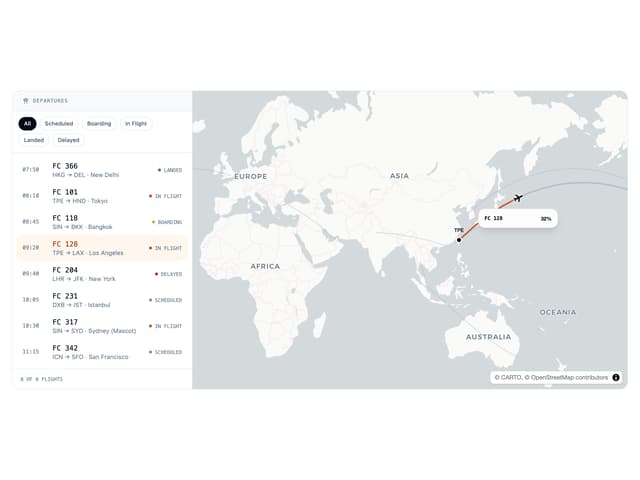
Departures Board
39
FlightMultiRoute
28
FlightRoutes
27